550
You can suppress the display of all pedal marks by deselecting the Show Pedal
Events option in the Staff view's Layout dialog box.
To Add a Pedal Mark
1. Click the Draw tool .
2. Select the Pedal tool .
3. Position the pointer below the staff (the pointer changes to a pencil when you
are in a legal position).
4. Click to place a pedal mark.
SONAR inserts a pair of pedal symbols (a pedal down and a pedal up). You can
click and drag either symbol to a new time.
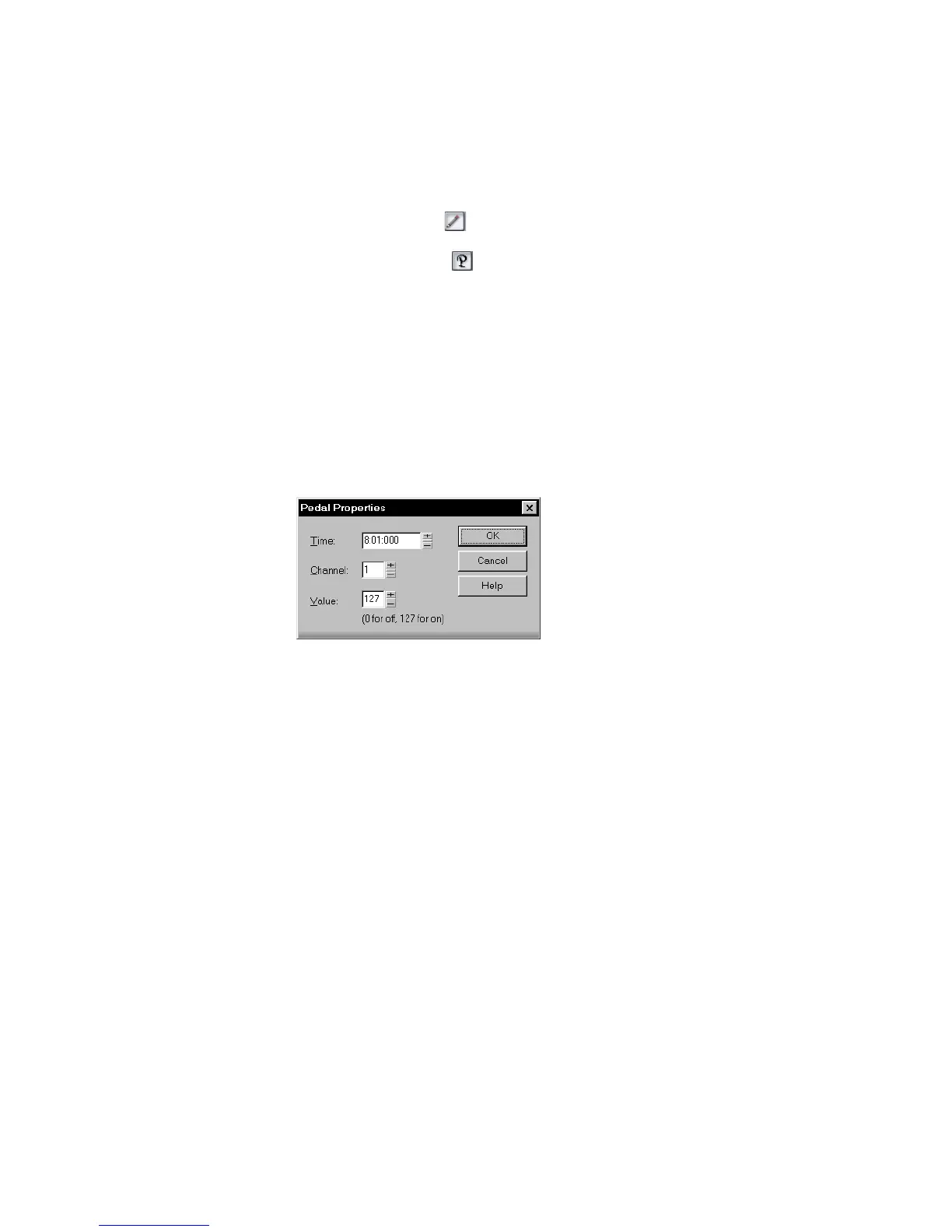
To Edit a Pedal Event
1. Right-click the pedal symbol (pedal down or pedal up) to open the Pedal Event
Parameters dialog box.
2. Edit the pedal event parameters, as described in the table above.
3. Click OK.
SONAR changes the pedal event parameters, including moving the symbol to a
new time if necessary.
Tablature
The Staff view can display guitar or bass MIDI tracks as tablature. You can
generate and edit tablature or enter notes on either the fretboard or on the
tablature staff to create a new track. You can export tablature to an ASCII file for
printing or distribution on the Web.
Tablature Settings
Both the Staff View Layout dialog box and the Tablature Settings dialog box create
tablature settings for a whole track at a time. To modify tablature for selected
parts of a track, select part of a track and use the Regenerate command.



 To Next Page