298
When you use Groove Quantize, you can also perform adjustments on out-of-
window events. There are four options:
Other Settings
If you want, you can restrict the types of events that are affected by the Quantize
commands to only notes, lyrics, and audio clips. If you choose this option, SONAR
will not modify other events, like controllers.
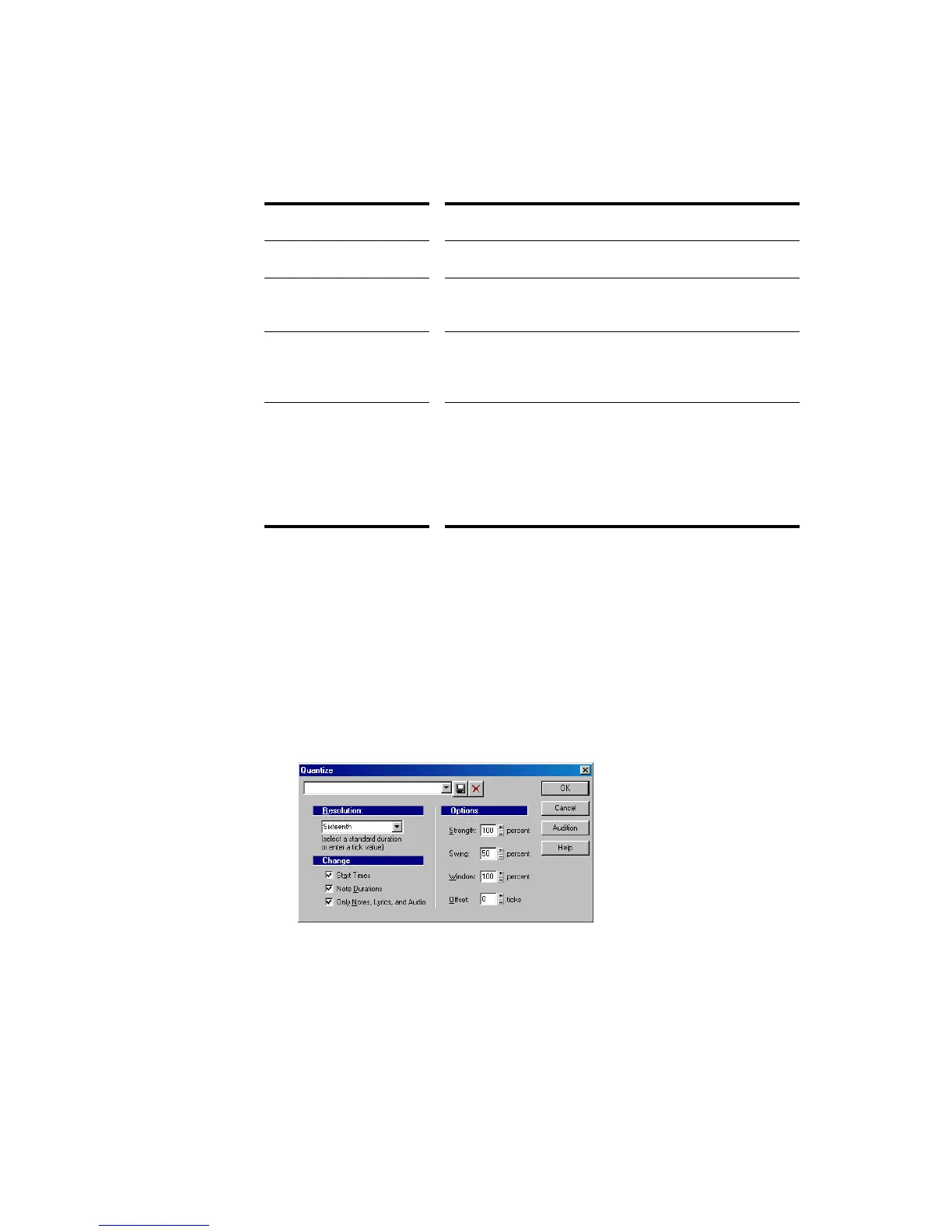
To Use the Quantize Command
1. Select the material you want to quantize using any of the selection tools and
commands.
2. Choose Process-Quantize to display the Quantize dialog box.
Option... How it works...
Do Not Change Notes outside the window are not changed.
Quantize to Resolution Notes outside the window are snapped to a regular grid
of the specified resolution.
Move to Nearest The window or sensitivity setting is ignored—all notes
are moved toward the nearest reference event,
regardless of how far off the grid they are located.
Scale Time SONAR finds the two closest events before and after the
event in question that are within the window sensitivity
and adjusts any bracketed out-of-window events so that
their relative timing is the same. This option can
uniformly speed up, slow down, or shift out-of-window
events.



 To Next Page