117
To Change the Now Time Marker Behavior
1. Select Options-Global from the SONAR menu.
The Global Options dialog appears.
2. Click the General tab.
3. Uncheck the On Stop, Rewind to Now Marker option to have the Now time
marker move to follow the current Now time when you stop playback.
Or
Check the On Stop, Rewind to Now Marker option to have the Now time snap
back to the Now time marker when you stop playback.
4. Click OK.
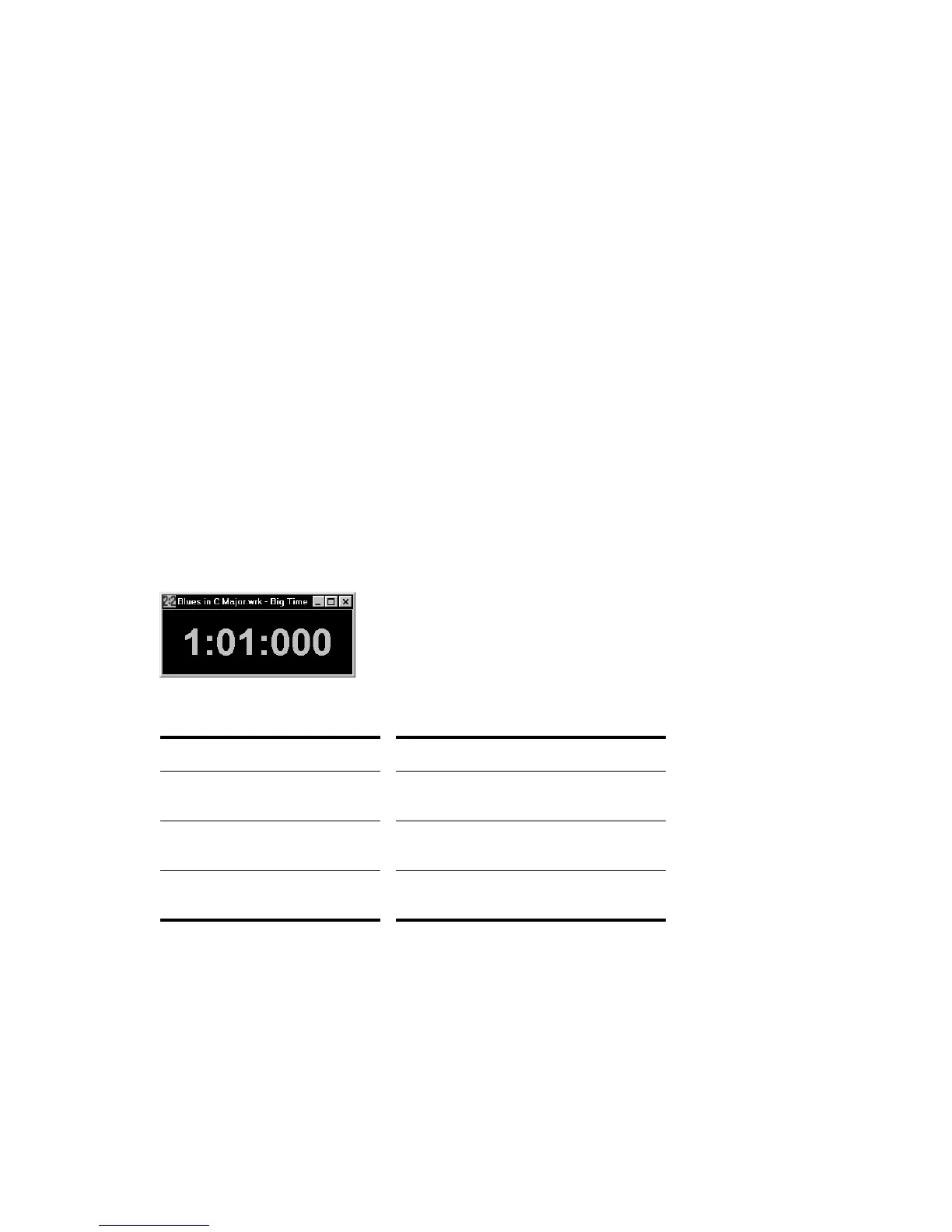
Displaying the Now Time in Large Print
SONAR can display the Now time in large print so that it’s easier to see when you
are far from your monitor (for example, when you’re at your keyboard or another
instrument) or when several people need to read the Now time from a distance.
Here’s how:
To Display the Big Time View
1. Choose View-Big Time to display the Big Time view.
2. Change the settings according to the table:
Note that SONAR ignores font styles and effects such as strikeout and underline.
To do this… Do this…
Switch time format Click on the view to toggle between MBT
and SMPTE time
Change font or color Right-click on the view, choose the font
and color you want, and click OK
Change the size of the view Drag any corner of the view to change its
size



 To Next Page