542
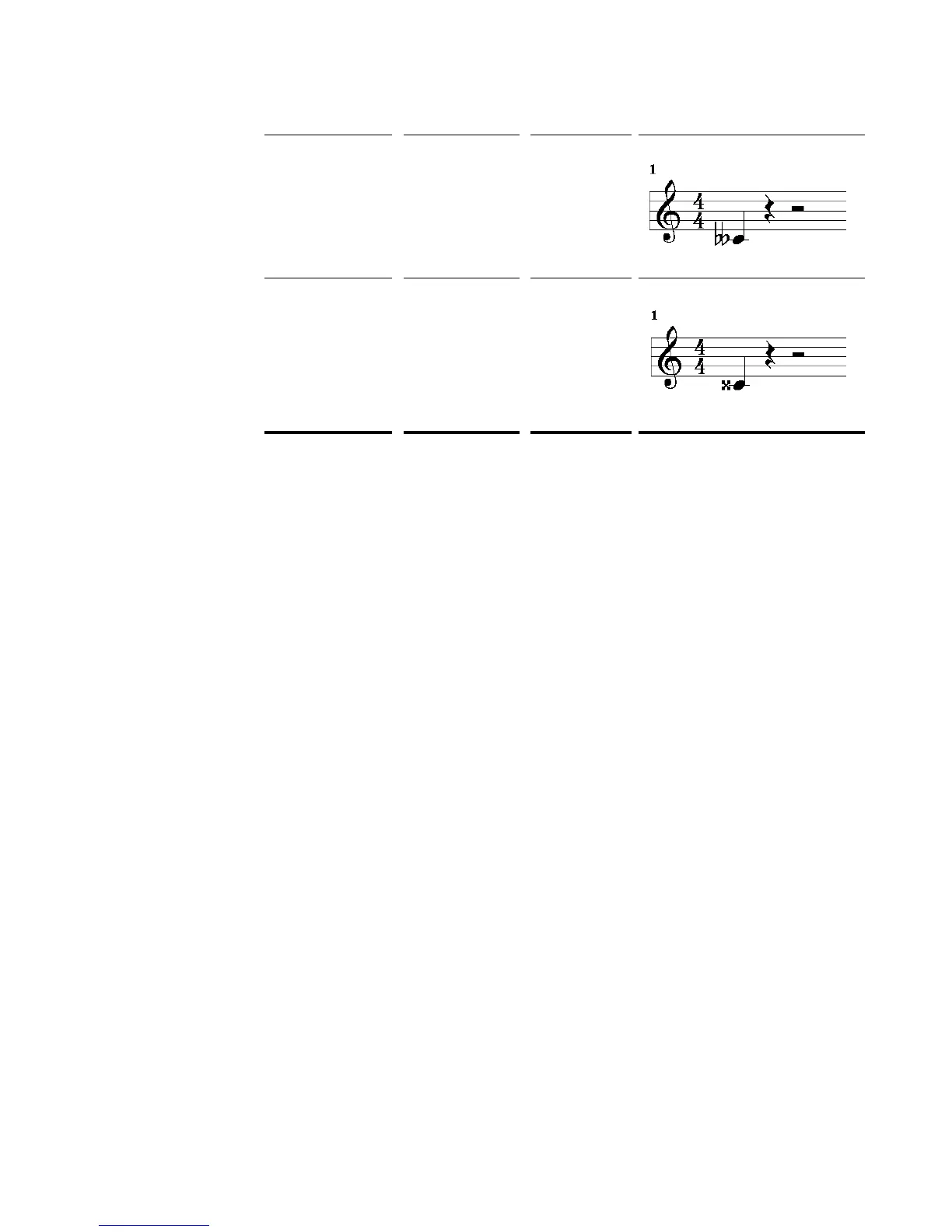
To Change a Note’s Enharmonic Spelling
1. Right-click the note to open the Note Properties dialog box.
2. In the Pitch textbox, type a new spelling for the note.
3. Click OK.
SONAR displays the note with the new enharmonic spelling.
You can change enharmonic spellings in other views, such as the Event List view,
by similarly typing a new spelling wherever the note pitch is displayed as a text
string.
You can also use the Process-Interpolate command to change enharmonic
spellings—for example, to change multiple occurrences of Eb5 to D#5, or even all
Ebs to D#s. See “Process-Interpolate” on page 309 for more information.
MIDI Channels and the Fretboard
You can display notes on the fretboard based on the note event’s MIDI channel. (Do
not confuse this with the Track MIDI channel.) A single track can hold events on
many different MIDI channels. See “Assigning a MIDI Channel (Chn)” on page 141
for more information. Displaying notes using this method is 100% accurate
because each string is represented by an individual MIDI channel. For example,
String 1 = MIDI channel 11, String 2 = MIDI channel 12, etc.
To Display Notes on the Fretboard Using their MIDI Channels
1. Set your MIDI Guitar to transmit on 6 consecutive channels. This is often
referred to as “MONO” mode. Refer to your MIDI Guitar device
documentation for more information.
2. Select and Arm a track.
3. If you want the data from all 6 strings to be recorded to a single track, set the
Input to OMNI. If you want each string on a separate track, you need to set up
Double flat “ C”5
Double sharp x Cx5



 To Next Page