562
Each meter/key change has the following properties:
Adding and Editing Meter/Key Changes
The Meter/Key view displays a list of all the meter/key changes in the project. You
can add, delete, or edit meter/key changes by clicking the buttons at the top of the
view. You can also insert meter/key changes into the project with the Insert-
Meter/Key Change command.
To Add a Meter/Key Change
1. Open the Meter/Key view.
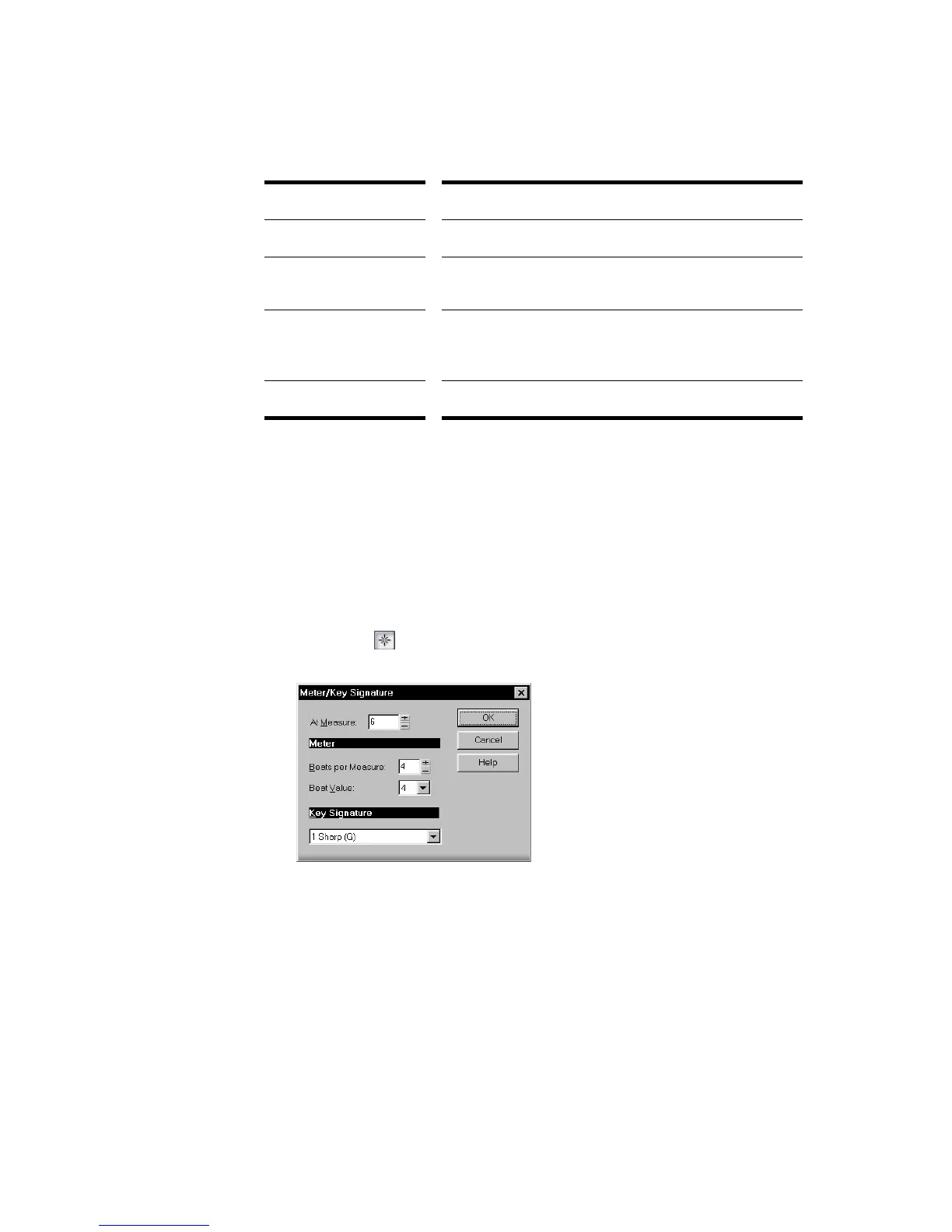
2. Click Add , or choose Insert-Meter/Key Change, to open the Meter/Key
Signature dialog box.
3. Enter information about the new meter/key change.
4. Click OK.
SONAR inserts the meter/key change into the project. The meter/key change will
appear in the Staff view at the appropriate measure.
Property... Meaning...
At Measure The measure where the meter/key change takes place.
Beats per Measure The number of beats per measure, the upper number in
the time signature.
Beat Value The note length of a beat, the lower number in the time
signature. 2 corresponds to a half note, 4 to a quarter
note, 8 to an eighth note, etc.
Key Signature The key signature.



 To Next Page