134
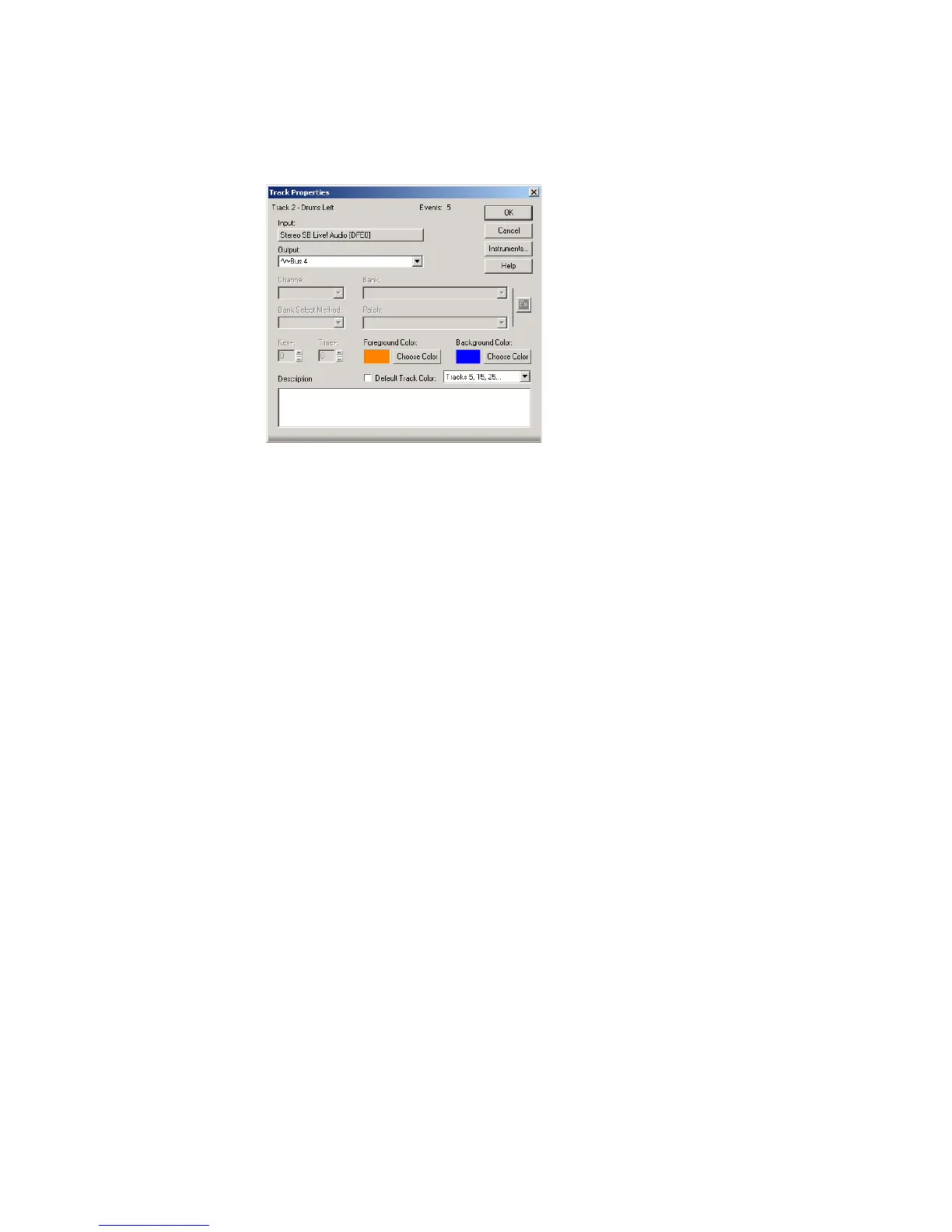
You can also edit Track properties in the Track Properties dialog box. To open this
dialog box, right-click on the Track bar and select Track Properties.
You can change the value of a track parameter for several tracks at once using
commands on the Track-Property menu. For example, to assign a group of tracks
to the same output, select the tracks you want to assign, then choose Track-
Property-Output. These menu commands can also be used to change the settings
for individual tracks.
All track parameters are saved with a SONAR project. However, if you export a
project to a Standard MIDI File, several of the parameters (Key+, Vel+, Time+,
and Chan) are applied to the MIDI data as the file is being exported. Other
parameters, including Input, Output, Mute, Solo, and Archive, are lost when you
export the project to a MIDI file.
The following sections contain more information about many of the parameters in
the Track view. For more information on the track inputs and the track Arm
button, see “Preparing to Record” on page 170.
Setting Up Output Devices
The output setting for a track determines which piece of hardware will be used to
produce the sound stored in your project. In a very simple equipment setup, you
might have only a computer equipped with a basic sound card. In this case, you
want to play all MIDI and audio output through the sound card on your computer.
If your equipment setup also includes a MIDI keyboard attached to the MIDI port
on your sound card, you can choose to route MIDI data directly to the sound card
or through the sound card MIDI port to the keyboard. If you choose the former, the
music will play from your computer speakers. If you choose the latter, the sound
will play from the speaker attached to your keyboard. You can even choose to send
some MIDI information to each of these devices so that they both play at once.



 To Next Page