135
You can purchase MIDI interfaces that plug into your parallel, serial, or USB port
to add MIDI ports to your computer. For more information on complex system
configurations, see Appendix B: Hardware Setup.
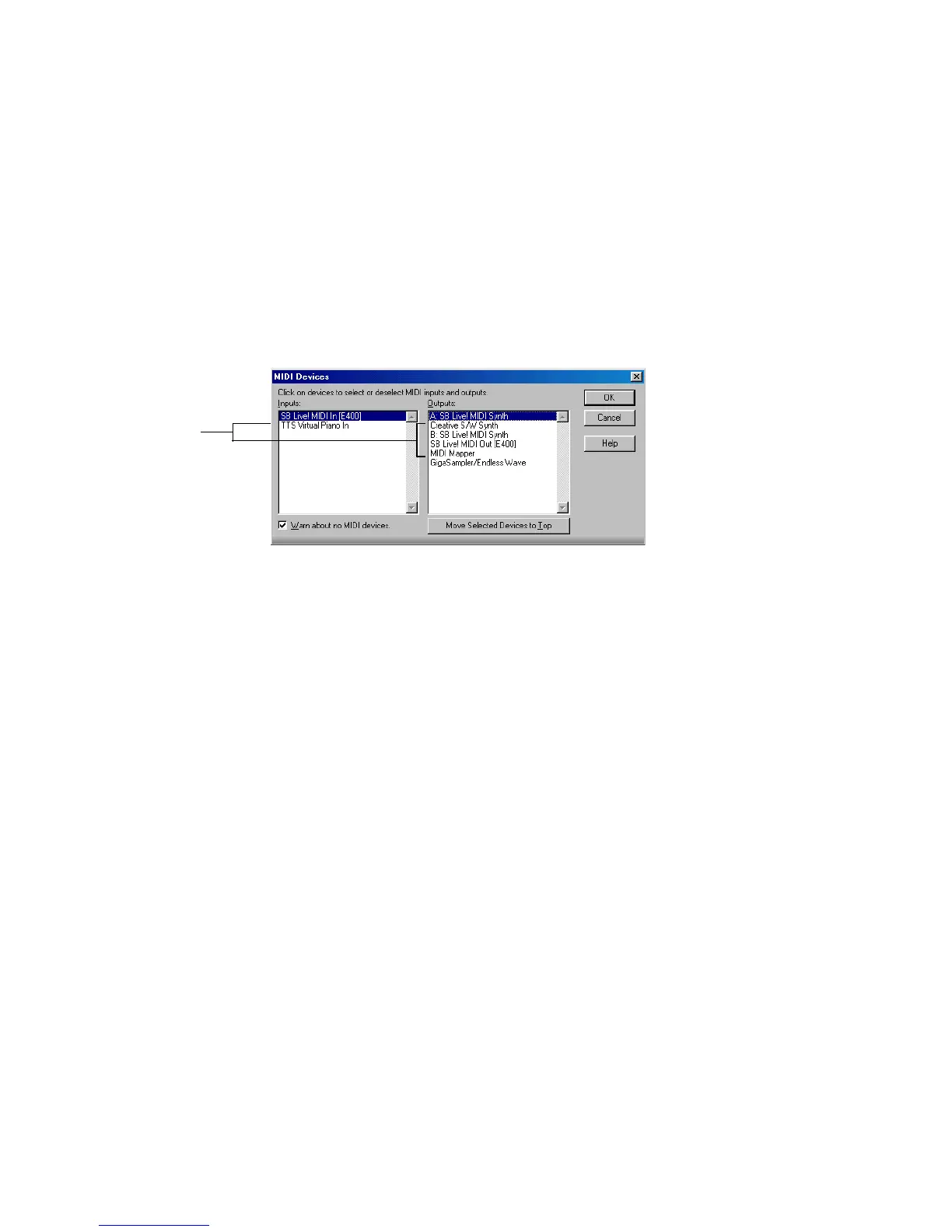
If your computer has several MIDI outs, choose the ones you want to use and put
them in a particular order using the Options-MIDI Devices command. The order
in which your MIDI devices appear in the Output menus in the Track and Console
views is based solely on the order in which the selected outs appear in the MIDI
Devices dialog box. As a result, the order in which your devices appear in a track’s
output control may not match the port numbers that appear on your external
multiport MIDI device.
When you first run SONAR it asks you to select MIDI devices. You may want to
change these selections in the future. You can do so by selecting different devices
in the MIDI Devices dialog box.
Your computer is usually equipped with at least one audio device—your computer
sound card. Your setup may have several different audio output devices, or you
may have a multichannel sound card that presents itself to your computer as
though it were several different devices, one for each stereo pair. In SONAR, audio
tracks are assigned to main outs or buses. Each main out represents a hardware
device. You use the Output control to assign a track in a project to the main or bus
you want to use.
While you need to choose the MIDI output devices you want to use before you
assign them to tracks, all of your audio devices can be assigned to tracks freely.
You do not need to configure them the way you do MIDI devices. If you have a voice
modem or speakerphone in your computer, however, you might want to set up
SONAR so that it won’t use those devices. Also, note that some dedicated audio
equipment has specific setup requirements. For more information, see Chapter 20,
Improving Audio Performance.
These
devices are
not selected



 To Next Page