446
Using the Per-track EQ (Producer Edition Only)
Each audio track in the Console view in the Producer version of SONAR has a 4-
band EQ patched into it by default. You can hide the EQ, hide its graph (plot),
display only one band, or display all four bands
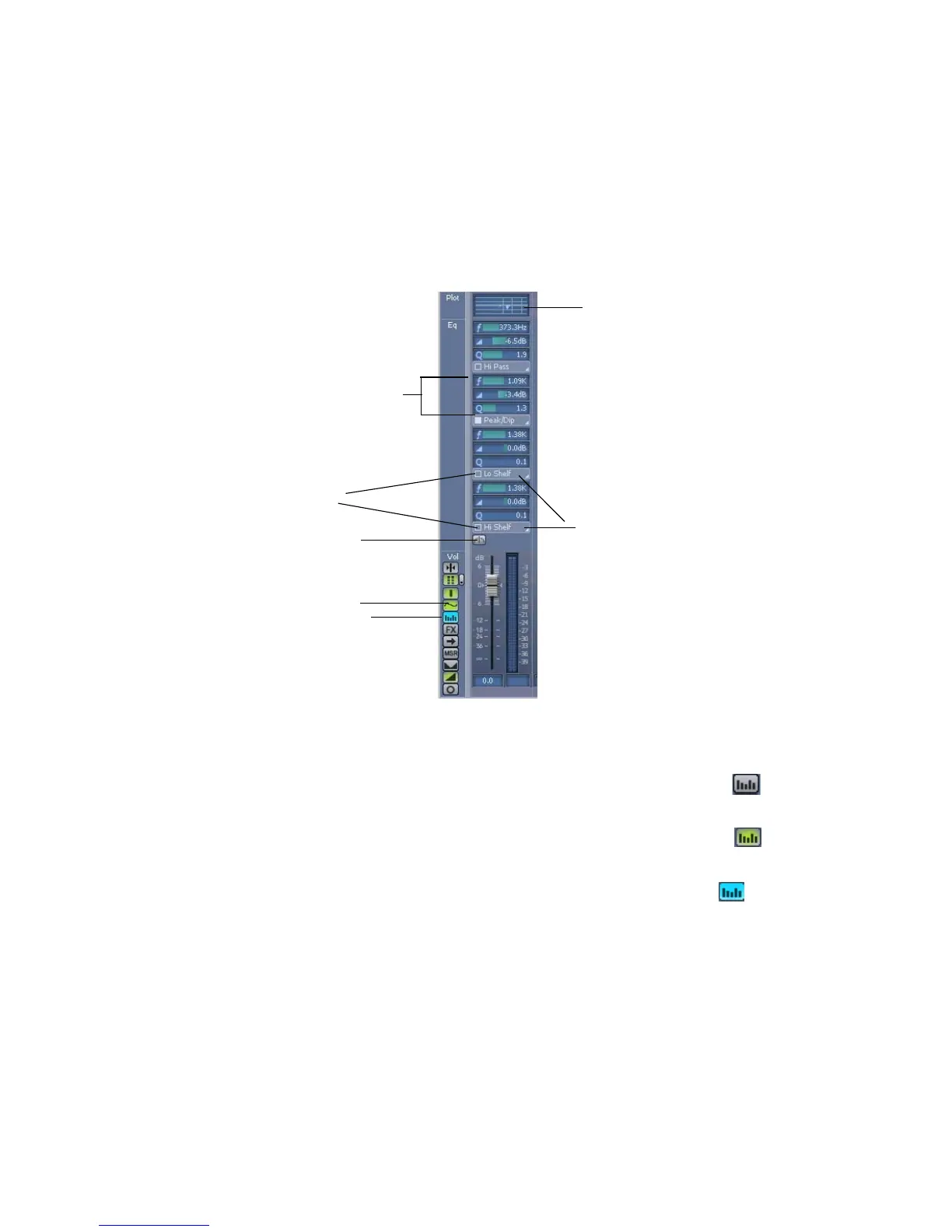
Here’s a graphic of the EQ and its controls:
Here’s how to use it:
To Hide the EQ in all Audio Tracks
• In the Console view, click the EQ button so that it’s not lit: .
To Show One Band’s Controls
• In the Console view, click the EQ button so that it’s yellow: .
To Show All Four Bands’ Controls
• In the Console view, click the EQ button so that it’s blue: .
Show/hide Plot button
Show/hide Bands button
Enable EQ
Enable band
Choose type of filter
Frequency, Gain, and Q
controls for band “n”
Plot



 To Next Page