89
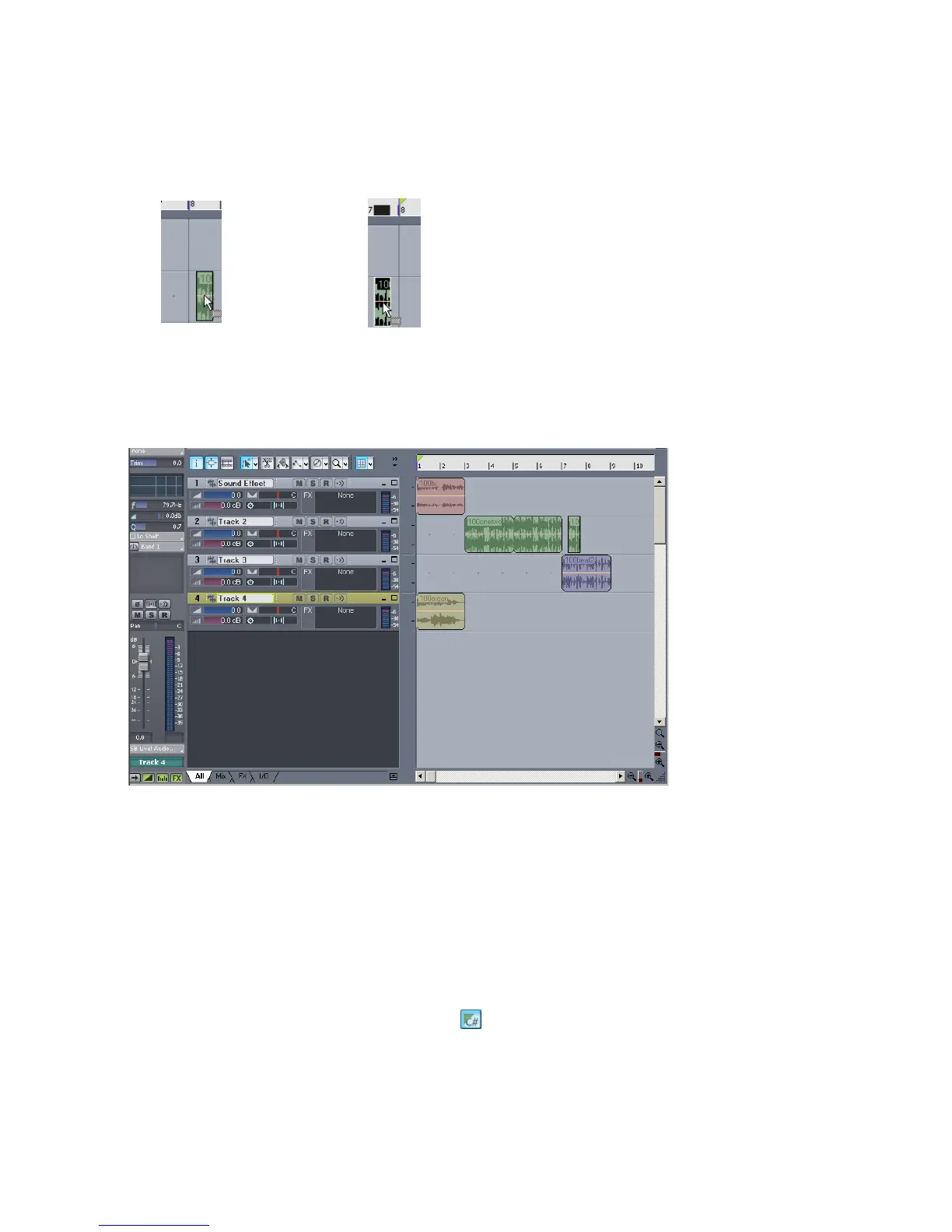
5. Click on the clip and drag it one measure to the left.
Like this:
The Drag and Drop Options dialog appears.
6. In the Drag and Drop Options dialog, click Blend Old and New and click OK.
You have added Groove clips and edited them. Your project should look like this:
Let’s take a listen to what we have. Click the Play button in the Transport toolbar.
Changing the Pitch of Groove Clips
Now that you have heard what your project sounds like, let’s change some pitch
settings.
To Set a Groove Clip to Not Follow the Project Pitch
1. Double-click on the Groove clip in Track 4.
The Loop Construction view appears.
2. Deselect the Follow Project Pitch button .
3. Close the Loop Construction view and listen to your project again.



 To Next Page