328
SONAR applies the specified quantization to the selected data.
Adding Echo/Delay
The Echo Delay command creates a series of repeating echoes of each note. The
echo notes can decrease or increase in velocity, and can be transposed from the
original by regular intervals.
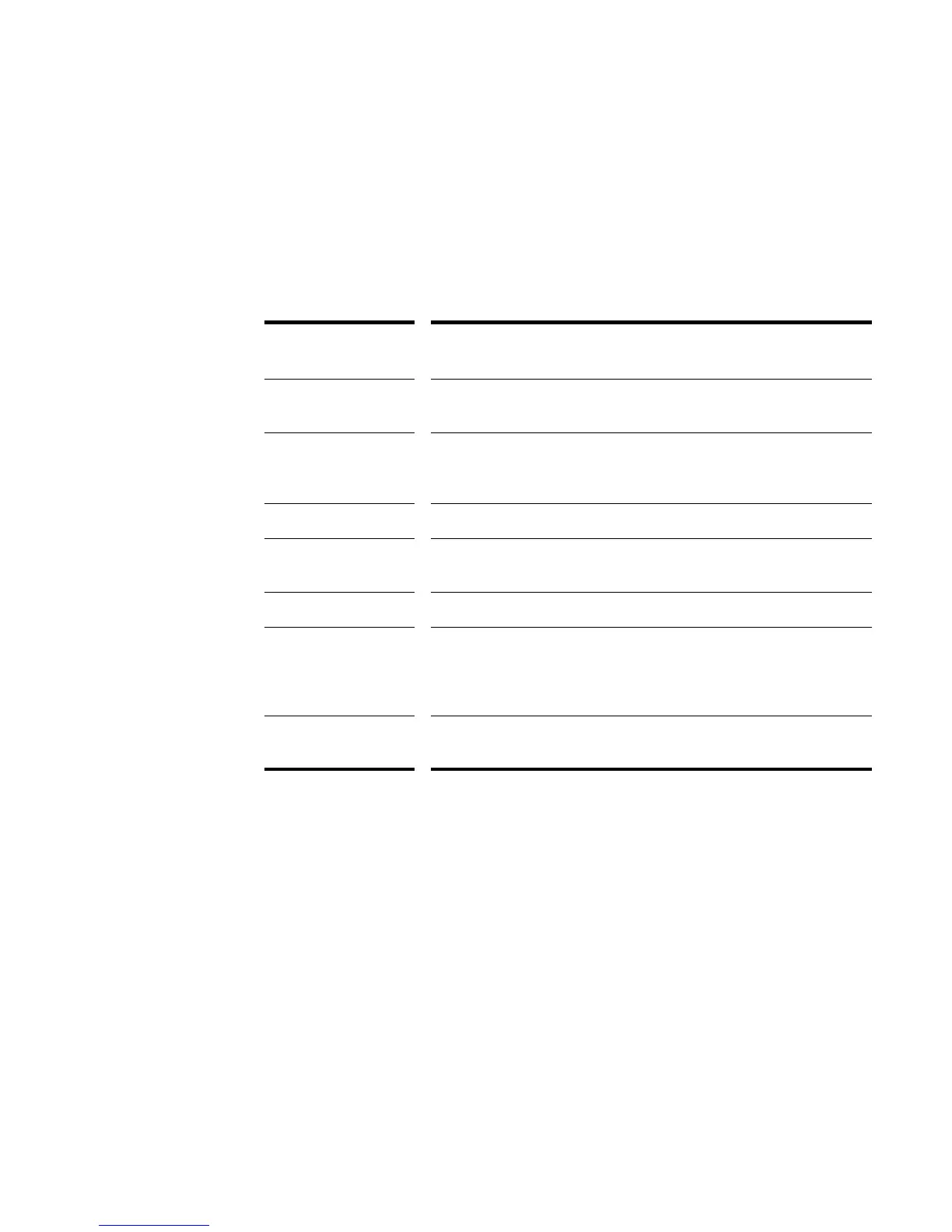
The parameters used to specify the echo/delay effect are as follows:
To Apply Echo/Delay to MIDI Data
1. Select the data to be affected.
2. Choose MIDI Effects-Cakewalk FX-Echo Delay from the Process menu or
from the popup menu to open the Echo Delay dialog box.
3. Set the echo/delay parameters, as described in the table above.
4. Click OK.
SONAR applies the specified echo effect to the selected data.
Parameter/
Option...
Meaning...
Decay (%) The reduction in velocity with each echo. A value greater than 100%
indicates an increase in velocity.
No. Echoes The number of echo notes for each original note. If the velocity
reaches 0 before the specified number of echoes, the effect generates
no more echo notes.
Delay The delay between successive echo notes.
Delay Units The units used to specify the delay. You may specify delay in ticks, in
milliseconds, or as a note duration.
Tap The delay you specify by tapping the control with the mouse.
Swing (%) The distortion of timing used to produce a swing feel to the echo. A
value of 0% indicates a straight rendition; negative and positive values
produce distortion of the timing grid. For more information about
swing, see “Swing” on page 297.
Transpose (Steps) The number of steps to transpose each echo note from the previous.
You can specify a Diatonic or Chromatic scale.



 To Next Page