430
Routing and Mixing Digital Audio
This section covers mixing your project’s digital audio.
Audio clips in each track are processed by any real-time audio effects you have
patched in place, passed through the track pan control and volume fader, and then
sent to the designated bus or main out, in stereo.
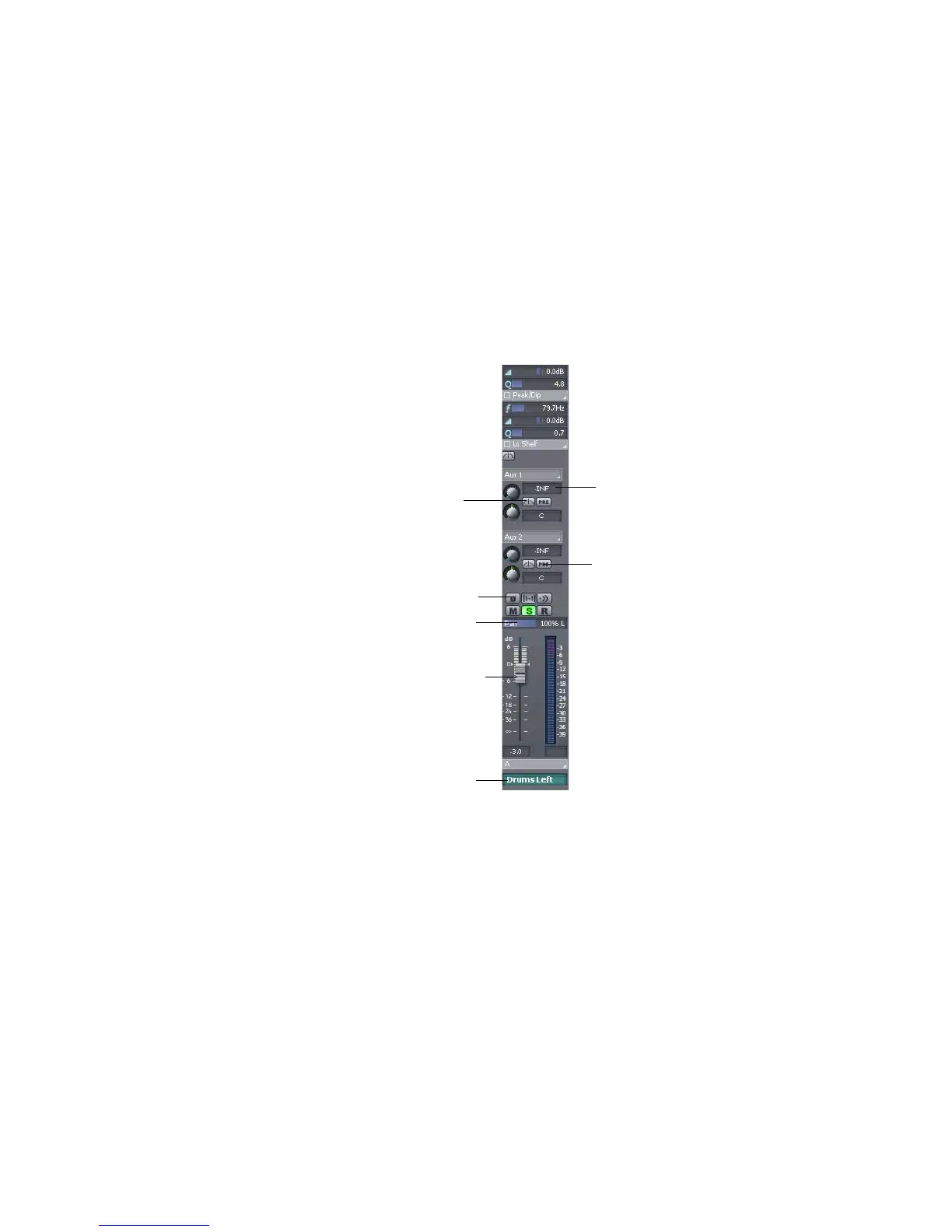
This is shown in the picture below:
Any audio track can be tapped, before or after the track volume control, and sent
to one or more buses. A bus can tap any number of audio tracks. Each track’s data
Bus Send level
Bus send on/off button
Pan control
Volume fader
Output
Pre/Post fader button
Phase button



 To Next Page