339
The Map Properties Dialog
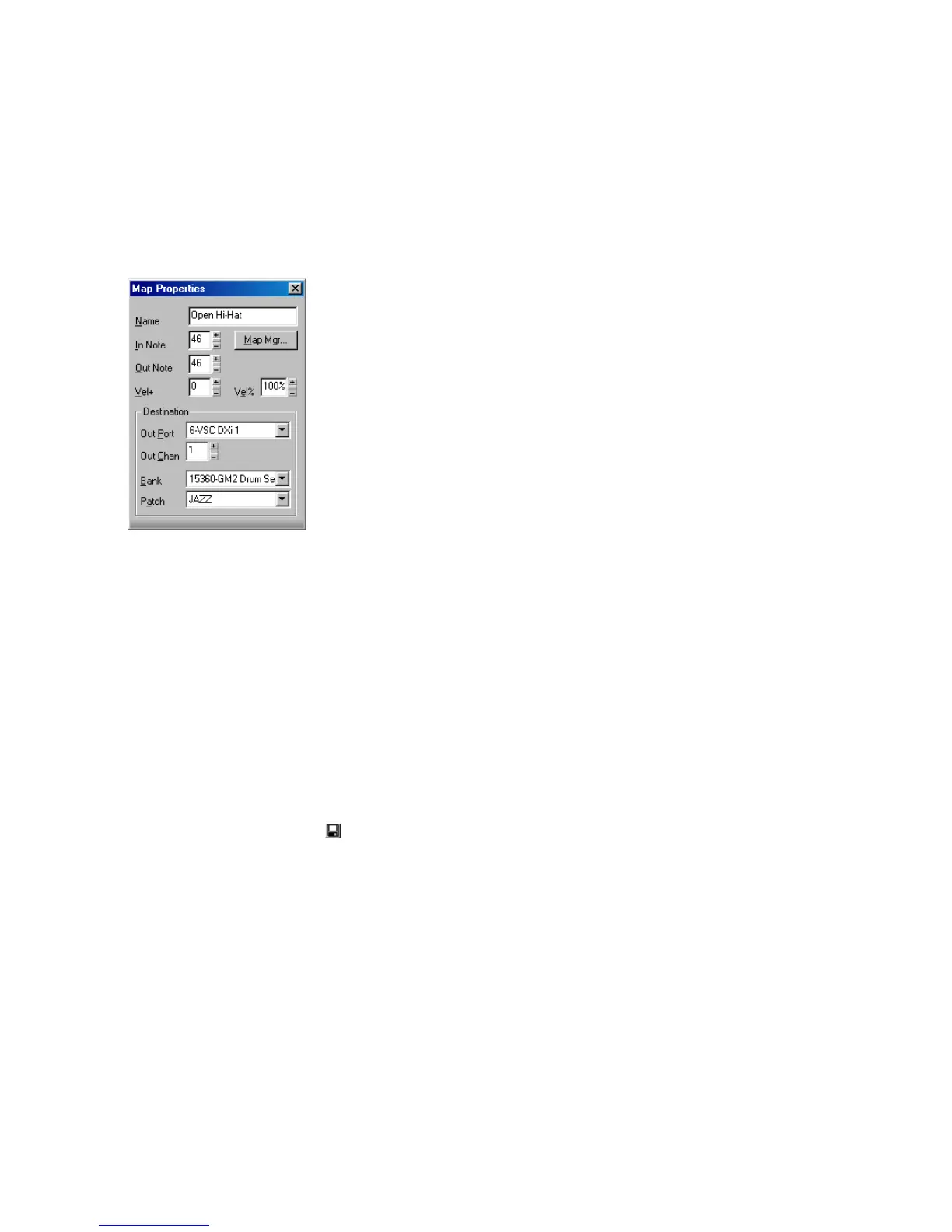
The Map Properties dialog lets you change all the settings for an individual
mapped note in your drum map. The settings in the Map Properties dialog are the
same as a single row in the Drum Map Manager. If you want to edit more than one
drum note pitch mapping, click the Map Mgr button to open the Drum Map
Manager dialog.
To Open the Map Properties Dialog
• Double-click on a row in the Note Map pane.
Or
• Right-click on a row in the Note Map pane and select Map Properties from
the menu that appears.
Saving a Drum Map
Use the following procedure to save a new or modified drum map.
1. In the Drum Map Manager, enter a name for the new drum map in the Preset
field.
2. Click the Save button .
Drum map presets are saved and available for all projects. Drum maps are saved
on a per-project basis.



 To Next Page