662
Cyclone DXi Toolbar
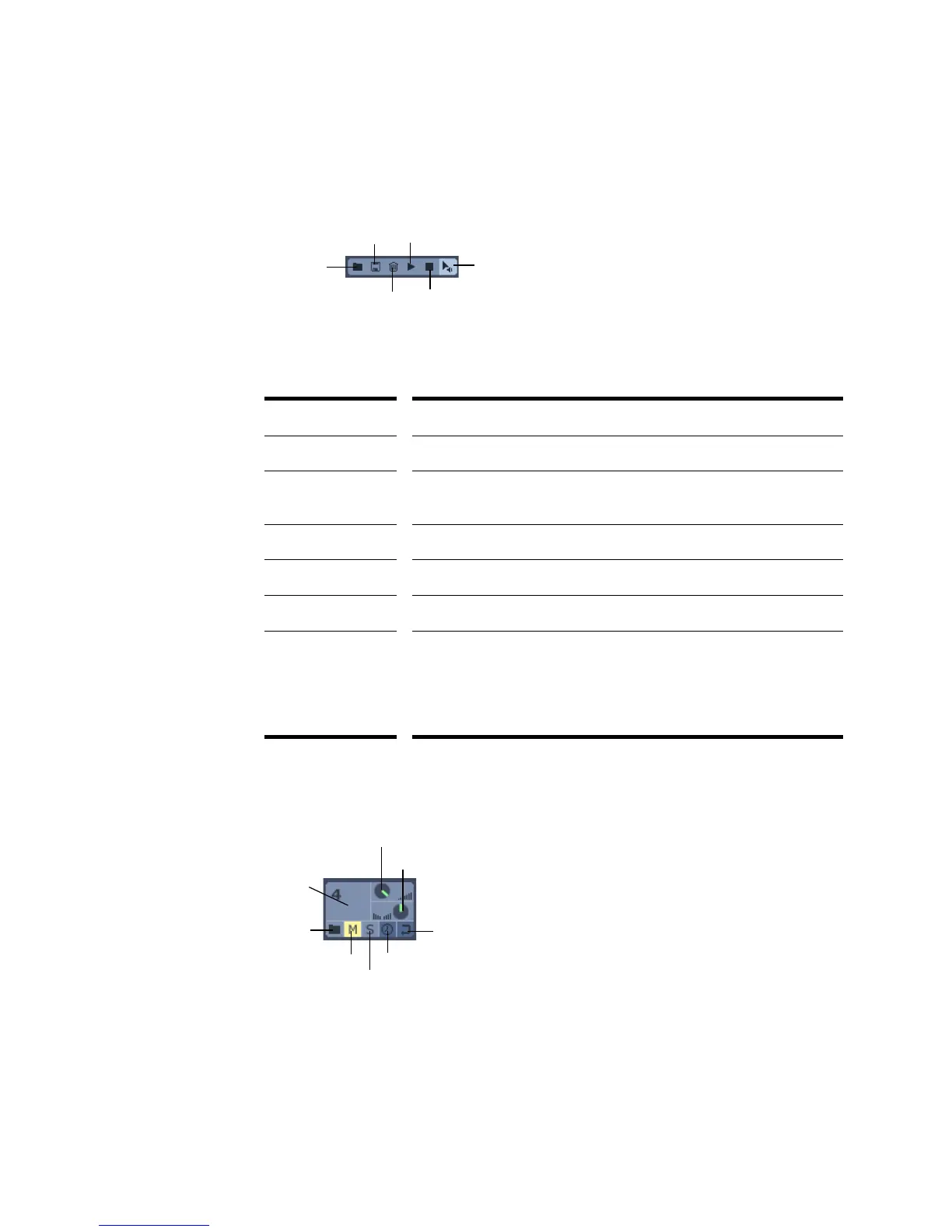
The following graphic shows each of Cyclone DXi’s toolbar buttons:
The following table describes each of Cyclone DXi’s buttons:
Pad Groups
The following graphic shows a close-up of a Cyclone DXi pad group:
Button... Description...
Import Sound Bank Opens the Open dialog so you can load an existing Sound Bank.
Export Sound Bank Opens the Save As dialog to save the current settings as a Sound
Bank (.
CYC).
Trash Clears the contents of the project.
Preview Plays the selected pads or slices.
Stop Stops playback.
Auto Preview When Auto Preview is on, you can preview the sound of a slice by
clicking a slice in the Loop view or an event by clicking an event in
the Pad Editor. Also, you can click and drag a slice over events in the
Pad Editor, releasing the mouse button when you hear the event you
want to replace.
Auto Preview
Stop
Trash
Import
Sound
Bank
Export
Sound
Bank
Preview
Load
Mute
Loop
Pan
Volume
Pad
Sync
Solo



 To Next Page