480
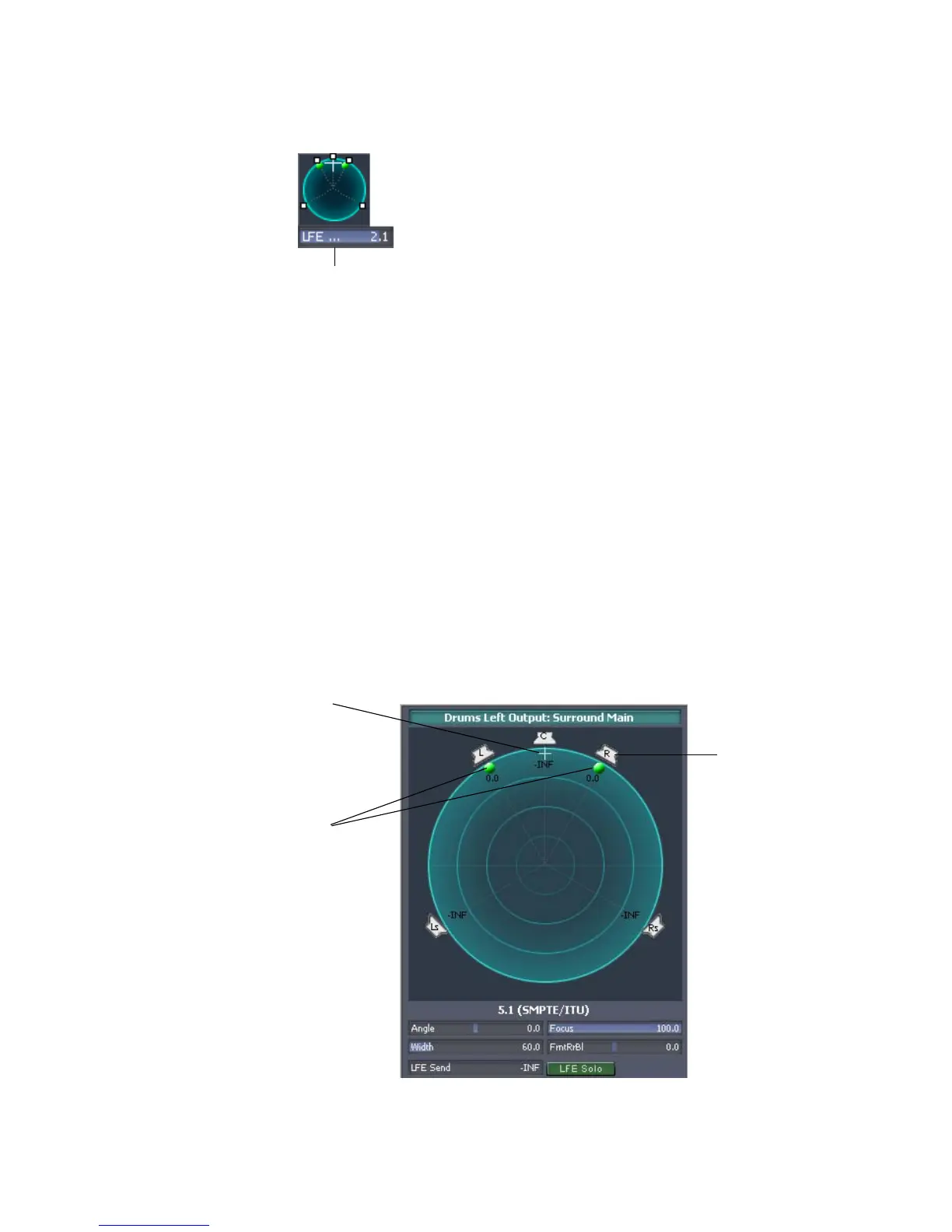
The small and large panners are always synchronized; the large panner simply
provides increased resolution when you adjust the surround pan position. The
large surround panner can be resized like any other floating window.
Note 1: Surround panning is not available for tracks/sends that are routed to non-
surround buses.
Note 2: If the track/bus/send is reassigned to a stereo bus, any surround
automation will be orphaned, but will automatically reconnect if the track/bus/
send is later assigned back to a surround bus.
Controlling Surround Panning
Here are pictures of the large surround panner and medium surround panner:
Medium surround panner in Console view
Angle and focus
marker
Width markers
Right speaker icon
Large Surround Panner



 To Next Page