379
The hidden information in the slip edited clips remains intact but is not heard
during playback
To Permanently Delete Slip-edited Data
1. Select the clips that contain the slip-edited data you want to delete.
2. Select the Edit-Apply Trimming command.
SONAR permanently deletes the slip-edited data from the clips you selected.
Slip-editing Multiple Audio Clips
You can slip-edit multiple clips at the same time.
To Slip-edit Multiple Clips at Once
1. Make sure all clips are not loop-enabled.
2. Select the clips you want to slip-edit.
3. Move your cursor over the beginning or end range of the selected clips until
your cursor changes to look like this: .
4. Drag the boundary to the desired location and release.
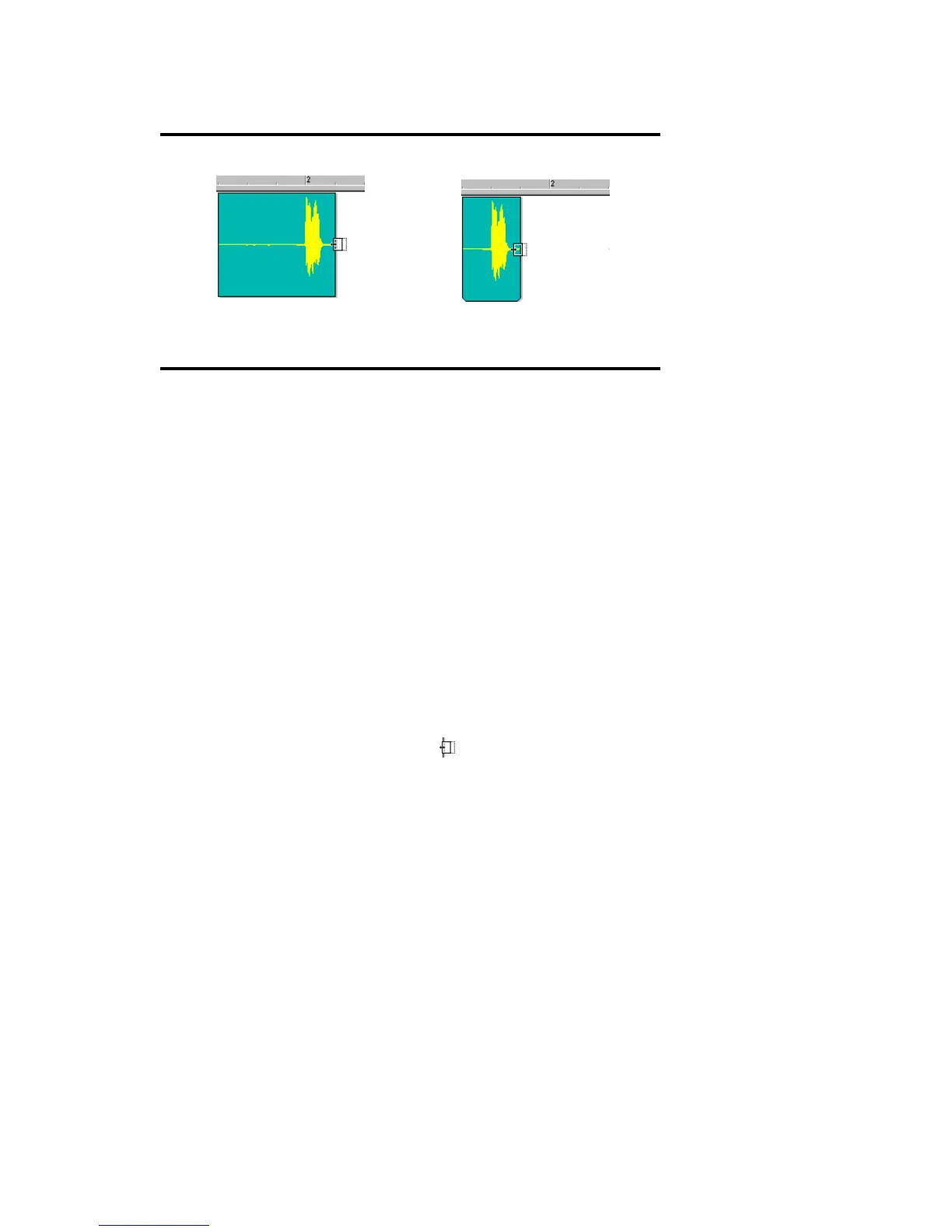
Clip before slide-trimming
The same clip with the clip shift-
cropped by 2 beats



 To Next Page