299
3. Choose one of your own presets from the list, or enter the settings you want
according to the table:
4. Click Audition if you want to hear how the quantization will sound; press Stop
to stop auditioning the change.
5. Make adjustments as necessary.
6. Click OK when you are done.
SONAR quantizes the selected MIDI information and audio clips. You can use
Undo to restore the material to its original state.
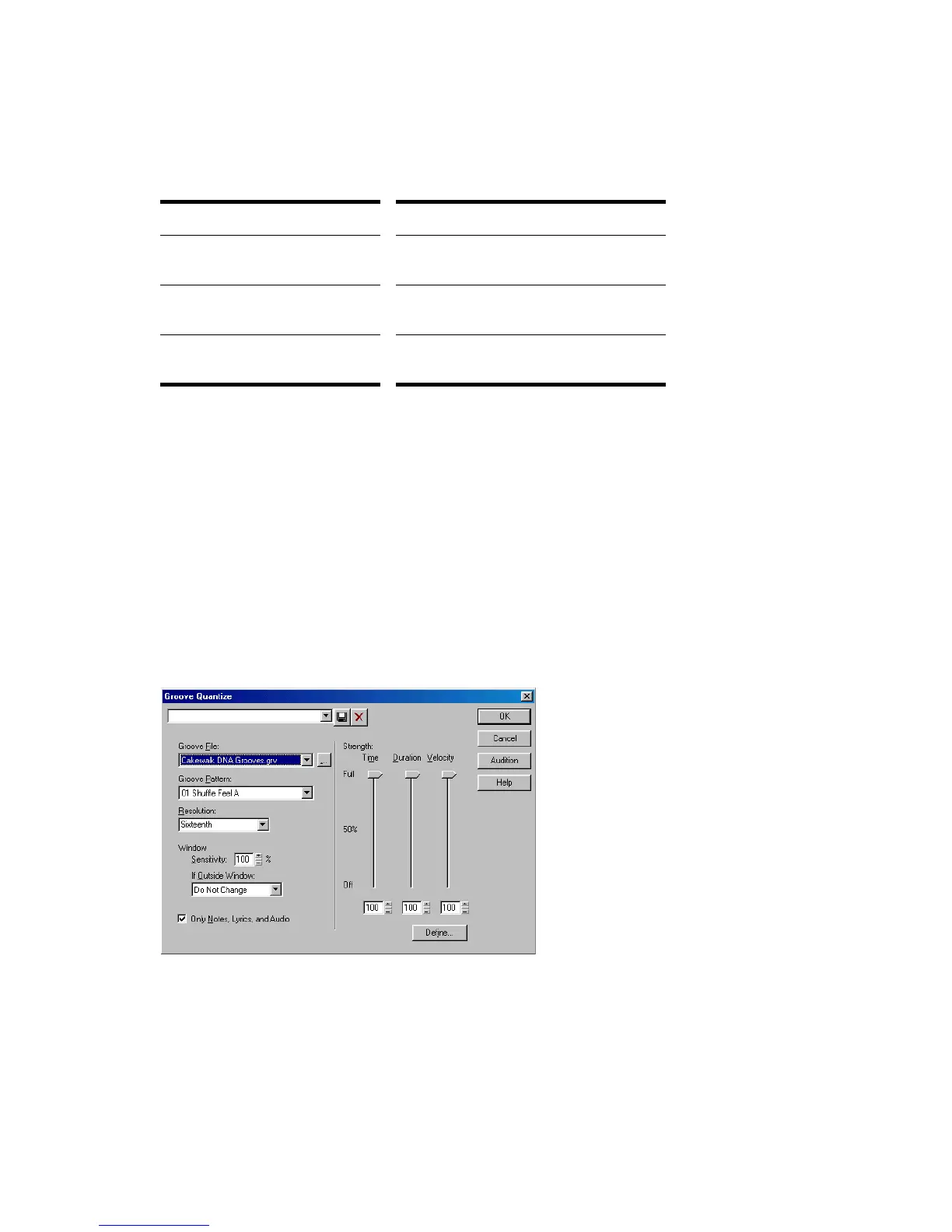
To Use the Groove Quantize Command
1. Select the track or clip you want to quantize, using any of the selection tools
and commands.
2. Choose Process-Groove Quantize to display the Groove Quantize dialog box.
3. Choose a groove file from the Groove File field.
4. Choose a groove pattern from the Groove Pattern field.
Setting… What to do…
Resolution Choose a note size or enter the number
of clock ticks
Change Check the event types and
characteristics you want to change
Options Enter values for Strength, Swing,
Window, and Offset



 To Next Page