381
To Create a Real-time Fade-in in an Audio Clip
Use the following procedure to create a fade-in in an audio clip:
1. In the Track view’s Clips pane, move your mouse over the top part of the
beginning of a clip until the cursor looks like this: .
2. When your cursor changes, click and drag to the right until you reach your
desired fade-in length.
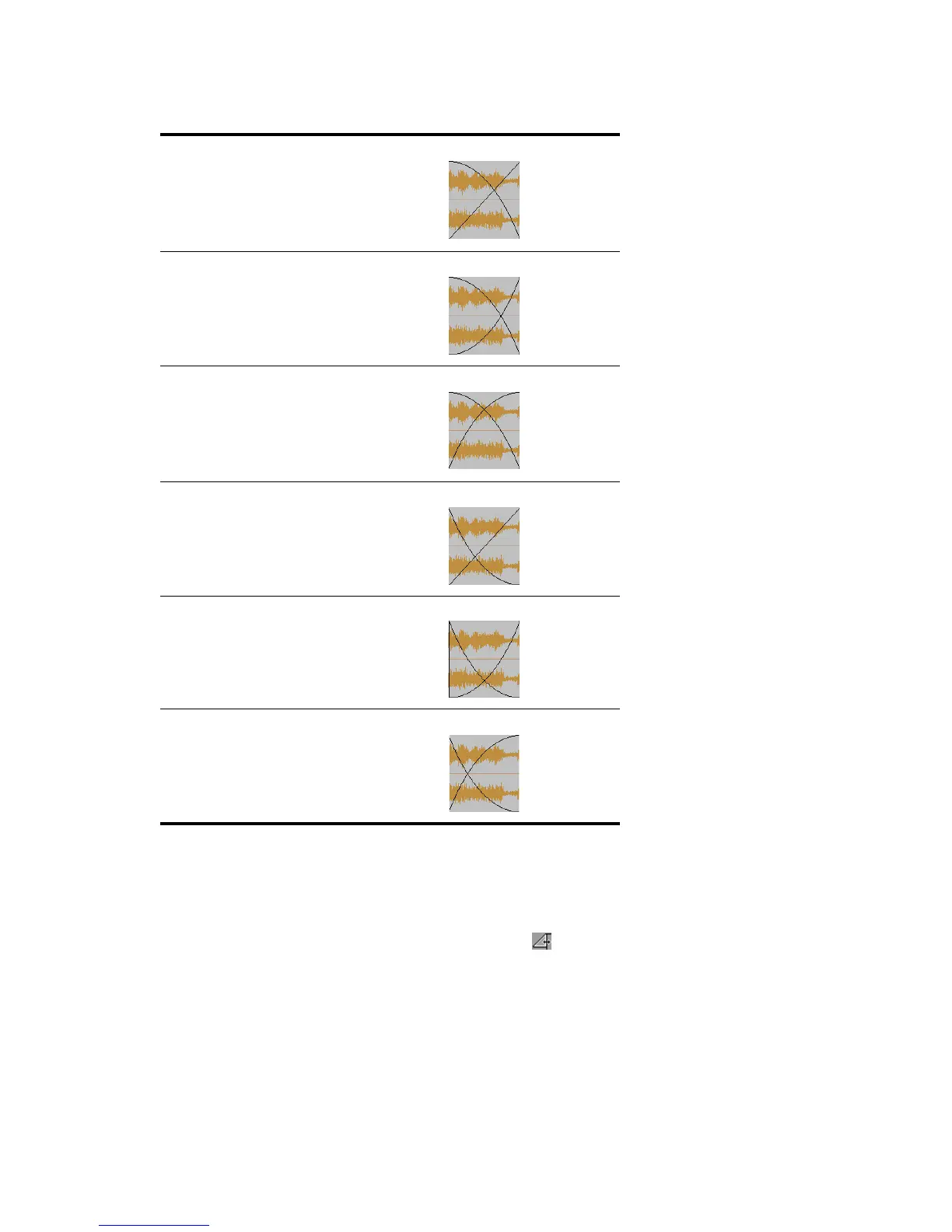
Slow Curve out/Linear in
Slow Curve out/Slow Curve in
Slow Curve out/Fast Curve in
Fast Curve out/Linear in
Fast Curve out/Slow Curve in
Fast Curve out/Fast Curve in



 To Next Page