385
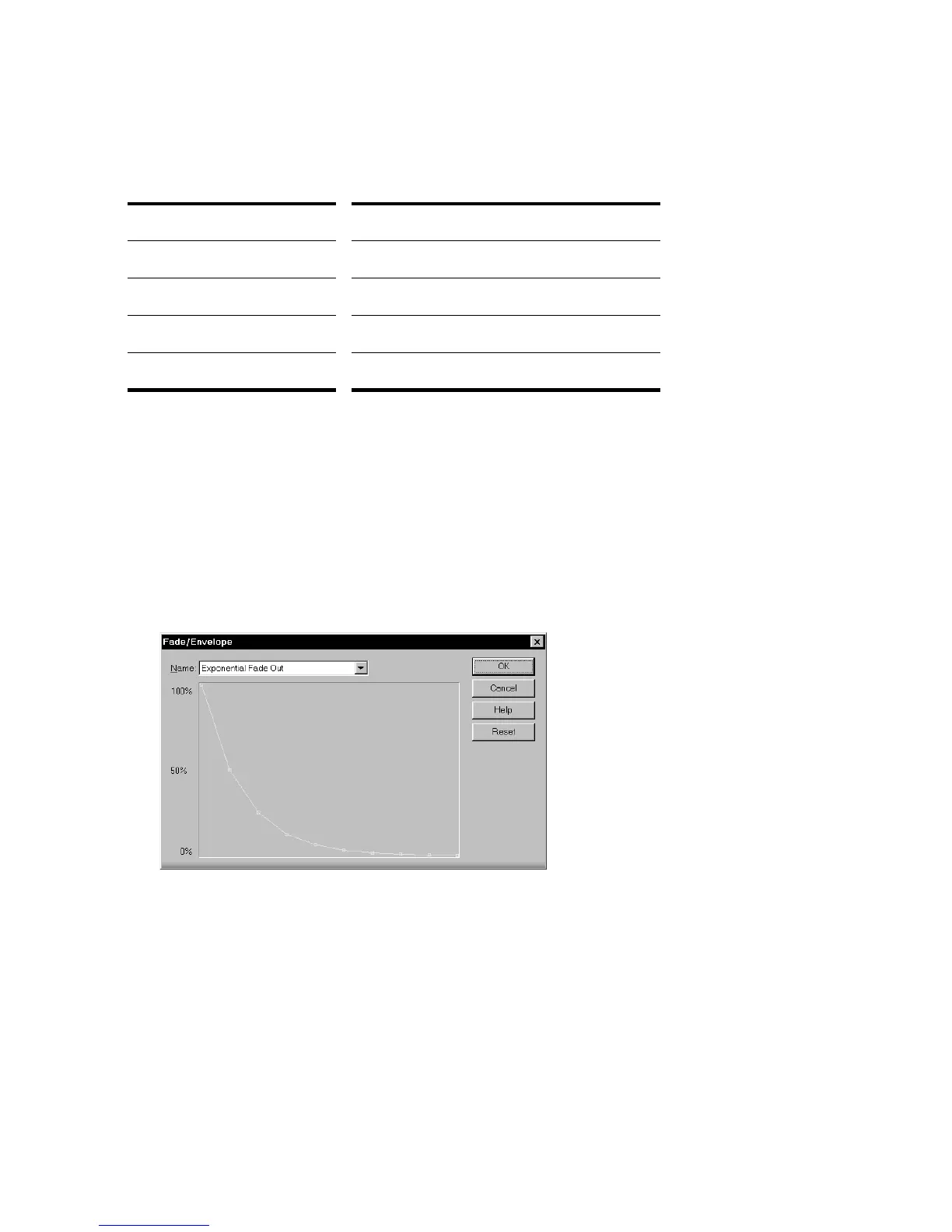
can move the intermediate points, and create new intermediate points, to change
the shape of the curve.
The second command, Crossfade, lets you create a smooth transition from one
audio clip to another, by fading two overlapping audio clips simultaneously (one
fades out, the other fades in). As with Fade/Envelope, you can choose from three
different starting curves and change the shape of the curve.
To Apply a Fade to Audio Data
1. Select the audio data to be affected.
2. Choose Process-Audio-Fade/Envelope to open the Fade/Envelope dialog box.
3. Select an envelope from the dropdown list.
4. If desired, manipulate the curve as described in the table above.
5. Click OK.
SONAR applies the fade to the selected audio data.
To do this... Do this...
Move a point Click and drag it to a new location
Insert a new point Click on the line between existing points
Remove a point Drag it onto the next point
Restart from the original curve Click Reset



 To Next Page