149
To Create and Edit a Play List
• To create and edit a play list in the Play List view, follow the instructions in
the table:
To Play Files from the Play List View
• To play back files from the Play List view, follow the instructions in the table.
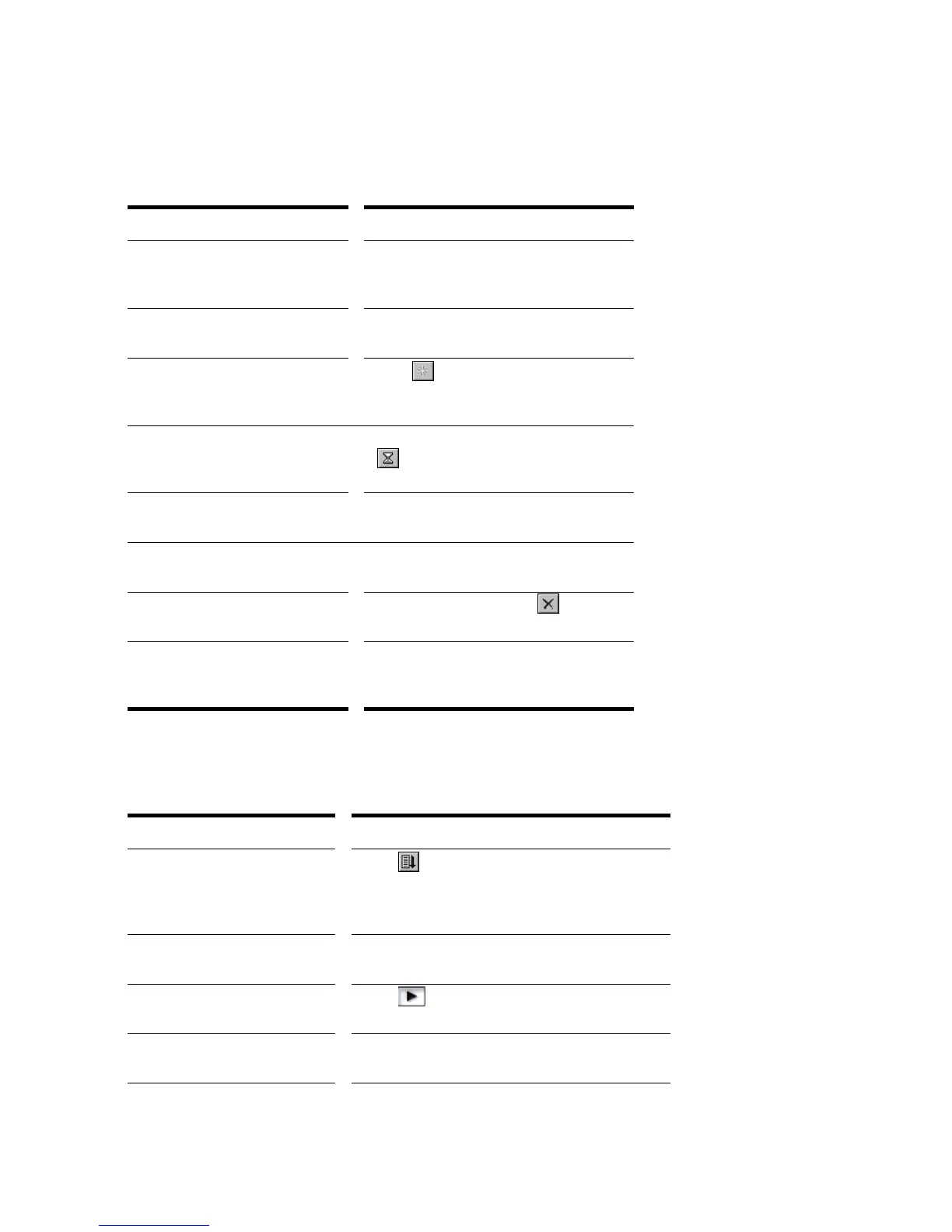
To do this… Do this…
Open an existing play list Choose File-Open, choose Play List
from the Files of Type list, choose the
file you want and click Open
Create a new play list Choose File-New, choose Play List Set
from the list, and click OK
Add songs to the play list Click or press Insert, choose a file
from the Add Song to Play List dialog
box, and click Open
Set the delay after a song Click on the song in the play list, click
, enter the delay you want, and click
OK
Change the order of songs Drag the file to a new location in the
play list
Copy a song to another location
in the play list
Ctrl-drag the file to a new location in the
play list
Remove a song from the play
list
Select the song and click or press
the Delete key
Save the play list Choose File-Save; or choose File-
Save As, enter a file name, and click
Save
To do this… Do this…
Activate the play list Click in the Play List view toolbar so that
the button is pressed. If this button is not
pressed, only a single file will play when you
start playback.
Choose the starting song Double-click the file you want to start with. The
project is opened and displayed as usual.
Start playback Click , choose Transport-Play, or press
the Spacebar.
Stop playback Choose Transport-Stop, or press the
Spacebar.



 To Next Page