176
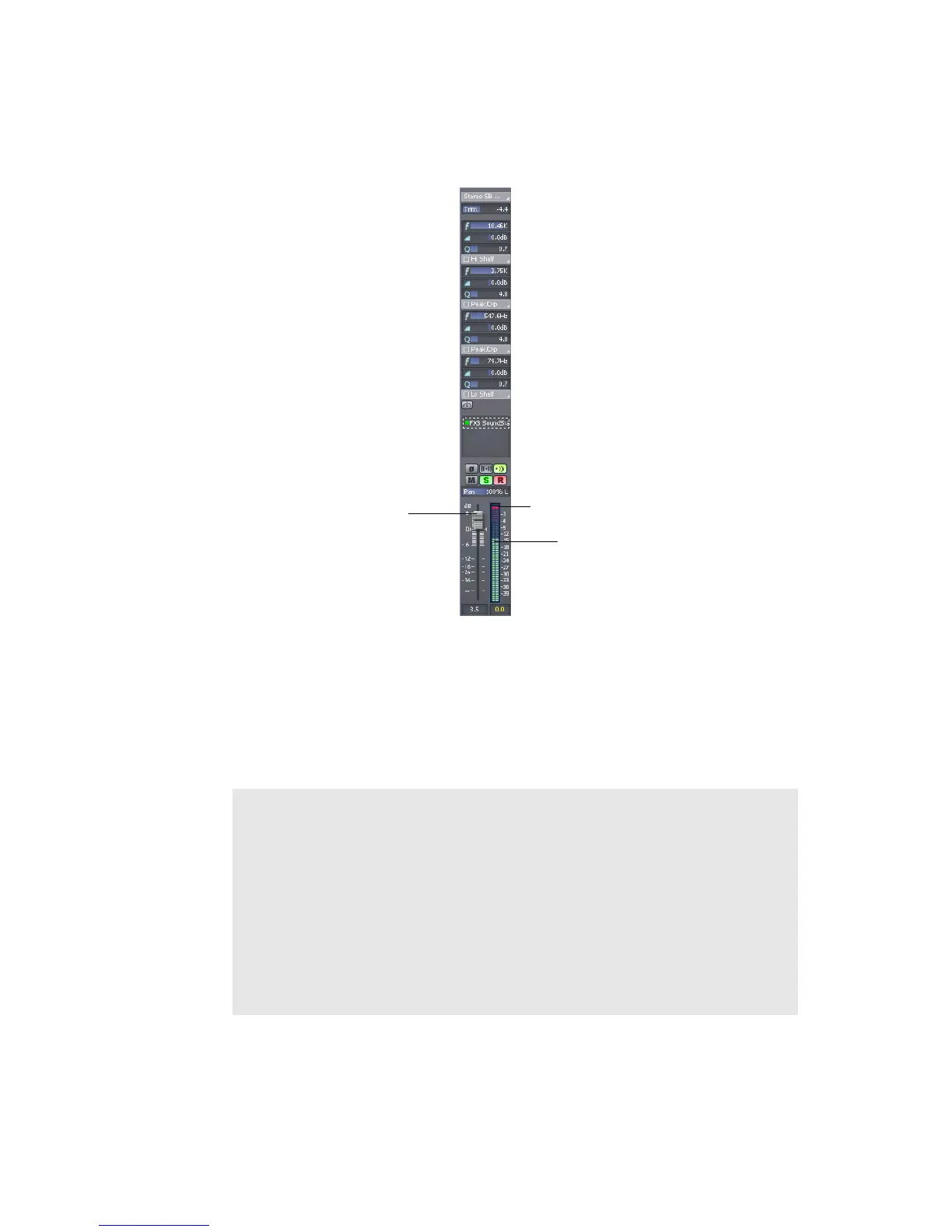
see “Metering” on page 436. To maximize the dynamic range of your recording, you
want to set the levels as high as possible without clipping.
When the audio level exceeds 0dB, some of the audio information is lost. This is
known as overload. Many sound cards use clipping to deal with an overloaded
signal, but clipping can distort the audio signal. As a result, you should avoid
letting the meter level exceed 0dB.
Volume Fader
Clipping indicator
Meter
Note to Experts:
Because SONAR is a digital recorder, a level of 0dB indicates digital
zero. Digital distortion will occur at 0dB. You will not get analog
compression or warmth from pushing the input levels. If you are
transferring data from a DAT or another device, you may want to
calibrate the input levels of your sound card with the output levels of
other devices in your studio. This will ensure that 0dB on one unit
will appear as 0dB in SONAR.



 To Next Page