200
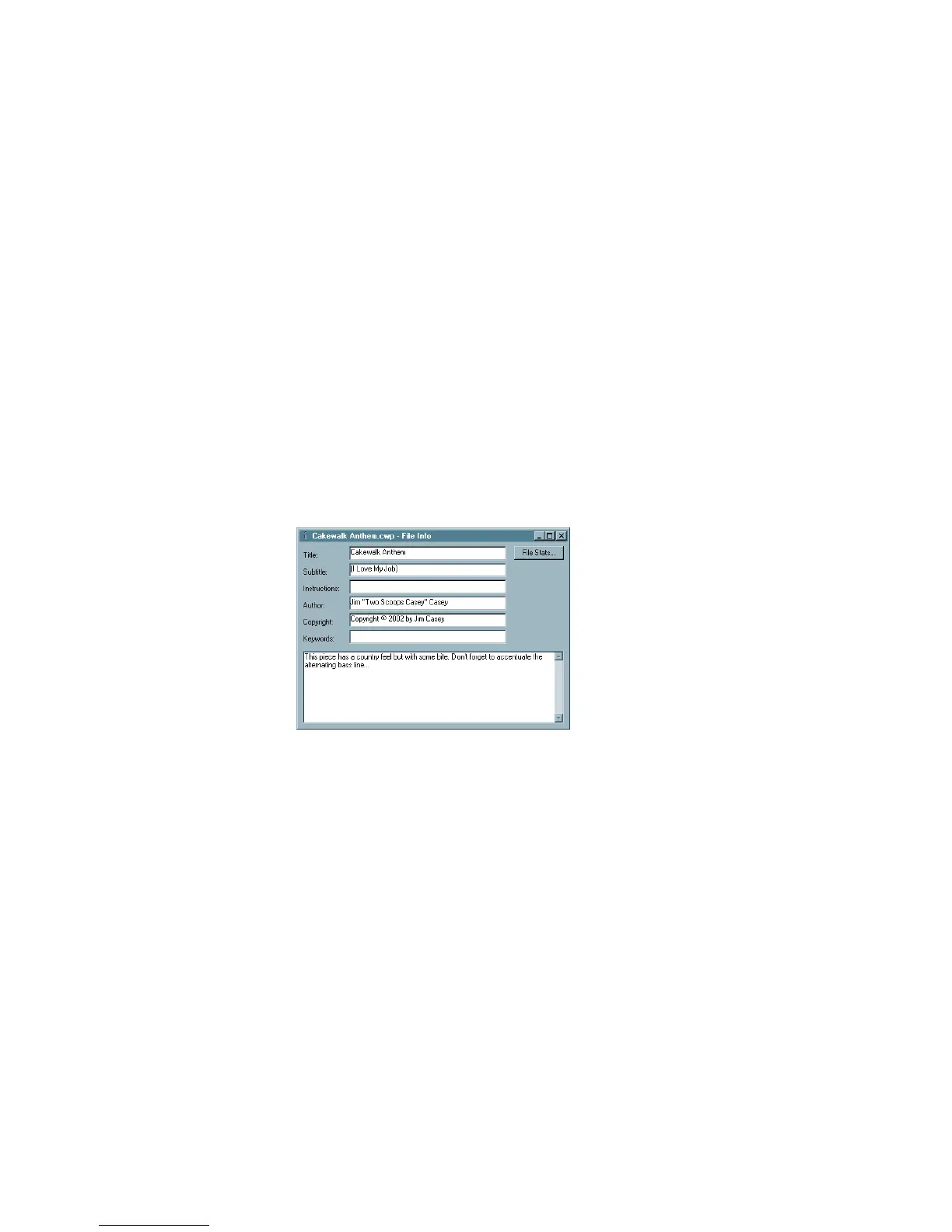
This information is shown in the File Info dialog box, which is displayed using the
File-Info command. If the File Info window is open when you save a file, then this
window is displayed automatically the next time the file is opened. This is useful if
you:
• Share files with others and want them to see special instructions when they
open the file
• Want your copyright information to be displayed automatically
If the File Info window is closed when you save the file, it will not be automatically
displayed the next time the file is opened.
Although you cannot use Edit menu commands while working in the File Info
window, standard Windows hot keys like Ctrl+X, Ctrl+C, and Ctrl+V can be used
to cut, copy, and paste text.
To Display and Edit Project Information
1. Choose File-Info to display the File Info window.
2. Edit the information as desired.
3. If you want the File Info window to display automatically, save the file.
4. Click Stats to see statistics about the contents of the file.
5. Choose File-Print Preview if you want to print the project information
6. Close the File Info window.



 To Next Page