212
To Change Clip Names
1. Select the clips you want to rename.
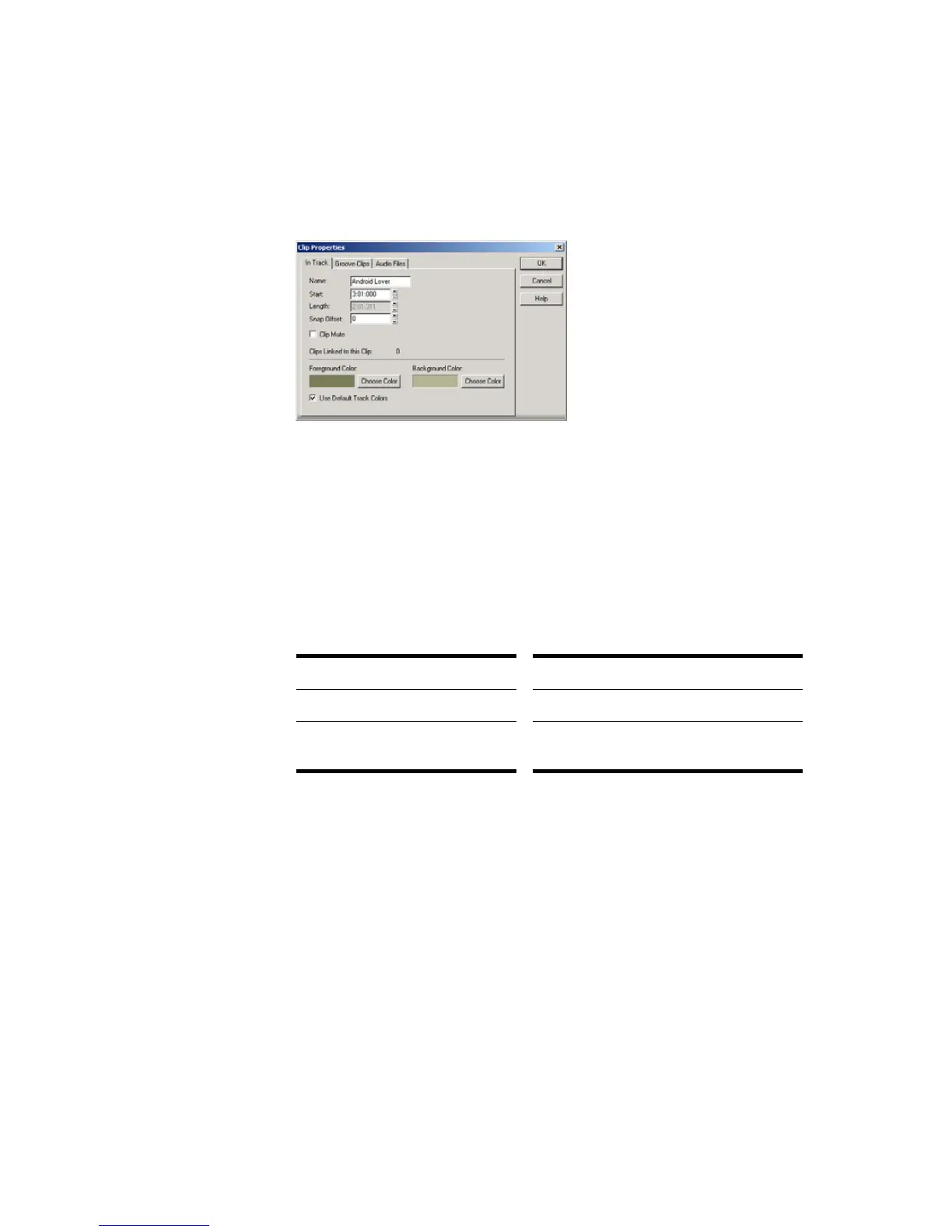
2. Right-click on one of the selected clips and choose Clip Properties. SONAR
opens the Clip Properties dialog box.
3. Enter a name for the selected clips, and click OK.
SONAR renames the selected clips.
To Change Clip Colors
1. Select the clips whose color you want to change.
2. Right-click on one of the selected clips and choose Clip Properties. SONAR
opens the Clip Properties dialog box.
3. Choose a color as follows:
4. Click OK.
SONAR changes the color of the selected clips.
To do this… Do this…
Use the default color Check the Default Color box
Use a custom color Click the Choose Color button and pick
a color from the Color dialog box



 To Next Page