217
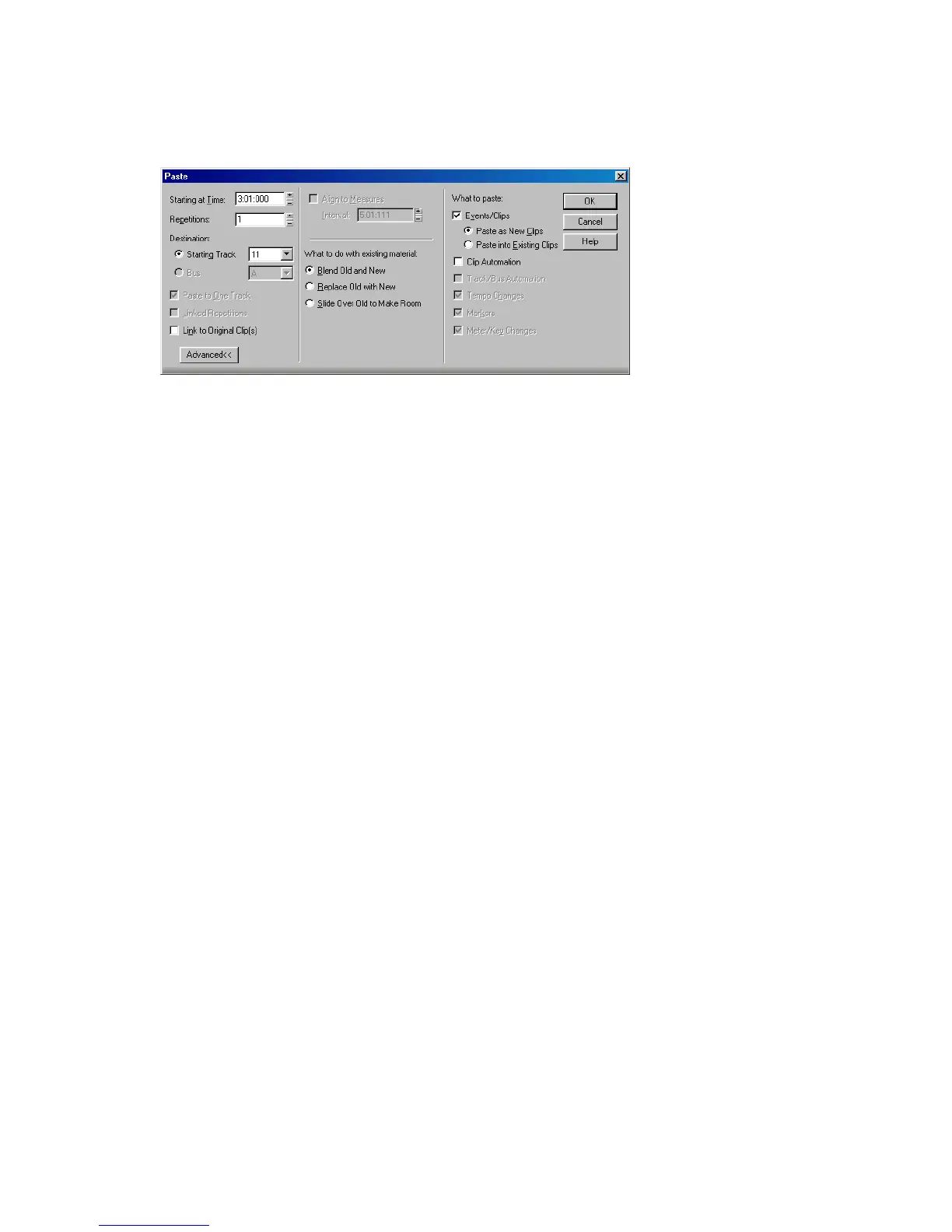
6. Choose Edit-Paste to display the Paste dialog box.
7. Choose the options you want and click OK.
SONAR places the clips in their new location.
To Move a Clip to a Specific Start Time
1. Select the clip you want to move.
2. Right-click on the selected clip and choose Clip Properties. SONAR opens the
Clip Properties dialog box.
3. Enter a new start time, or use the spinners or keyboard to change the start
time.
4. Click OK when you are done.
SONAR moves the clip to the start time you chose.
To Copy Clips Using Drag and Drop
1. Select the clips you want to copy.
2. Enable the Snap Grid, if desired.
3. Position the mouse over one of the selected clips.
4. Press and hold down the left mouse button. A rectangle is displayed around
the selected clips.
5. Drag the clips to the new location, and release the mouse button.
6. If necessary, choose the options you want from the Drag and Drop Options
dialog box, and click OK.
SONAR copies the clips to their new location.



 To Next Page