245
To Insert a Series of Tempos
1. Enable Groove Clip Looping on any audio clips that you want to follow the
tempo changes. Do this by selecting one or more clips, right-clicking a selected
clip, and choosing Groove-Clip Looping from the popup menu. Each clip that
has Groove clip looping enabled has beveled edges instead of sharp corners.
The same command disables Groove Clip Looping on any selected clip that has
Groove Clip Looping enabled.
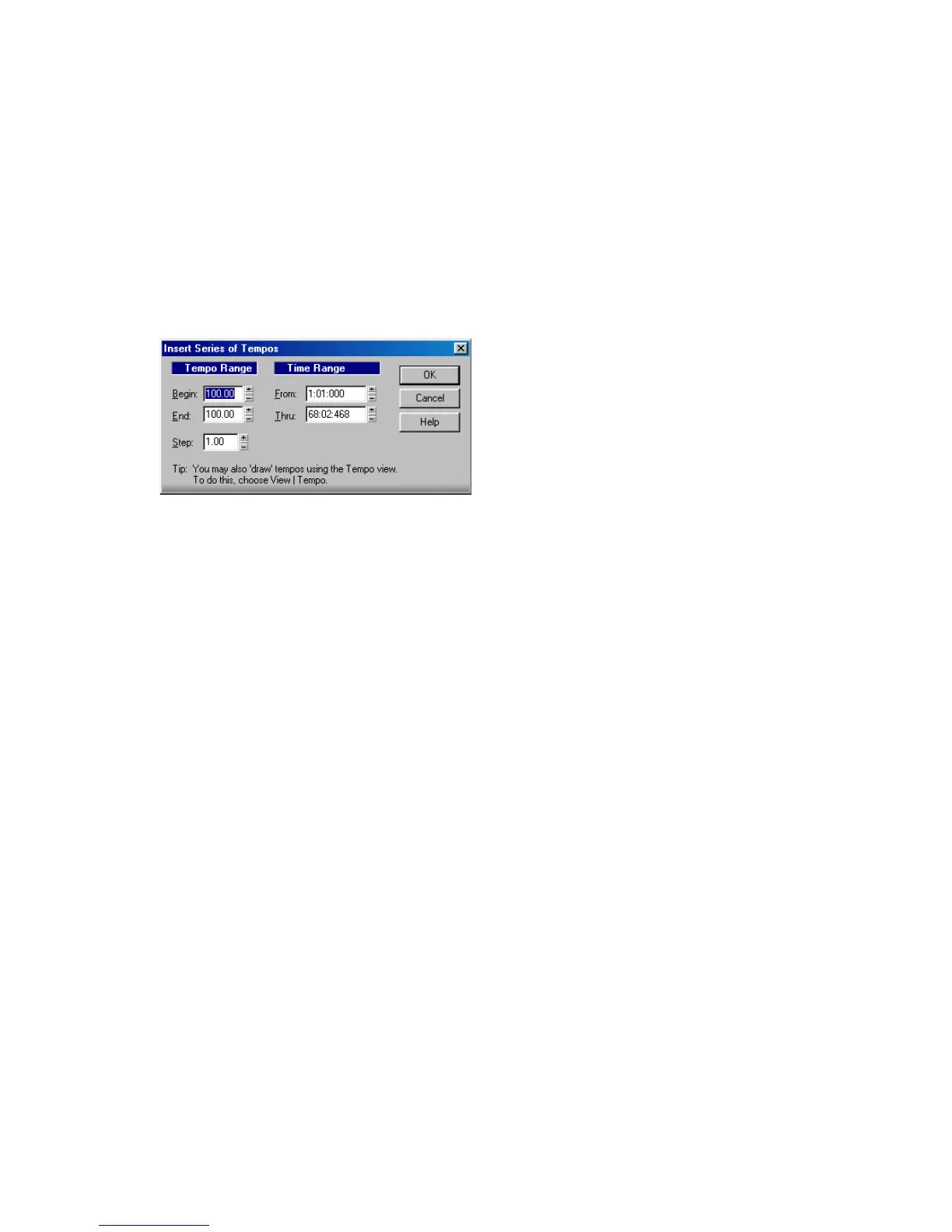
2. Choose Insert-Series of Tempos to display the Insert Series of Tempos dialog
box.
3. Enter a starting tempo, ending tempo, and step size.
4. Enter a starting and ending time for the series of tempo changes.
5. Click OK.
SONAR erases any existing tempo changes between the starting and ending time,
and inserts a series of tempo changes that change smoothly between the starting
and ending time. This command never inserts more than one tempo change on the
same clock tick. Audio clips which you want to follow tempo changes can also be
converted to Groove clips in the Loop Construction view.
To Modify the Most Recent Tempo Change
1. Enable Groove Clip Looping on any audio clips that you want to follow the
tempo changes. Do this by selecting one or more clips, right-clicking a selected
clip, and choosing Groove-Clip Looping from the popup menu. Each clip that
has Groove Clip Looping enabled has beveled edges instead of sharp corners.
The same command disables Groove Clip Looping on any selected clip that has
Groove Clip Looping enabled.
2. Choose Insert-Tempo Change to display the Tempo dialog box.
3. Check the Change the Most Recent Tempo box.
4. Enter a new tempo in one of the following ways:
• Type a value in the Tempo field.
• Click the arrows to change the value.
• Tap a new tempo in the space indicated in the dialog box.
5. Click OK.



 To Next Page