247
If you make a mistake using any of these tools, you can use Edit-Undo to correct
the error. When you use the Draw tool, the speed with which you drag the mouse
determines the density of tempo events. To insert a larger number of relatively
small tempo changes, move the mouse slowly. To insert a smaller number of
relatively large tempo changes, drag the mouse quickly.
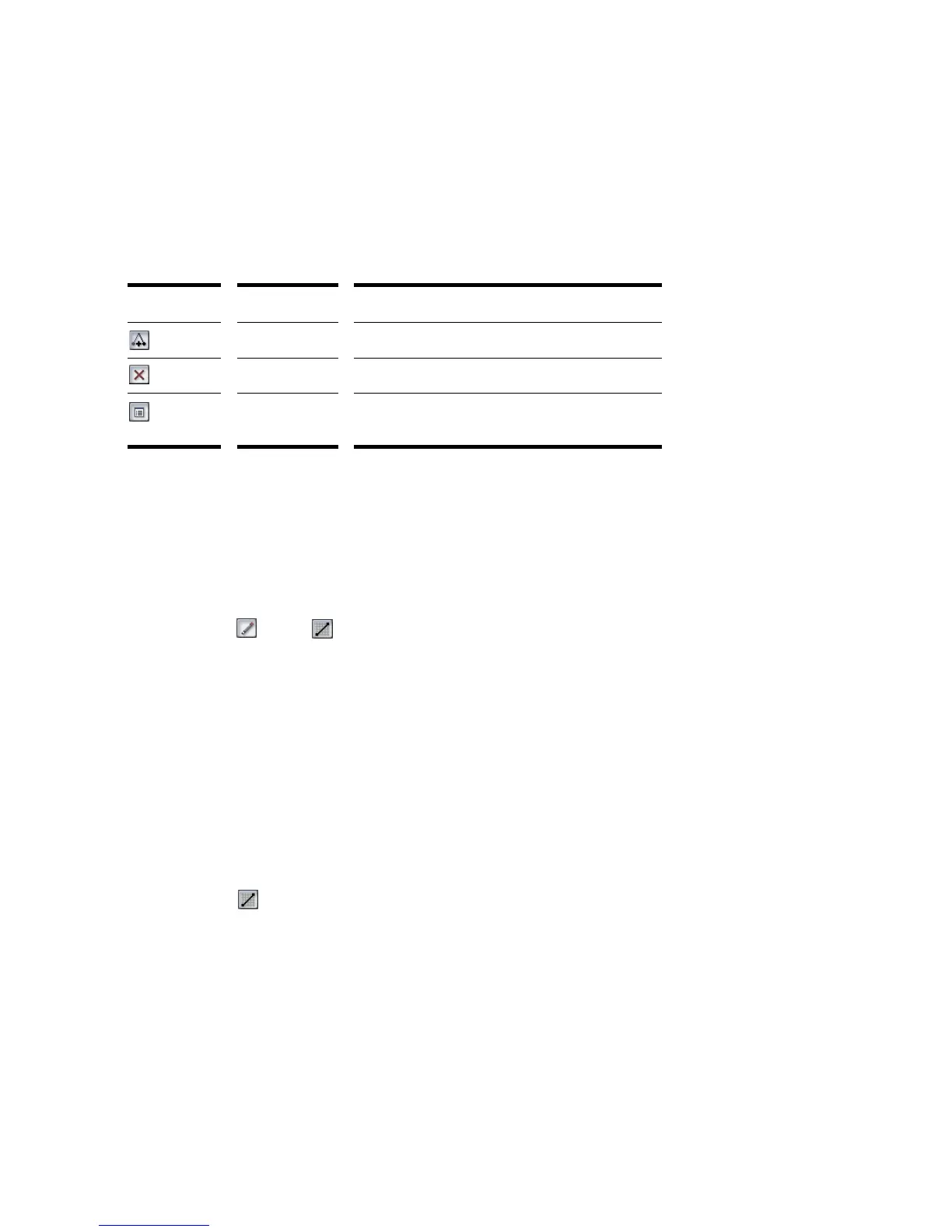
The Tempo List Pane has its own tools for editing tempo changes:
To Insert a Tempo Change in the Tempo View
1. Enable Groove Clip Looping on any audio clips that you want to follow the
tempo changes. Do this by selecting one or more clips, right-clicking a selected
clip, and choosing Groove-Clip Looping from the popup menu. Each clip that
has Groove Clip Looping enabled has beveled edges instead of sharp corners.
The same command disables Groove Clip Looping on any selected clip that has
Groove Clip Looping enabled.
2. Select the or the tool.
3. Click in the Tempo view at any desired time point and tempo level.
SONAR introduces a tempo change at the indicated point.
To Steadily Increase or Decrease the Tempo in the Tempo
View
1. Enable Groove Clip Looping on any audio clips that you want to follow the
tempo changes. Do this by selecting one or more clips, right-clicking a selected
clip, and choosing Groove-Clip Looping from the popup menu. Each clip that
has Groove Clip Looping enabled has beveled edges instead of sharp corners.
The same command disables Groove Clip Looping on any selected clip that has
Groove Clip Looping enabled.
2. Select the tool.
3. Drag a line in the graph from the starting time and tempo to the ending time
and tempo.
SONAR introduces a linear series of tempo changes.
Tool… Name… What it’s for…
Insert Tempo Insert a new tempo change
Delete Tempo Delete a tempo change
Tempo
Properties
Edit a tempo change



 To Next Page