28
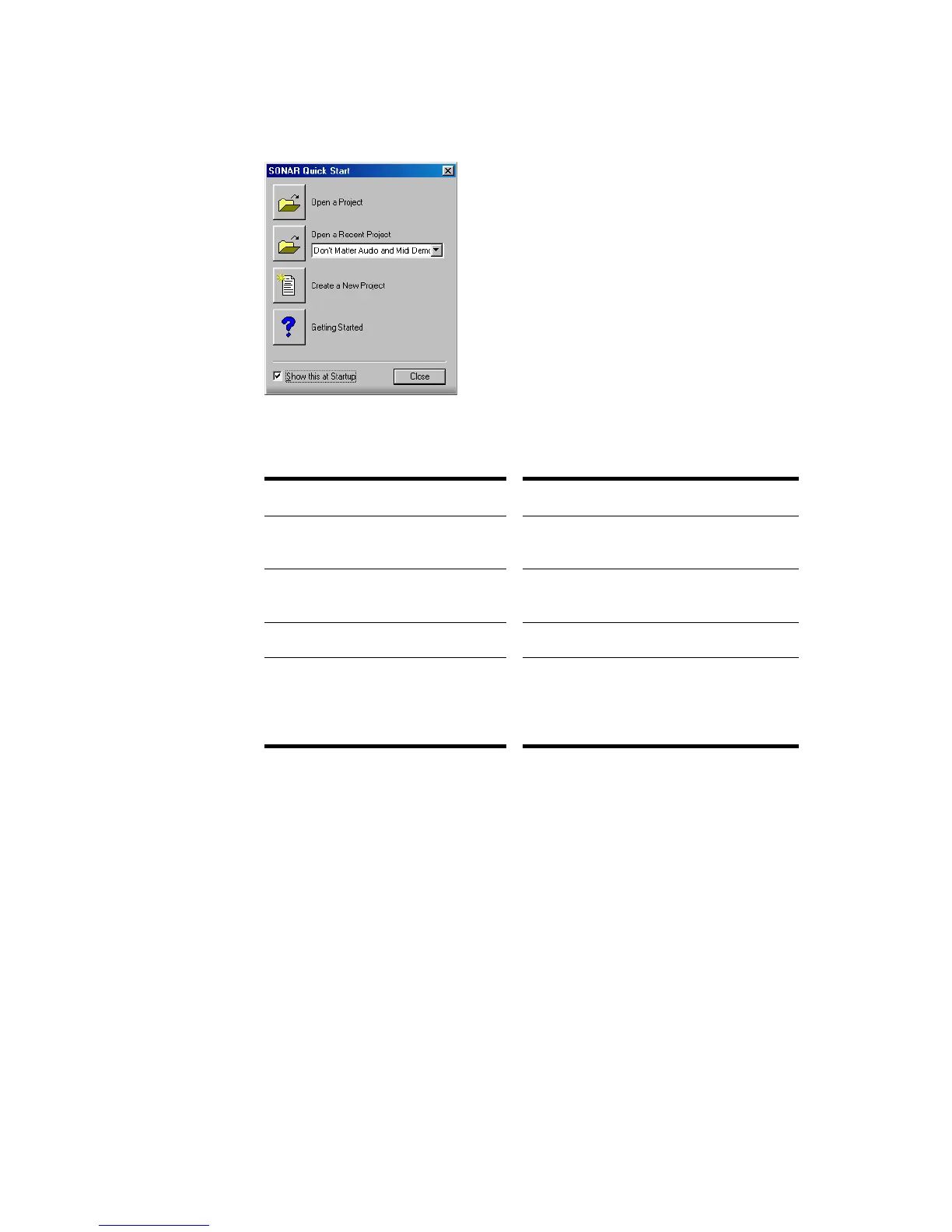
When you start SONAR, you see the Quick Start dialog box.
The Quick Start dialog box has several options:
If you don’t want to see the Quick Start dialog box in the future, uncheck the box at
the bottom of the dialog box, and click Close. You can see the Quick Start dialog
box later by choosing Help-Quick Start.
Migrating Preferences
If you have a previous version of Cakewalk installed, SONAR will detect it and
give you the option of migrating certain preferences from a single earlier version.
Option… How to use it…
Open a Project Choose a project from the Open File dialog
box to open it
Open a Recent Project Select a project from the list, and click this
button to open it
Create a New Project Click here to create a new project.
Getting Started Click here to view the Getting Started topic
in the help file. This topic has links to a
glossary of terms, as well as some basic
procedures.



 To Next Page