289
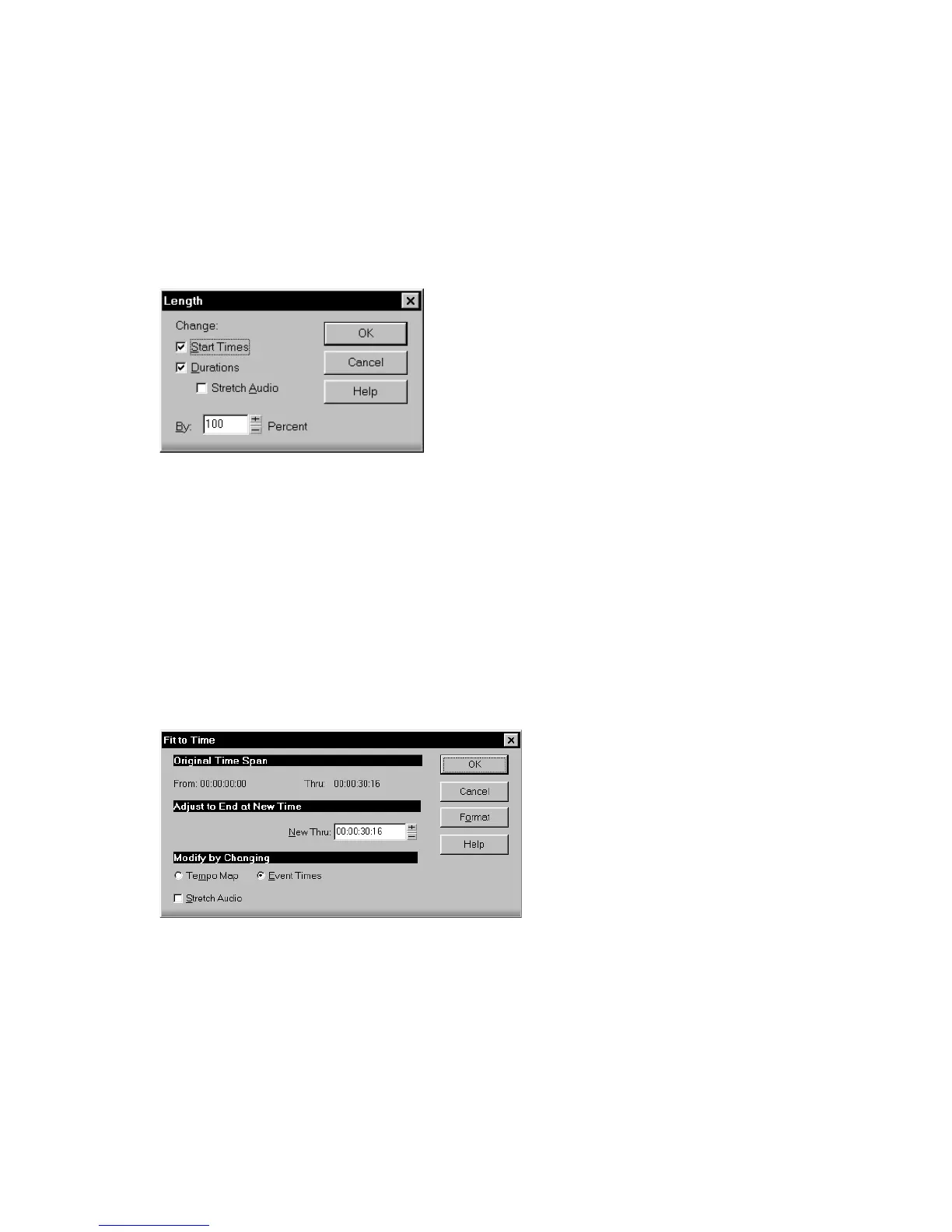
You can also use the Process-Length command to alter only the start times or the
durations of notes. For example, changing the durations of notes to 50 percent of
their original length can create a staccato effect.
To Stretch or Shrink Using Percentages
1. Select the events you want to change.
2. Choose Process-Length to display the Length dialog box.
3. Choose to change the Start Times and/or Durations of selected notes by
checking the boxes.
4. If you want to stretch selected audio clips, check the Stretch Audio box.
5. Use the spinners or type in the desired percent change in length.
6. Click OK when you are done.
SONAR modifies the length of selected events.
To Stretch or Shrink to a Specific Length
1. Select the events you want to change.
2. Choose Process-Fit to Time to display the Fit to Time dialog box.
3. Enter the desired end time in the New Thru box. Click Format to switch
between MBT and SMPTE format.



 To Next Page