302
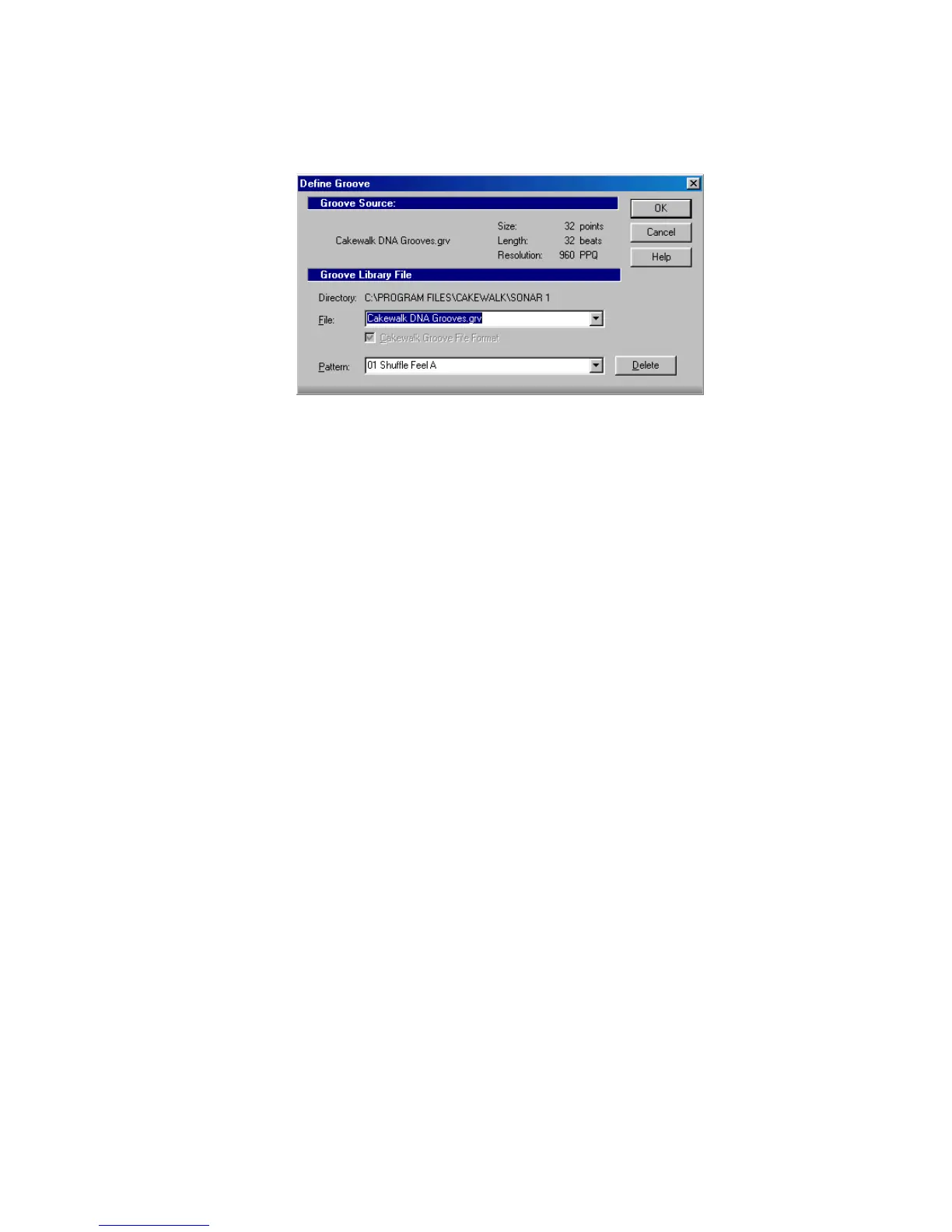
5. Click the Define button to display the Define Groove dialog box.
6. Select an existing groove file, or enter the name for a new groove file.
7. Enter a pattern name, or choose an existing pattern to replace.
8. Click OK.
9. If you are replacing a groove, verify that you want to delete the existing
version.
10. Click Close when you are done to return to the Groove Quantize dialog box.
SONAR stores the groove in the file and chooses the new groove as the current
groove source.
To Copy an Existing Groove
1. Choose Process-Groove Quantize to display the Groove Quantize dialog box.
2. Choose the groove file and groove pattern you want to copy.
3. Click the Define button to display the Define Groove dialog box.
4. Select an existing groove file, or enter the name for a new groove file.
5. Enter a pattern name, or choose an existing pattern to replace.
6. Click OK.
7. If you are replacing a groove, verify that you want to delete the existing
version.
8. Click Close when you are done to return to the Groove Quantize dialog box.
SONAR stores the groove on the Windows clipboard and chooses the new groove as
the current groove source.



 To Next Page