34
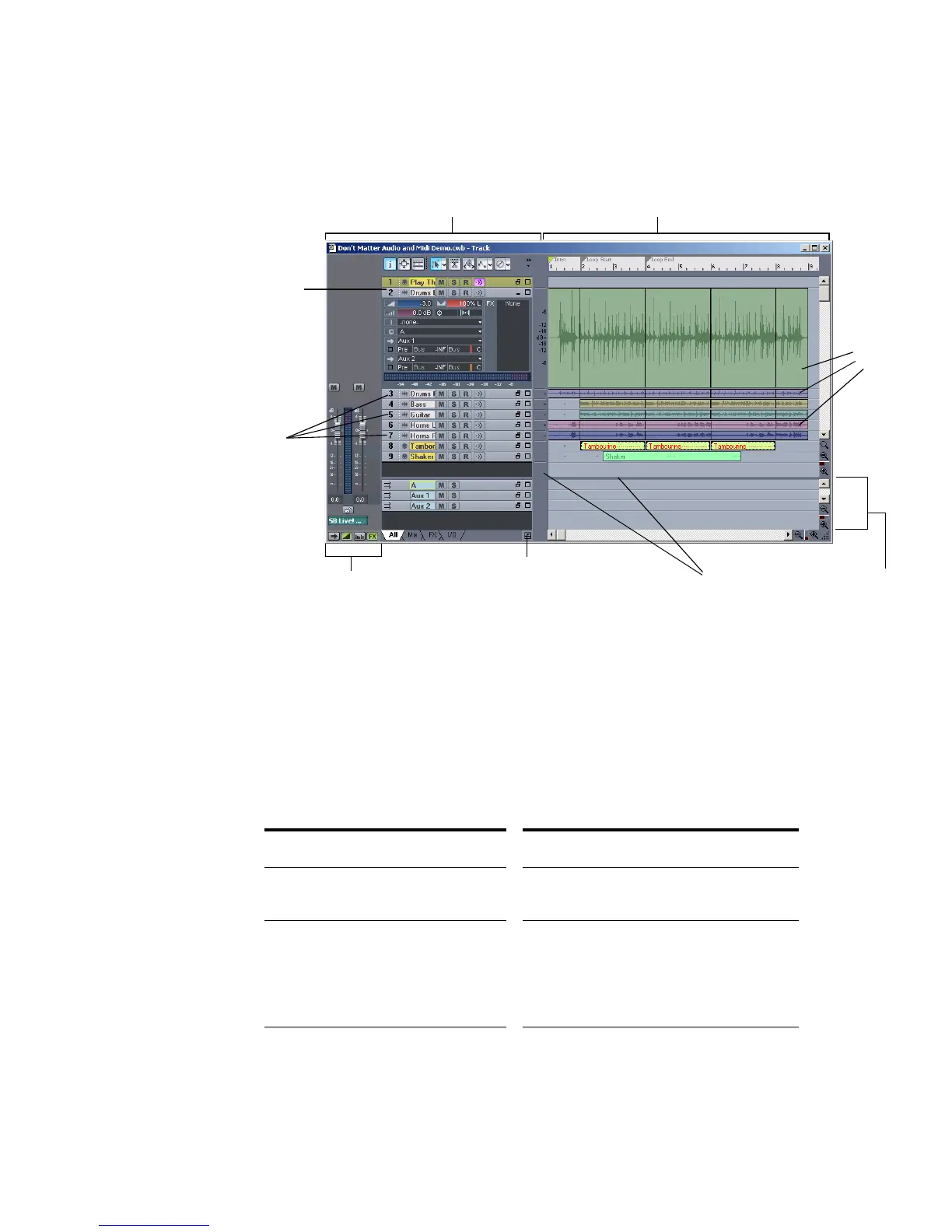
can change the size of the panes by dragging the vertical or horizontal splitter bars
that separate them.
All of the current track’s controls, plus a few that are only available in the Console
view, are contained in the Track/Bus Inspector which is an expanded version of
the current track’s controls located on the far left side of the Track view. You can
hide or show the Track/Bus Inspector by pressing i on your keyboard (see “Track/
Bus Inspector” on page 35, for more information).
The Track pane lets you see and change the initial settings for each track. By
default, the current track is displayed in gold. To change the current track, move
the highlight using the mouse or the keyboard as follows:
Key… What it does…
Left/Right Arrow Moves the highlight to the next or previous
control.
Up/Down Arrow Moves to the same control in the adjacent
track, or the next track of the same type if
the control only applies to a specific track
type (for example, the Patch control only
applies to MIDI tracks).
Page Down Displays the next page of tracks.
The Clips pane
The Track pane
Expanded
track
tracks
Minimized
The Bus pane
Splitter bars
Show/Hide Bus pane
Clips
Track/Bus Inspector



 To Next Page