39
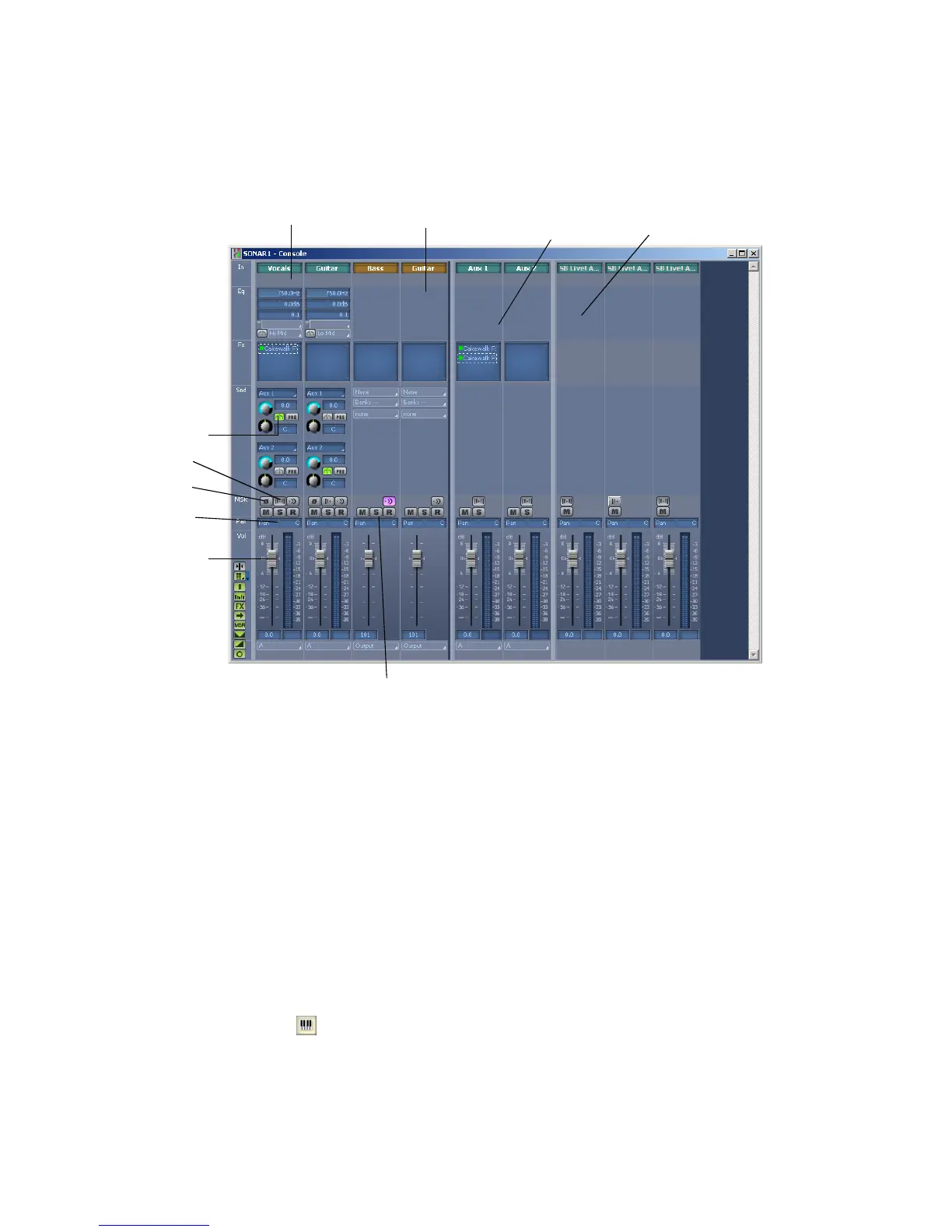
The Console View:
As in the Track view, you can change track settings or record new music or sound
in the Console view. You may choose to use one view or the other, or the choice you
make may depend on which project you are working on.
Other Views
SONAR has a number of other views you can use to display and work on your
project. To display these views, select one or more tracks, by Ctrl-clicking their
track numbers and:
• Click the icon for the view in the Views toolbar
OR
• Choose the view you want from the View menu
The Piano Roll view : shows the notes from a MIDI track or tracks as they
would appear on a player-piano roll. You can move the notes around, make them
longer or shorter, and change their pitches by just dragging them with the mouse.
Audio module
MIDI module
Mute, Solo, and Track Arming buttons
Volume fader
for each track
Bus Send Enable
Pan control
Stereo/Mono button
Phase Invert button
Bus
Main Out



 To Next Page