540
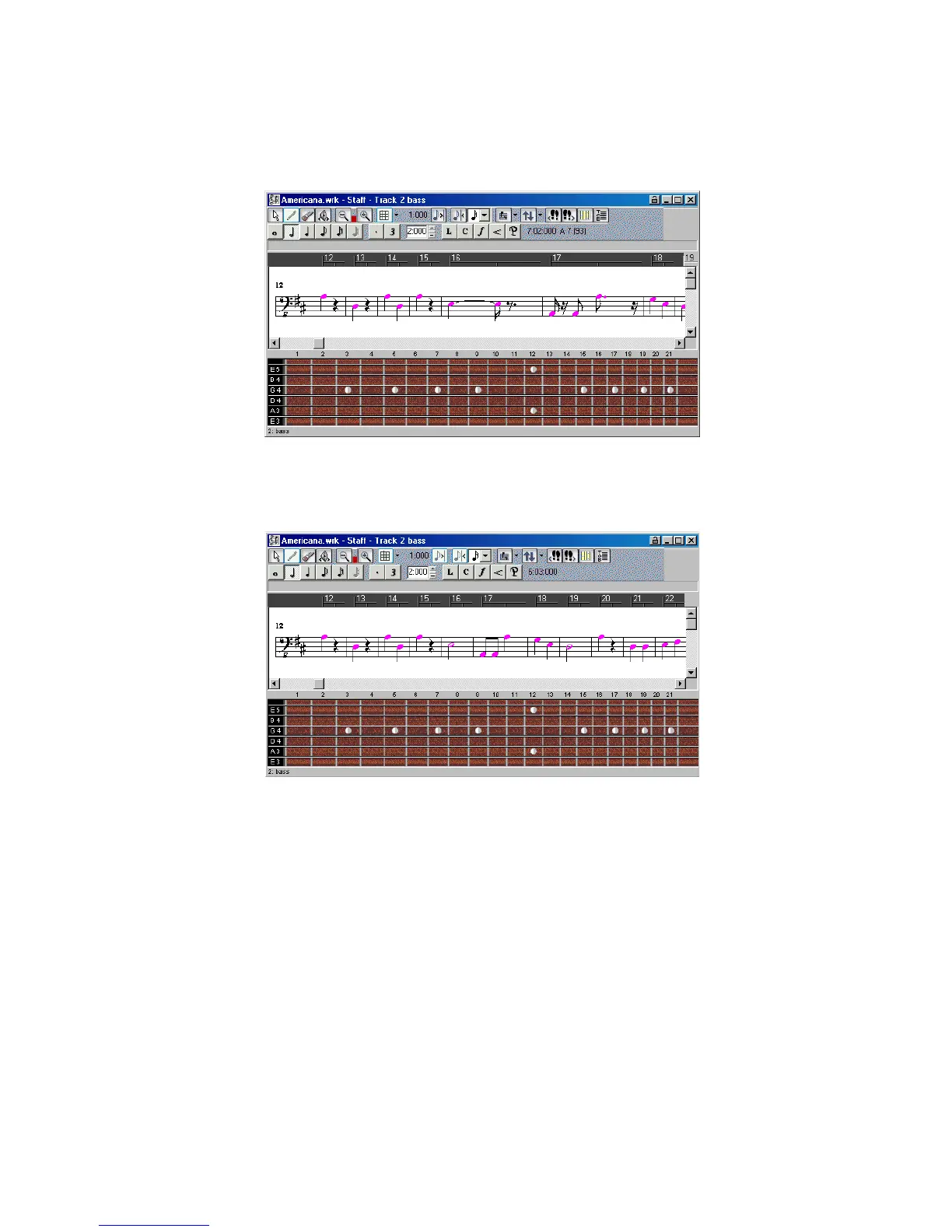
Here’s what the Staff view looks like with and without these options:
On the other hand, if you are entering notes into the Staff view with the mouse,
Fill and Trim Durations may produce confusing results. For example, with Fill
Durations, an inserted eighth note in 4/4 time would look like a quarter note until
you insert another eighth note immediately following it. It is recommended that
you turn off the Fill Durations and Trim Durations options when entering notes;
these options are more appropriate for looking at notes you recorded via a
performance.
Fill and Trim off
Fill and Trim on



 To Next Page