545
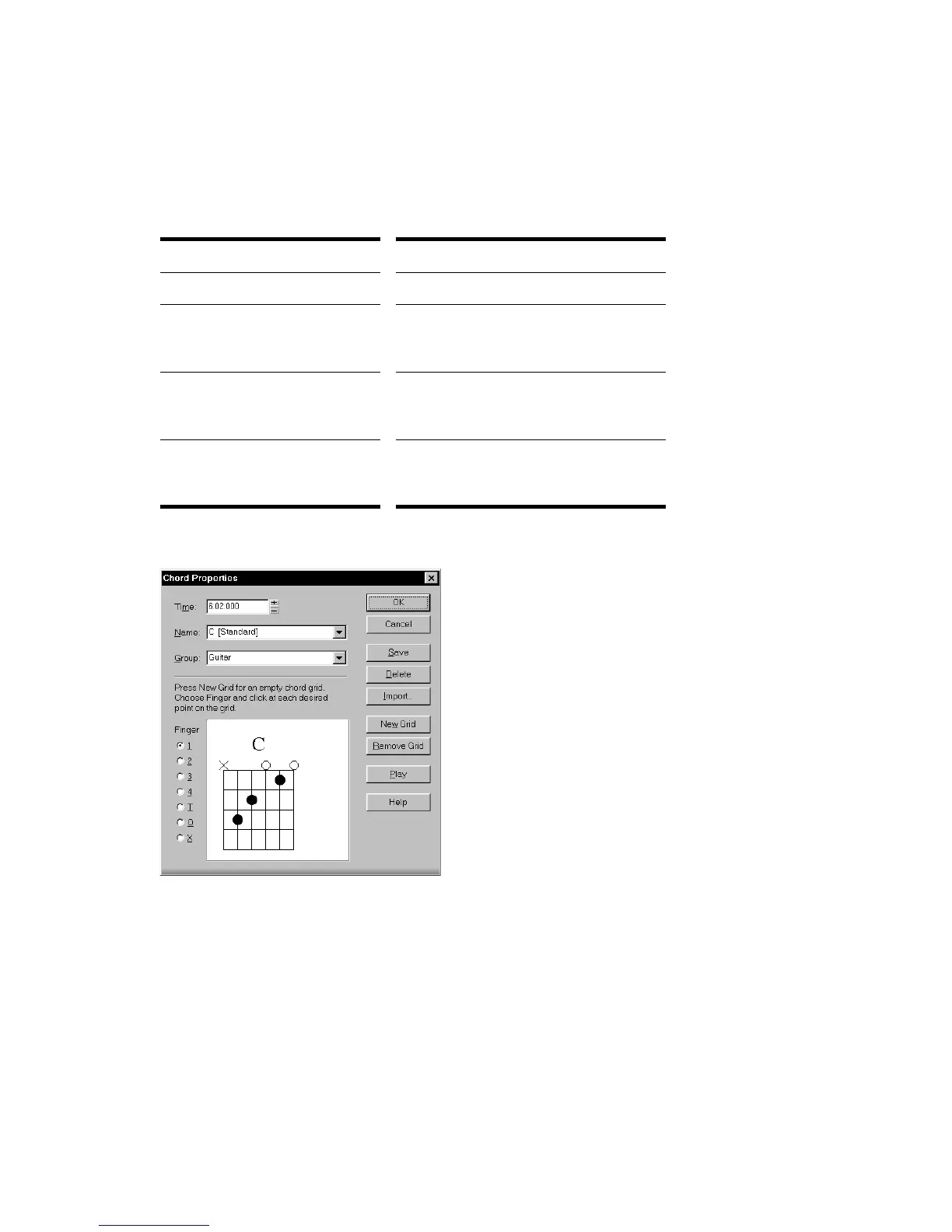
To Edit a Chord Symbol
1. Right-click the symbol to open the Chord Properties dialog box.
2. Edit information about the chord according to the table:
3. If desired, select a group from the list and/or create a guitar chord grid.
4. Click OK.
The Staff view displays the chord with the new properties, moving it to a new time
if necessary.
To do this… Do this…
Move a chord in time Change the Time property.
Give the chord a new name Select a chord from the dropdown list,
or type a new name. Use # for sharp
and b for flat.
Add descriptive text to the
chord name
Type the text in square brackets after
the chord name. The text does not
appear in the Staff view.
See a different set of chords Select a group from the list. This option
only applies if you have created a
custom chord library.



 To Next Page