574
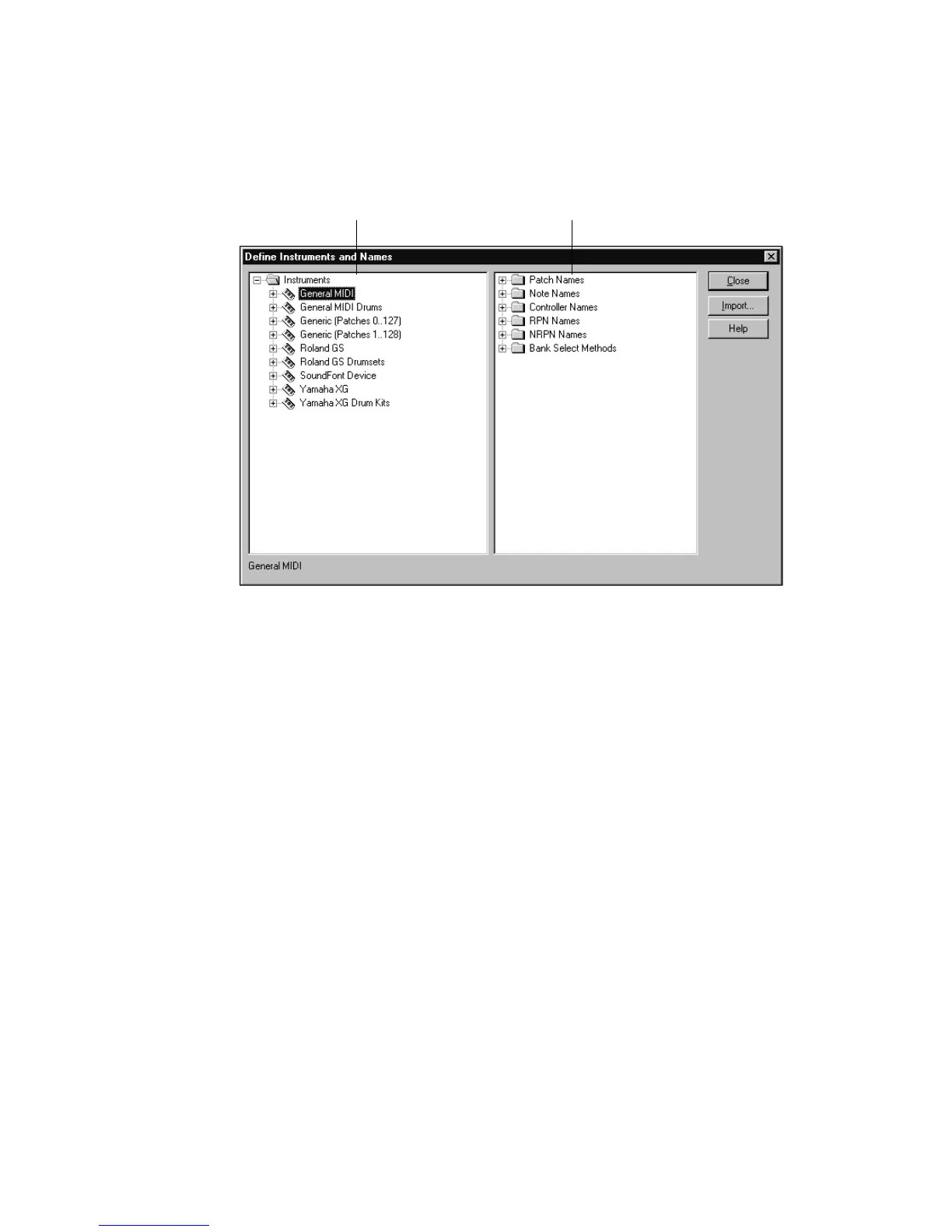
You define instruments in the Define Instruments and Names dialog box, shown
below:
The Define Instruments and Names dialog box contains two trees:
• The Instruments tree in the left half of the dialog box lists all defined
instruments and their characteristics
• The Names tree in the right half of the dialog box shows all the resources you
use to define an instrument
You expand or collapse the folders and lists in each tree by clicking on the + or –
key shown to the left of each item. You can also right-click on an item and choose
Expand or Collapse from the menu, or double-click on an item to expand or
collapse it.
To define an instrument, you drag resources from the Names tree to the name of
an instrument on the Instruments tree. Each resource is color-coded—you can only
drag a Names list to an Instrument tree branch of the same color. For example, you
can only drag a list from the Patch Names folder in the Names tree to a Patch
Names for Banks folder in the Instruments tree.
The Instruments tree
The Names tree



 To Next Page