591
To Dump a Sysx Bank into SONAR
1. Choose Options-Global and click the MIDI tab, and make sure that the
System Exclusive item is checked. If it isn’t, SONAR won’t receive System
Exclusive messages.
2. In the Sysx view, select an empty bank to dump the new bank into (unless you
want to add to or overwrite an existing bank).
3. Click the Receive Bank button (or press c on your computer keyboard).
The Receive System Exclusive dialog appears, which contains a list of Dump
Request Macros (DRMs). Each DRM has a name that describes the
synthesizer the DRM controls and the type of data that the DRM asks the
synthesizer to send.
4. Do one of the following:
• If the name of your instrument and the kind of data you want to store in
SONAR appears in the list, select your choice and click OK.
• If your instrument and the type of data you want to record are not in the
list, select You start dump on instrument, click OK, and press whatever
button on your synthesizer that starts a Sysx bank dump. The You start
dump on instrument option is not really a Dump Request Macro. It tells
SONAR that you will initiate a dump (or multiple dumps) from the front
panel of the synthesizer.
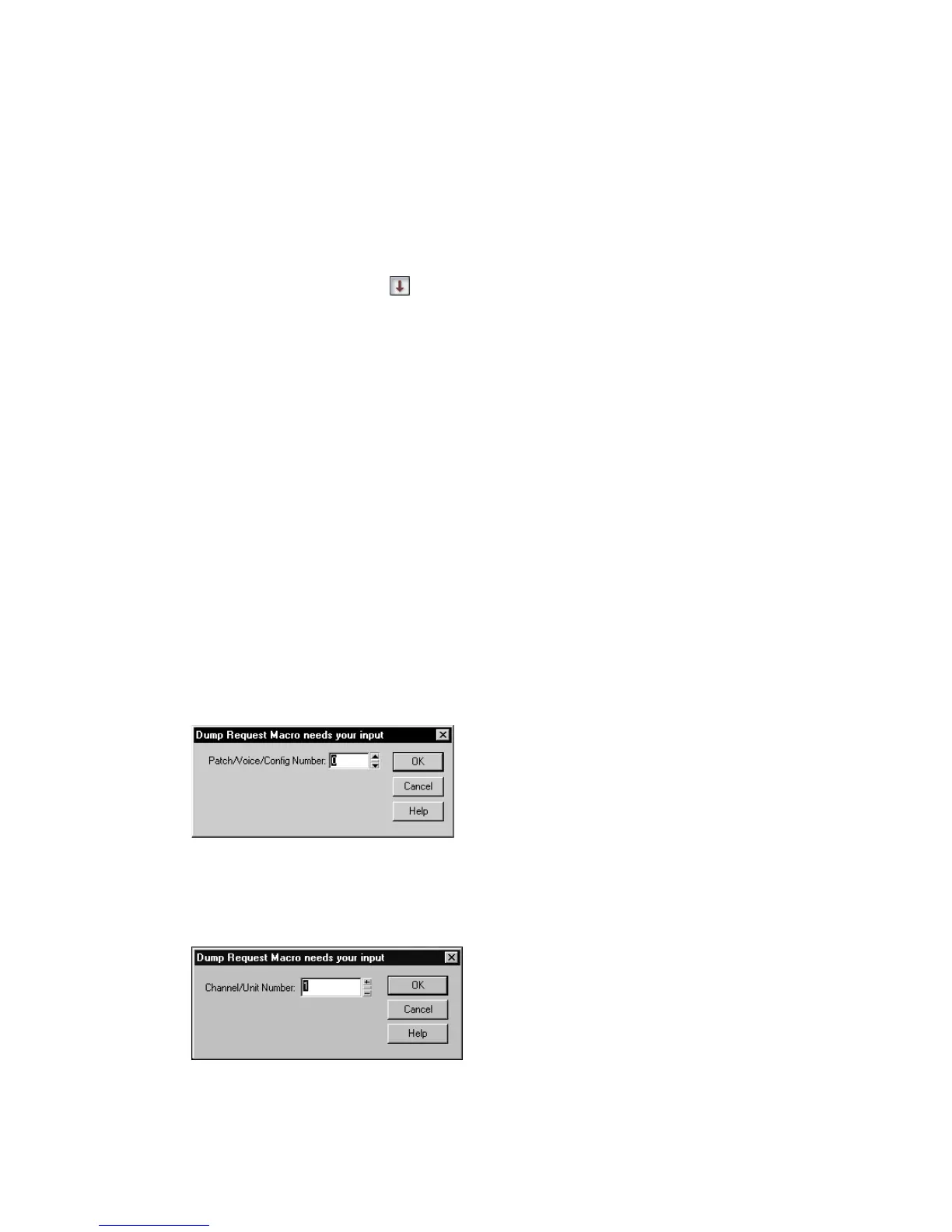
5. The DRM may prompt you for additional information, which you should
supply.
• Patch number: DRMs that are written to request an individual patch or
configuration give you this prompt, so you can specify the one you want to
have dumped.
• Channel/unit number: Most synthesizers have a Sysx channel or unit
number. This covers the situation in which you own two of the exact same
synthesizer, and want to do Sysx with each independently. Your
synthesizer manual should describe the factory-set number.



 To Next Page