76
3. In the Piano Roll toolbar, right-click the Snap to Grid button to open the
Snap to Grid dialog box (Snap to Grid settings in each view are independent of
each other).
4. Make sure the Musical Time radio button is selected, and in the window to the
right of it, select Eighth.
5. In the Mode field, make sure that the Move By radio button is selected and
click OK. Now we can only move data in the Piano Roll view by exact distances
of one or more eighth notes.
6. In the Piano Roll toolbar, click the Draw tool to activate it.
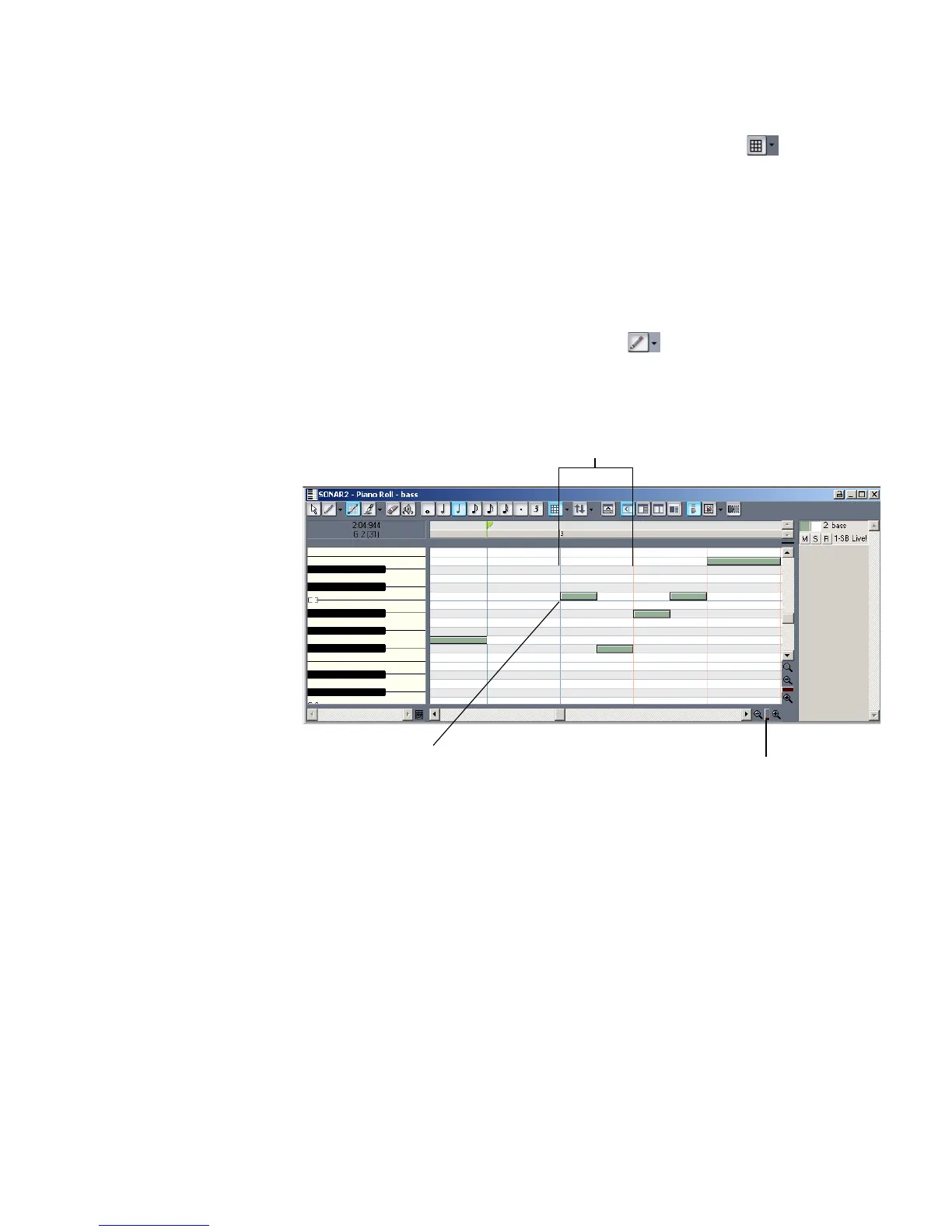
7. Find the note that starts at the beginning of measure three and move the
cursor over the beginning of the note so that the cursor becomes a cross. Drag
the beginning of the note to the left by a half beat, and release the mouse.
SONAR moves the note to the left by a half beat and lengthens the note by a
half beat, and also performs the same edits on the identical notes that are at
the beginnings of the other two linked clips.
8. Close the Piano Roll view when you finish editing.
If you want to unlink clips when you’re through editing them, select the clips you
want to unlink (in the Track view), right-click one of them, and choose Unlink
from the Clips pane popup menu. Select Independent, Not Linked At All in the
Unlink Clips dialog box and click OK.
Drag Horizontal Zoom control
Drag note from here
Beat 1 of Measure 3



 To Next Page