TOS93 Series User’s Manual 147
Touch Current Test | Setting Test Conditions
Measurement mode (Measure Mode)
Set the current measurement mode. An icon appears during testing according to the setting.
1
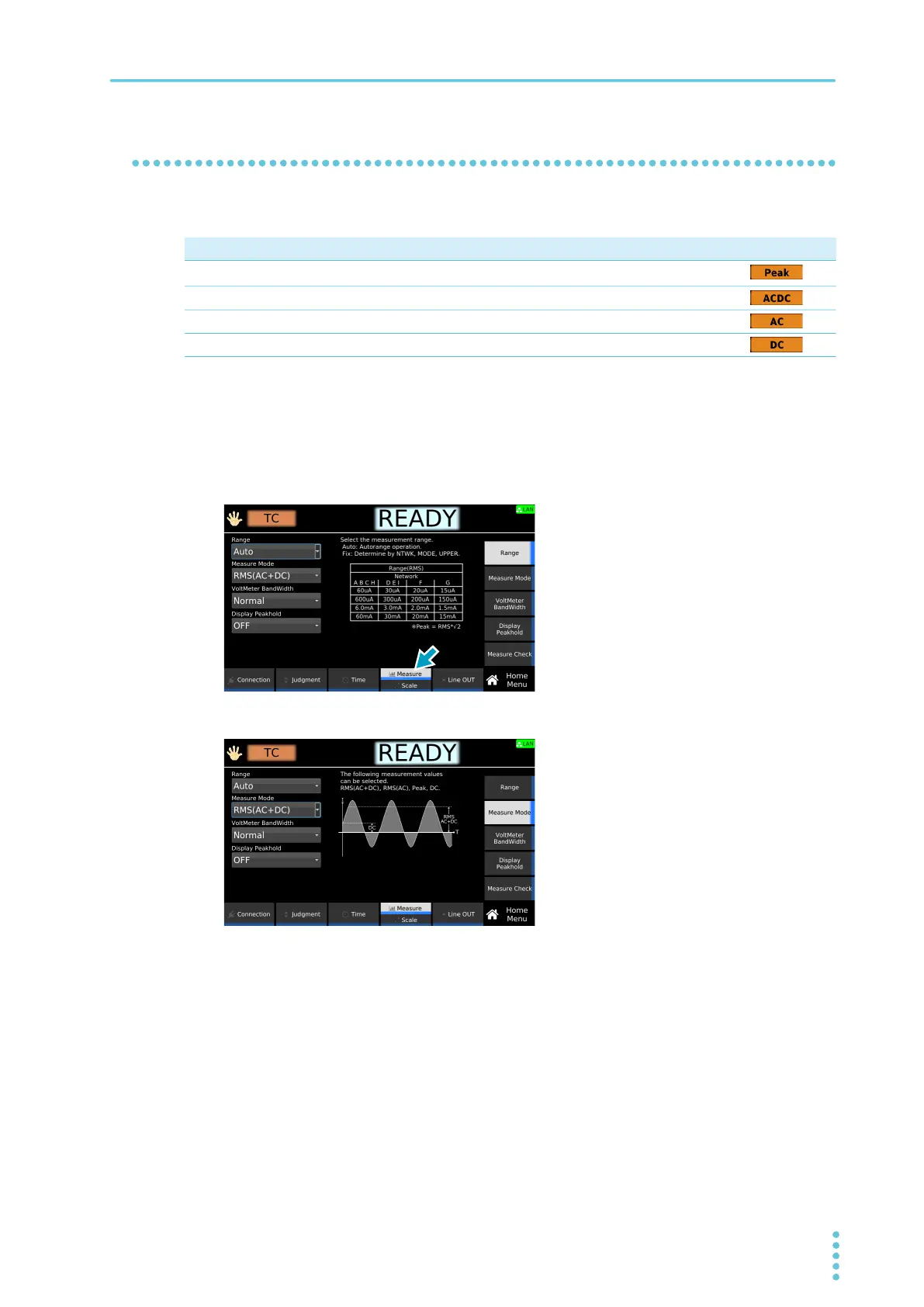
On the Home menu screen, press Measure repeatedly until Measure is selected.
Each time you press the key, the setting changes between Measure and Scale.
2
Press Measure Mode, and then turn the rotary knob to change the value.
This completes the setting.
Value Description
Icon
Peak
Measures the waveform peak value.
1
1 When you set the measurement mode to Peak, noise generated by peripherals propagates through the
communication control cables connected to the product and may affect the measurement. Particularly in low-level
current measurement, we recommend attaching commercially available clip-type ferrite cores to the communication
cables.
RMS (AC+DC) Measures the DC component and AC component with true rms values.
RMS (AC) Measures only the AC component with true rms values.
DC Measures only the DC component.



 To Next Page