TOS93 Series User’s Manual 227
Auto Test | Program Operation Configuration
EUT power supply (Line Output)
Applicable models:
Set a method to supply power to the EUT
after the completion of each step.
1
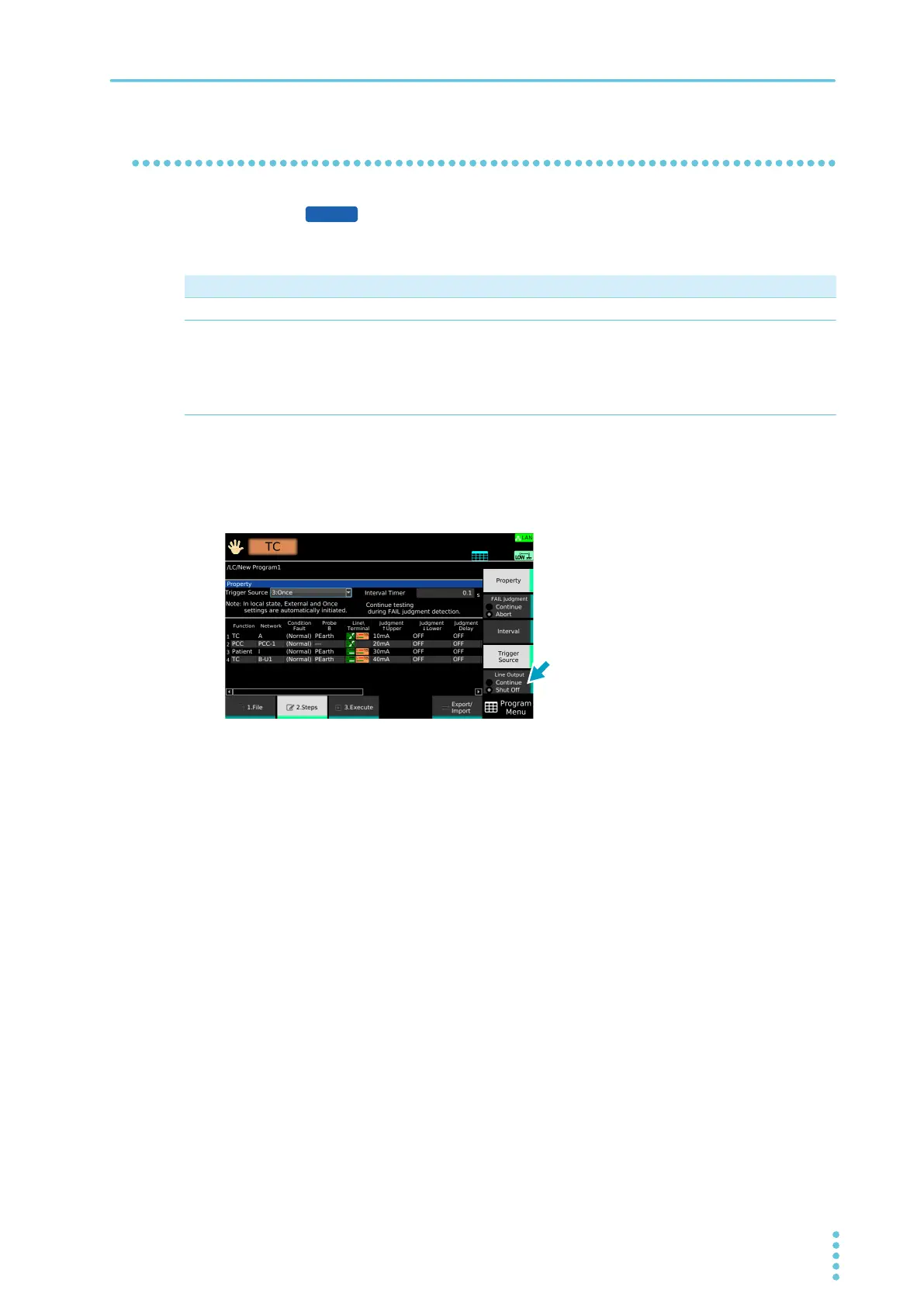
On the step editing screen (p.220), press Property.
2
Press Line Output to switch between Continue and Shut Off.
Line Output switches between Continue and Shut Off each time you press the key.
This completes the setting.
Value Description
Continue The power supply to the EUT continues even when a step is completed.
Shut Off Under the following conditions, the power supply to the EUT is shut off after the completion
of each step.
• When the Condition setting between steps changes to Fault Natural from any setting other
than Fault Natural.
• When Line Polarity changes between steps.
9303LC



 To Next Page