124 User’s Manual TOS93 Series
Partial Discharge Test | Set test conditions
Graph scale setting (Graph Scale)
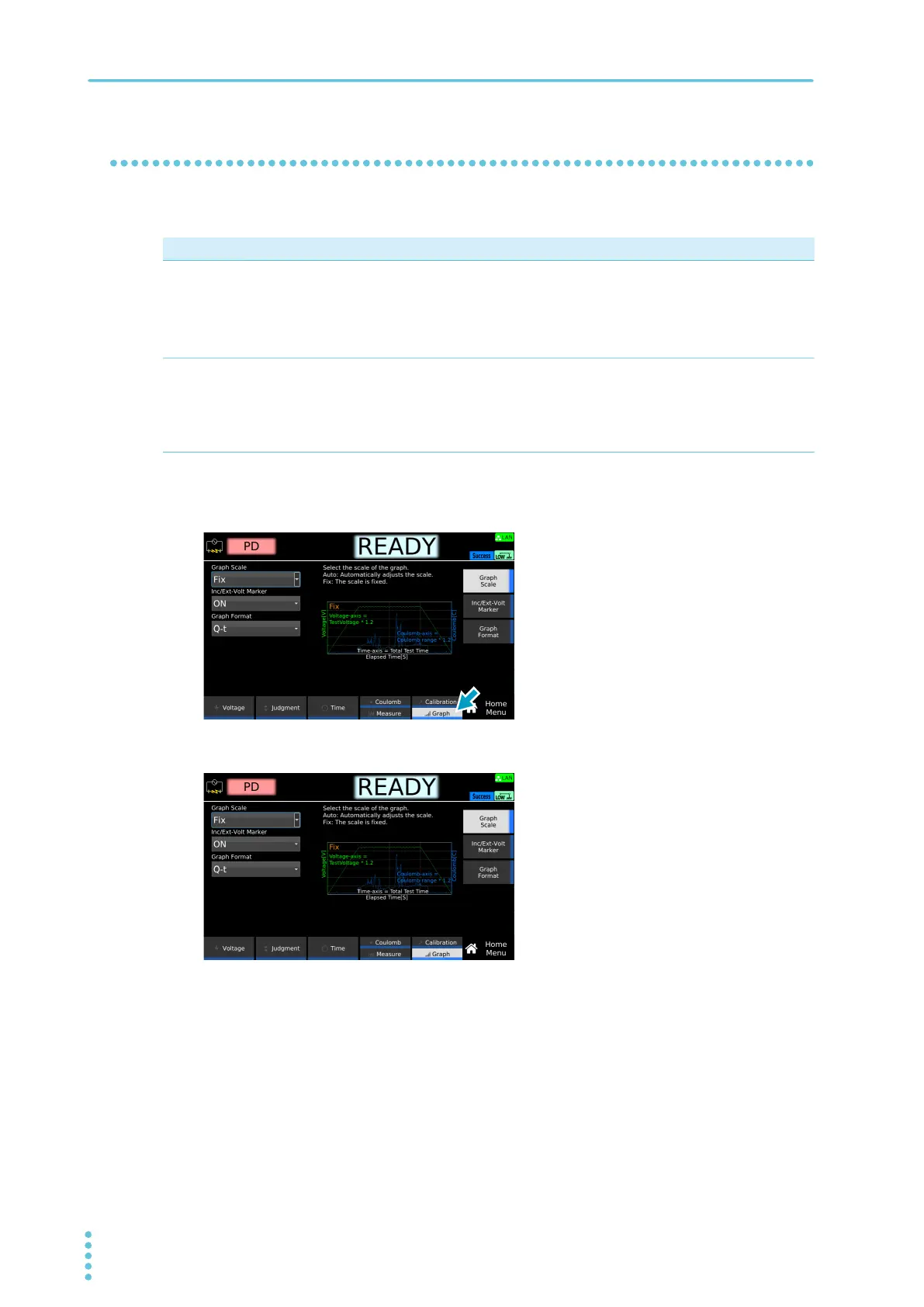
This function sets the scale of each axis in a graph to be displayed.
1
On the Home Menu screen, press Graph repeatedly until Graph is selected.
Each time you press the key, the setting item switches between Calibration and Graph.
2
Press Graph Scale, and then turn the rotary knob to change the value.
This completes the setting.
Value Description
Fixed Fixes the graph scale. The scale of each axis in a graph is determined according to the set value
listed below.
• Voltage axis: A set value of Test Voltage (p.111)
• Electric charge axis: A set value of Range (p.117)
• Time axis: The length of time the test voltage is applied (p.112)
Auto Adjusts the graph scale automatically according to the measured values. The range of time that
can be represented on the time axis varies according to the value set to Frequency (p.113) as
listed below. Outdated measured values that are outside of the range are not displayed.
• When Frequency is set to 50 Hz: 200 sec
• When Frequency is set to 60 Hz: 166 sec



 To Next Page