228 User’s Manual TOS93 Series
Auto Test
Running Auto Tests
When you finish setting the program and steps, run the auto test.
Running an auto test
The test start operation varies depending on the trigger source (p.226) setting.
1
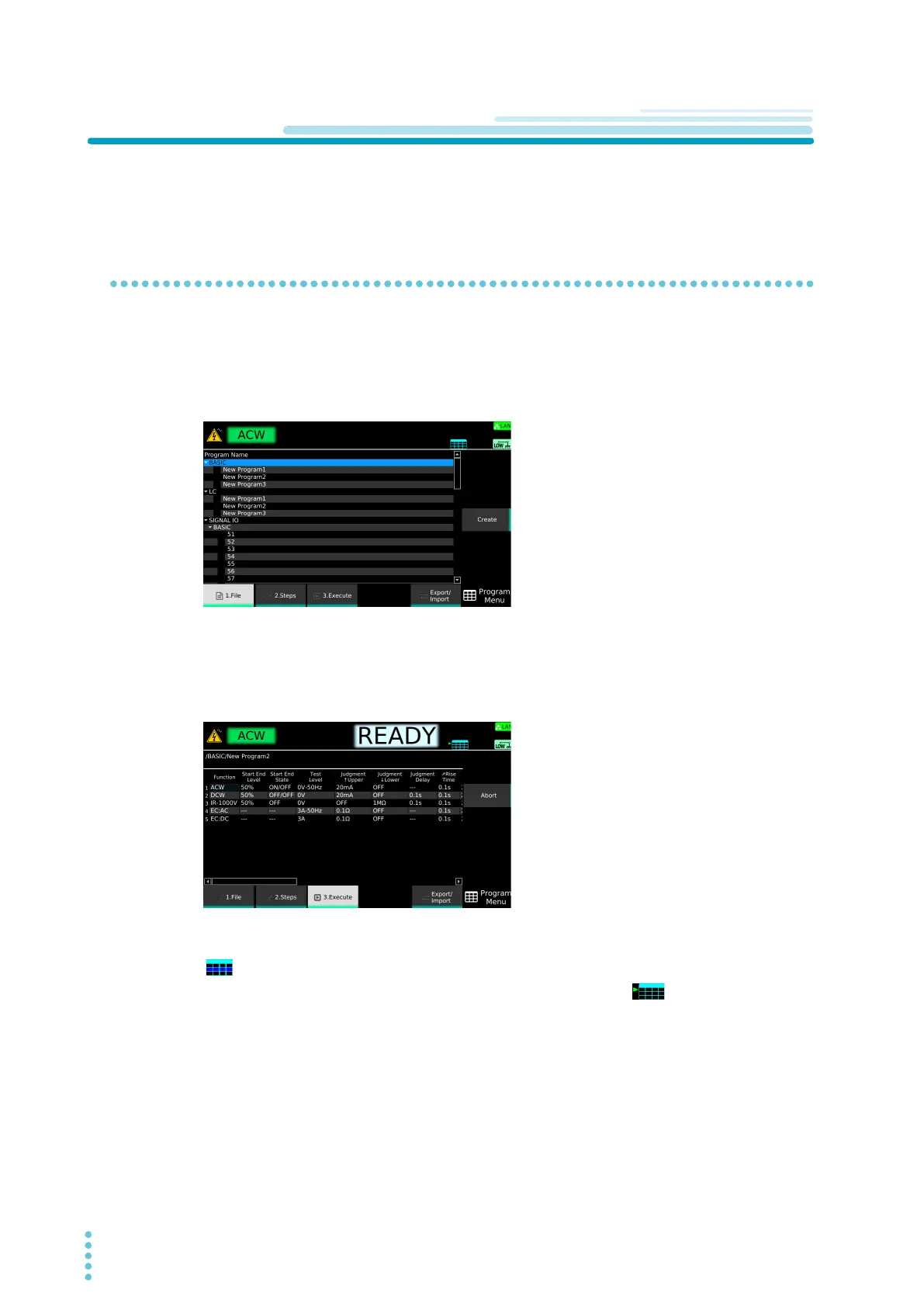
Press AUTO > 1.File.
The program editing screen appears.
2
Use the rotary knob to select the program, and then press Select.
A check mark appears to the left of the selected program name.
3
Press 3.Execute.
4
Perform the operation selected with Trigger Source.
is shown in the upper right of the display, and the auto test starts.
If the trigger source is set to BUS or External, pressing Initiate causes to appear in the upper
right of the display area (trigger wait state). To resume the test from the trigger wait state, send a
t
rig
ger signal or press TriggerTEST. To cancel the trigger wait state, press Abort.



 To Next Page