TOS93 Series User’s Manual 67
Withstanding Voltage and Insulation Resistance Tests | Setting Test Conditions
Voltage fall time
This can be set only for AC withstanding voltage (ACW) and DC withstanding voltage (DCW) tests.
Set the time for the voltage to fall from the test voltage to around 0 V or
to Start/End Voltage (p.58) after
PASS judgment.
In
DCW tests, a transition is made to Discharge time (p.68) after the fall time ends. If Fall Time is set to off
and
a fail judgment occurs or the STOP
switch is pressed during the test, discharge starts immediately
without transitioning to Fall Time.
1
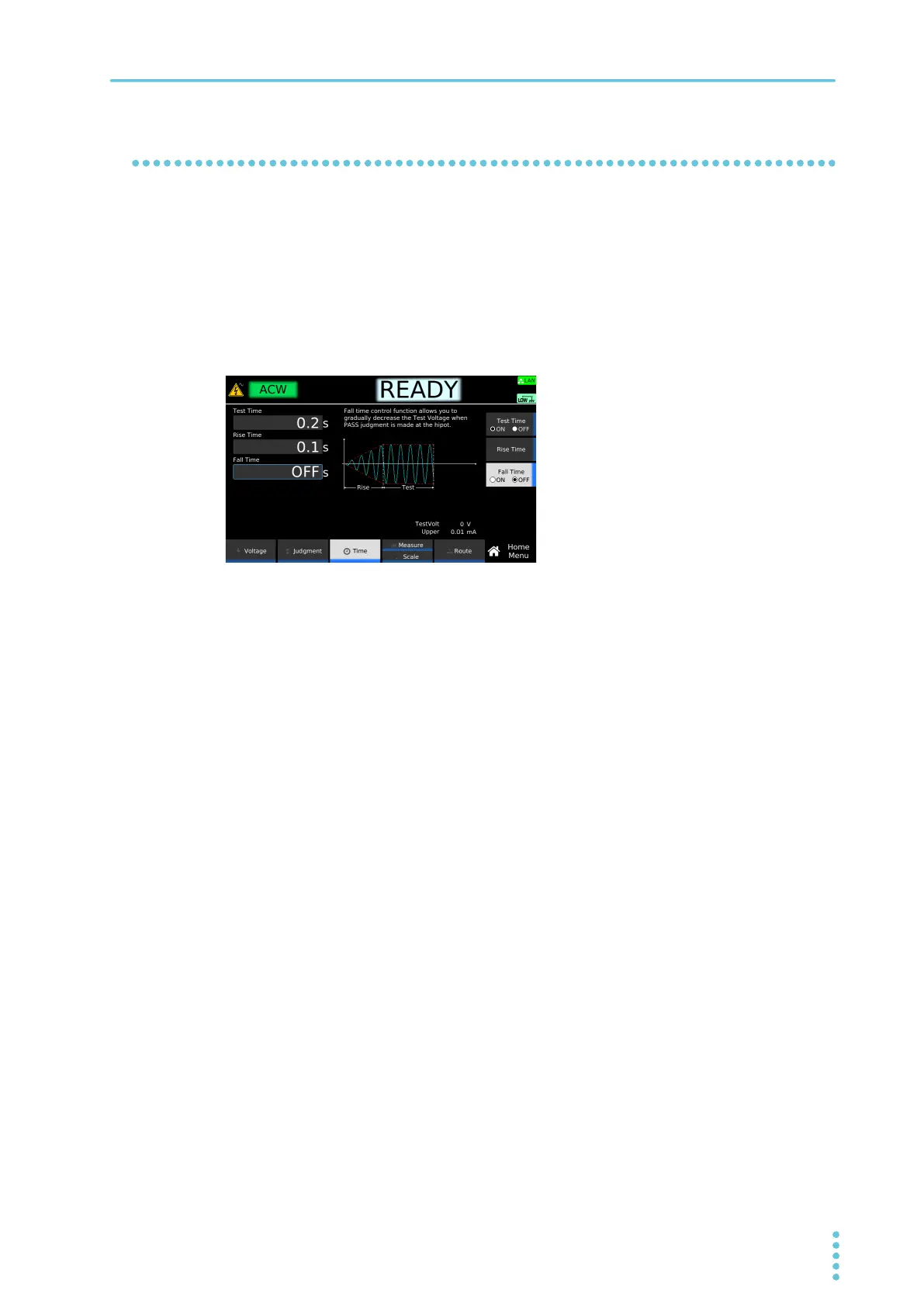
On the Home menu screen, press Time > Fall Time.
2
Press Fall Time to switch between on and off.
Fall Time switches between on and off each time you press the key.
3
If you select on, use the numeric keypad or the rotary knob to enter the time.
Setting range: 0.1 s to 200.0 s
This completes the setting.
Example: Home menu screen of ACW



 To Next Page