264 User’s Manual TOS93 Series
System Settings | Displaying and Changing CONFIG Settings
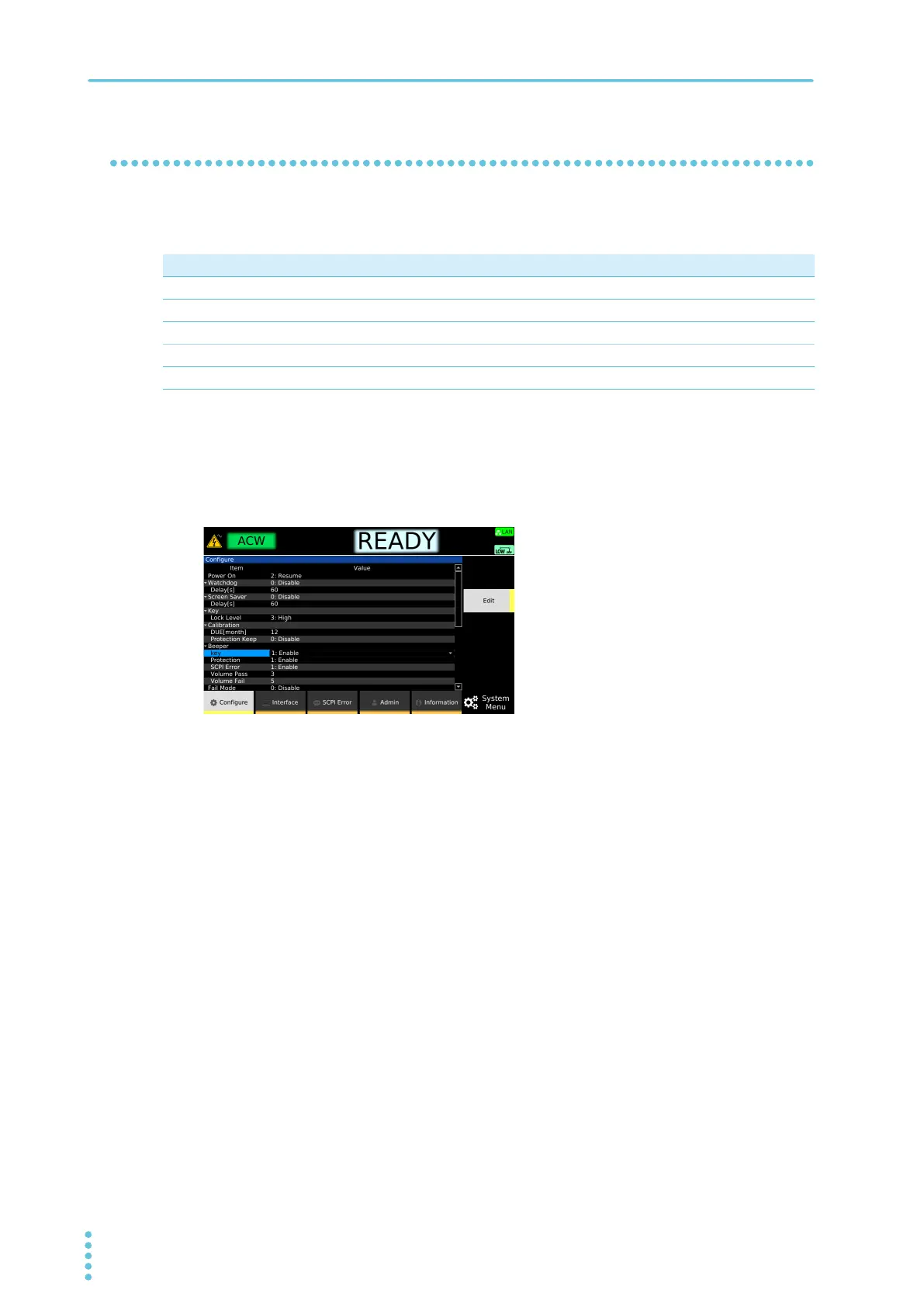
Beep sound (Beeper)
You can enable or disable beep sounds that are emitted in case of invalid operation, alarm occurrence, or
SCPI error and the beep volume for pass and fail judgments.
1
Press SYSTEM > Configure.
The CONFIG setup screen appears.
2
Use the rotary knob to select Key, Protection, or SCPI Error under Beeper, and then
press Edit.
3
Use the rotary knob to select Enable or Disable, and then press ENTER.
4
Use the rotary knob to select Volume Pass or Volume Fail.
Press Beep Test to generate a beep at the present volume level.
5
Press Edit.
6
Use the rotary knob or numeric keys to enter the volume, and then press ENTER.
This completes the setting.
Parameter Value Description
Key Enable/Disable Beep sound for invalid operation
Protection Enable/Disable Beep sound for alarm occurrence
SCPI Error Enable/Disable Beep sound for SCPI errors
Volume Pass 0 to 10 Beep volume for pass judgments
Volume Fail 0 to 10 Beep volume for fail judgments



 To Next Page