154 User’s Manual TOS93 Series
Touch Current Test | Starting a Test
Starting a test
1
Check that the product is correctly connected to the EUT.
2
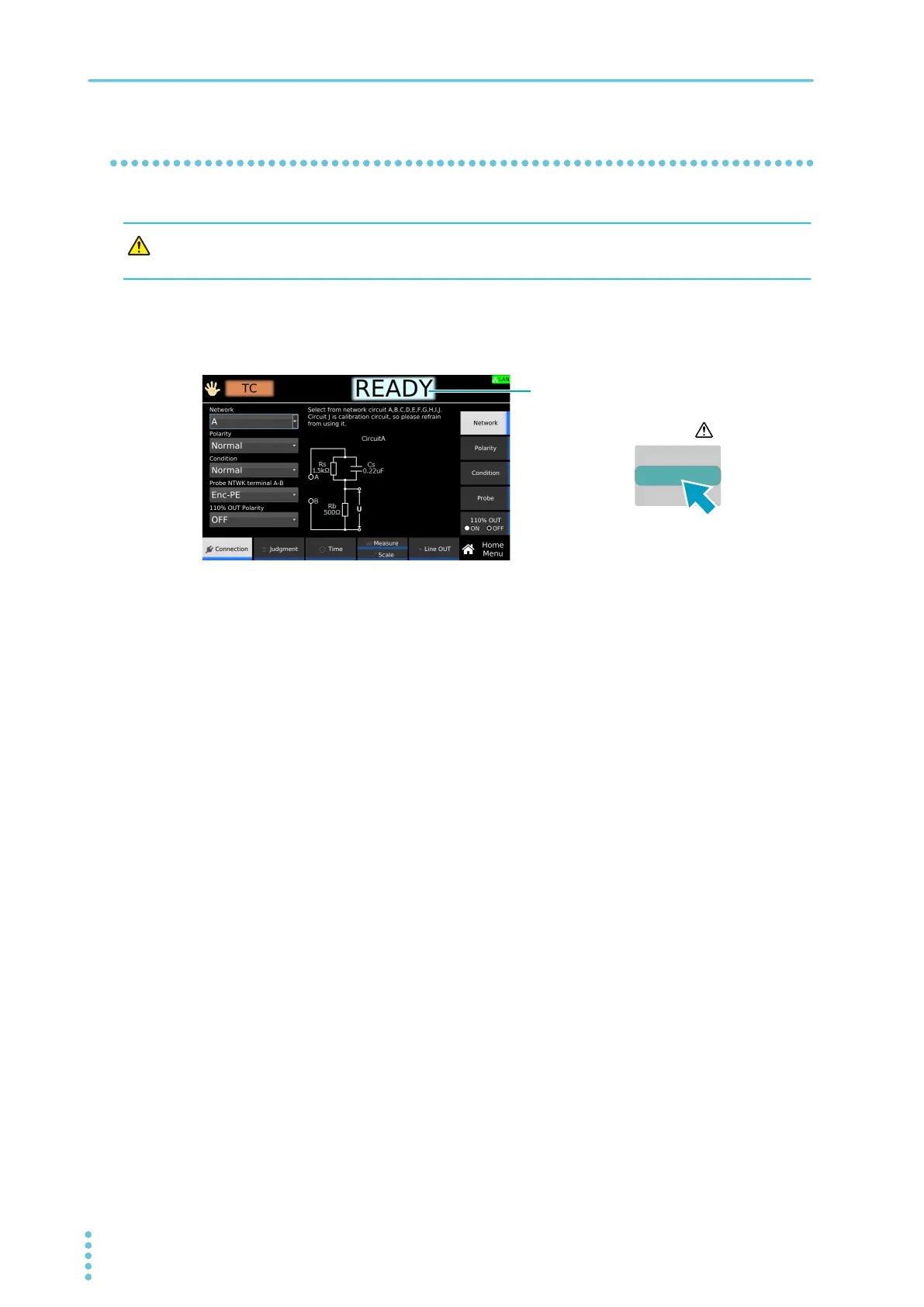
Check that “READY” is shown on the display, and then press START.
“TEST” is shown in the upper right of the display, and the test starts.
If the test does not start, see “Unable to start a test”
(p.336).
WARNING
Risk of electric shock. When using the test leads, do not touch the tip of the lead with
your hand.



 To Next Page