TOS93 Series User’s Manual 25
Installation
Connecting the Power Cord
This product is designed as an equipment of IEC Overvoltage Category II (energy-consuming equipment
supplied from a fixed installation).
1
Turn off ( ) the POWER switch on the front panel.
2
Check that the AC power line meets the nominal input rating of the product.
The product can receive a nominal power supply voltage in the range of 100 Vac to 120 Vac or
200 Vac to 240 Vac. The supported frequencies are 50 Hz and 60 Hz. (Frequency range: 47 Hz to
63 H
z)
3
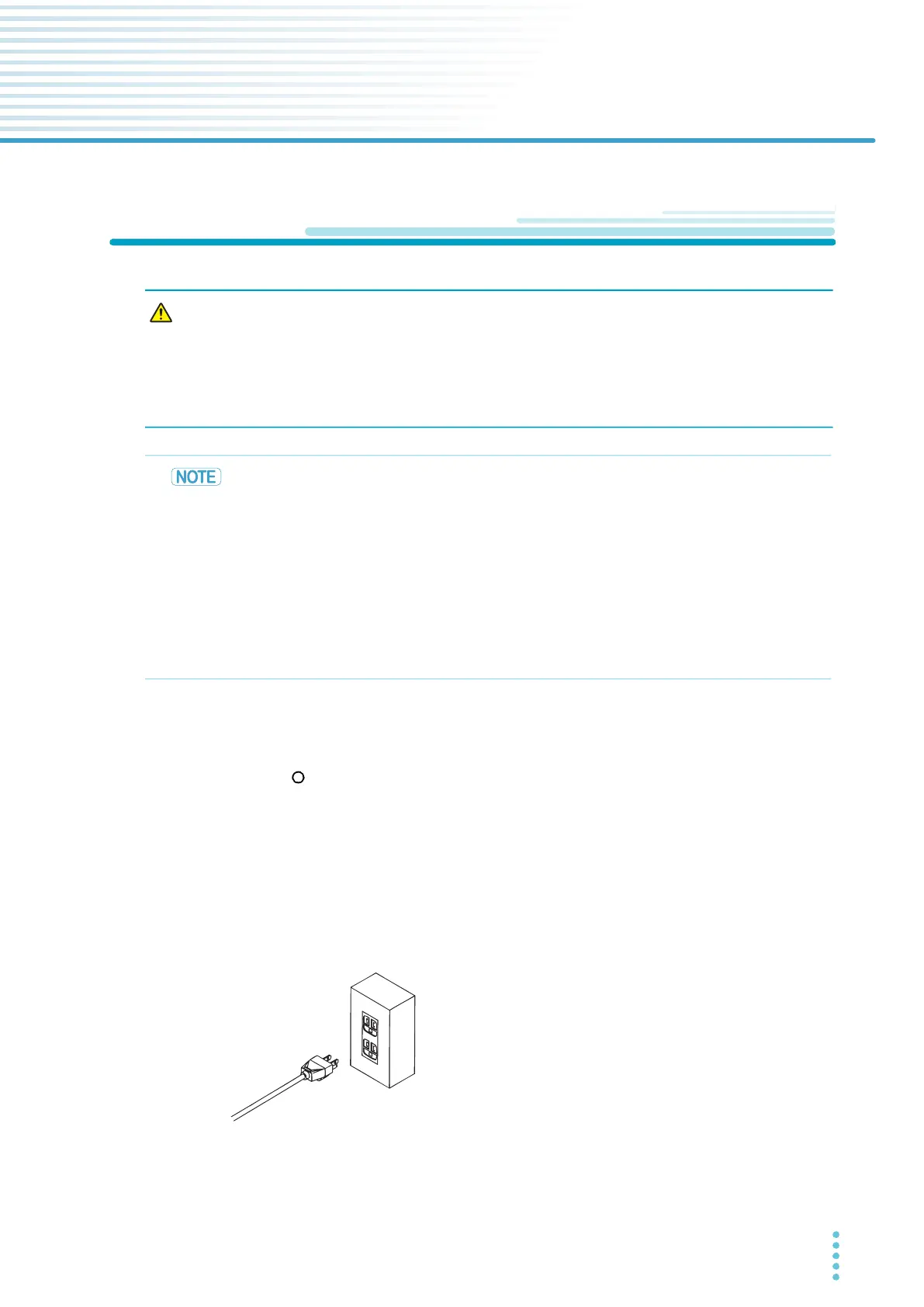
Connect the power cord to the AC INPUT inlet on the rear panel.
4
Connect the power cord plug to an outlet with a ground terminal.
This completes the connections.
Risk of electric shock.
• This product is IEC Safety Class I equipment (equipment with a protective
conductor terminal). To prevent electric shock, be sure to connect the protective
conductor terminal of the product to electrical ground (safety ground).
• The product is grounded through the power cord ground wire. Connect the
protective conductor terminal to earth ground.
•
Use the supplied power cord to connect to the AC line.
If the supplied power cord cannot be used because the rated voltage or the plug shape is
incompatible, have a qualified engineer replace it with an appropriate power cord that is 3
m or less in length. If obtaining a power cord is difficult, contact your Kiku
sui agent or
distributor.
• Do not use the supplied power cord with other instruments.
• The power cord with a plug can be used to disconnect the product from the AC p
ower line
in an emergency.
• Secure adequate space around the power plug. Do not insert the power plug to an outlet
where accessibility to the plug is poor. And,
do not place objects near the outlet that would
result in poor accessibility to the plug.
To a properly grounded outlet



 To Next Page