TOS93 Series User’s Manual 231
Auto Test | Finishing the Test and Viewing the Judgment
Judgment types and operation
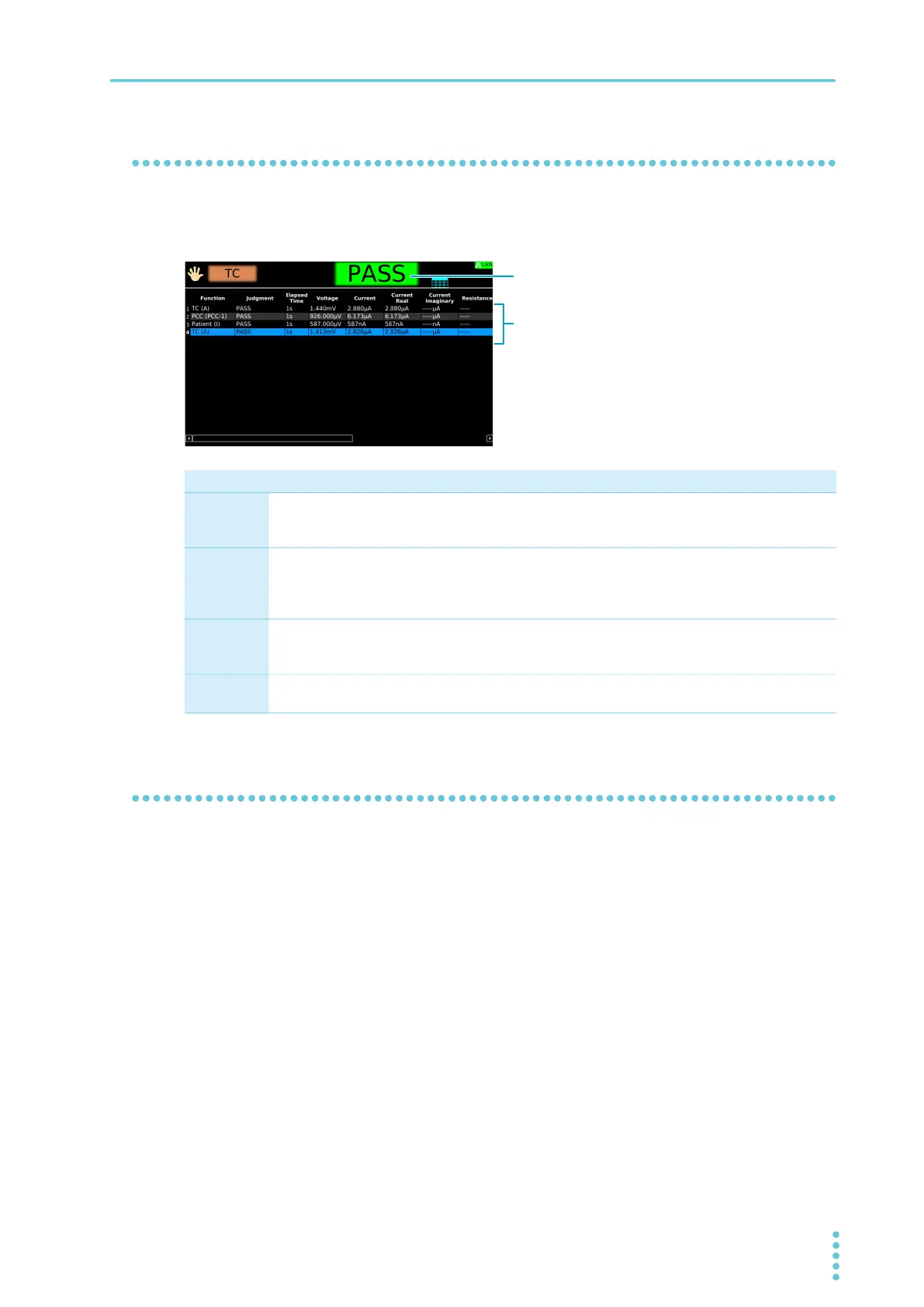
When a test finishes, the overall judgment result and each step's judgment results of the executed
program appear in the test status. When FAIL Judgment (p.224) is set to Continue, a fail judgment results
when a fail judgment occurs in any step.
Clearing the judgment result
Press STOP to clear the judgment result. The product is ready to start another test.
Upper-FAIL Lower-FAIL PASS
Condition A value greater than or equal
to the upper limit was
measured.
A value less than or equal to
the lower limit was measured.
Upper-FAIL or Lower-FAIL
judgment did not occur during
the test.
Display The test status shows “Upper-
FAIL” until the judgment result
is cleared.
The test status shows “Lower-
FAIL” until the judgment result
is cleared.
The test status shows “PASS”
until the time specified by Pass
Hold elapses. Then the
judgment result is cleared.
Buzzer The buzzer continues to sound
until the judgment result is
cleared.
The buzzer continues to sound
until the judgment result is
cleared.
The buzzer sounds for 50 ms
(regardless of the Pass Hold
time).
SIGNAL I/O
connector
U FAIL signal is output until the
judgment result is cleared.
L FAIL signal is output until the
judgment result is cleared.
PASS signal is output until the
judgment result is cleared.
Judgment result of the program
Judgment results of each step



 To Next Page