TOS93 Series User’s Manual 225
Auto Test | Program Operation Configuration
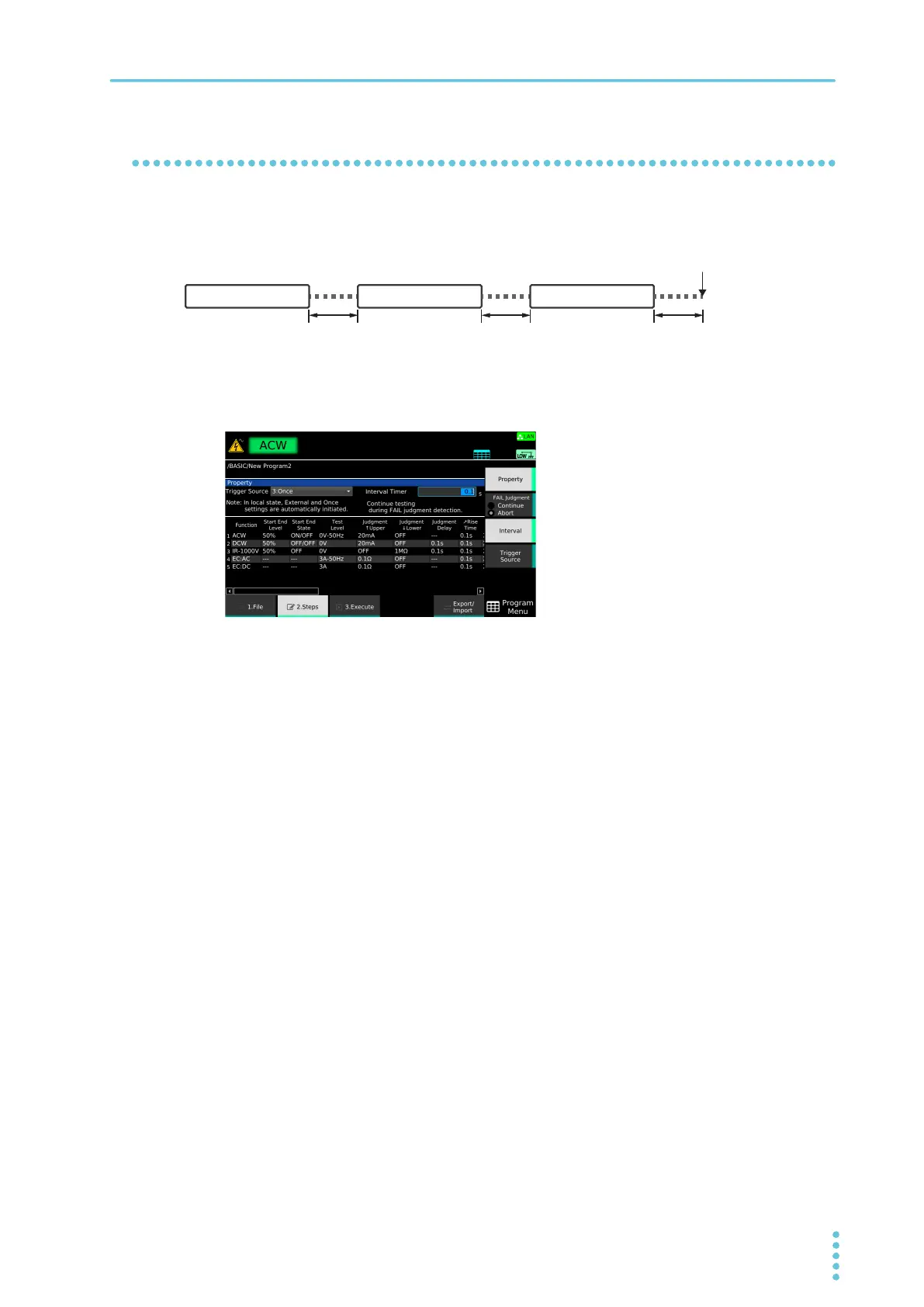
Step interval
Set the interval from the completion of a step to the next step. For the last step, this is the interval from the
completion of the last step to the end of the program.
1
On the step editing screen (p.220), press Property.
2
Press Interval.
3
Use the numeric keypad or the rotary knob to enter the time.
Setting range: 0.1 s to 100.0 s
This completes the setting.



 To Next Page