26 User’s Manual TOS93 Series
Installation
Checking Whether the Power Is On or Off
Checking the interlock operation
When this product is turned on for the first time after purchase, it starts in PROTECTION mode in which
the interlock function (p.239) prevents tests from being executed. Check that the interlock is working
properly.
1
Check that the power cord is connected properly.
2
Check that nothing is connected to the SIGNAL I/O connector on the rear panel.
3
Turn on ( ) the POWER switch on the front panel.
4
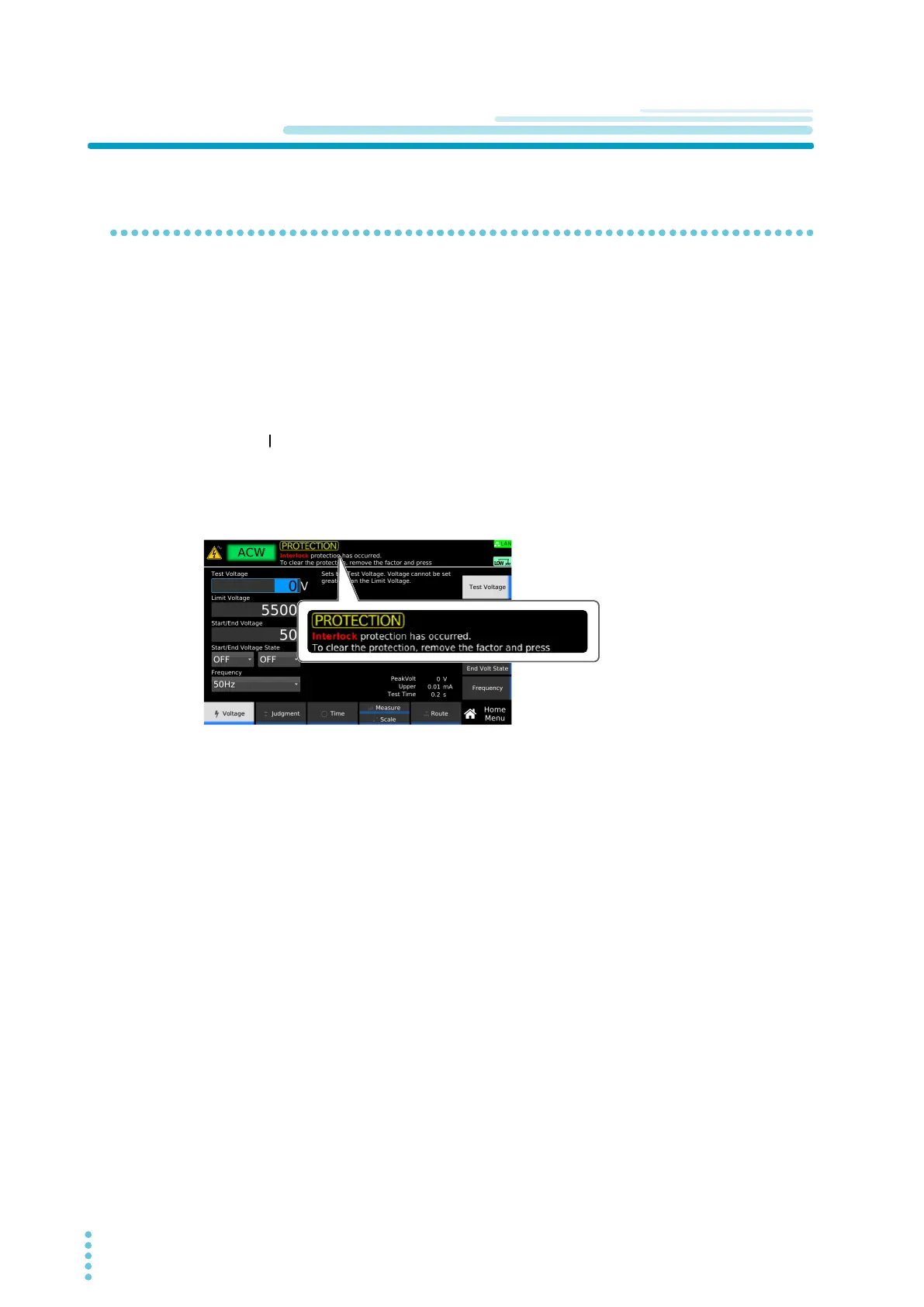
Check that PROTECTION mode is activated.
After the startup screen, when the product enters PROTECTION mode, the following screen
appears.
This completes the checking of the interlock operation.
To release the interlock temporarily, connect the included SIGNAL I/O plug to the SIGNAL I/O
c
onn
ector, and press STOP on the front panel. When you are actually performing tests, construct a
system that uses the interlock to ensure safety
(p.240).



 To Next Page