142 User’s Manual TOS93 Series
Touch Current Test | Setting Test Conditions
Lower limit
Set the reference current for the limit judgment. If a current less than or equal to Lower is measured, lower
limit judgment (Lower-FAIL) results. To disable lower limit judgment, set Lower to off.
1
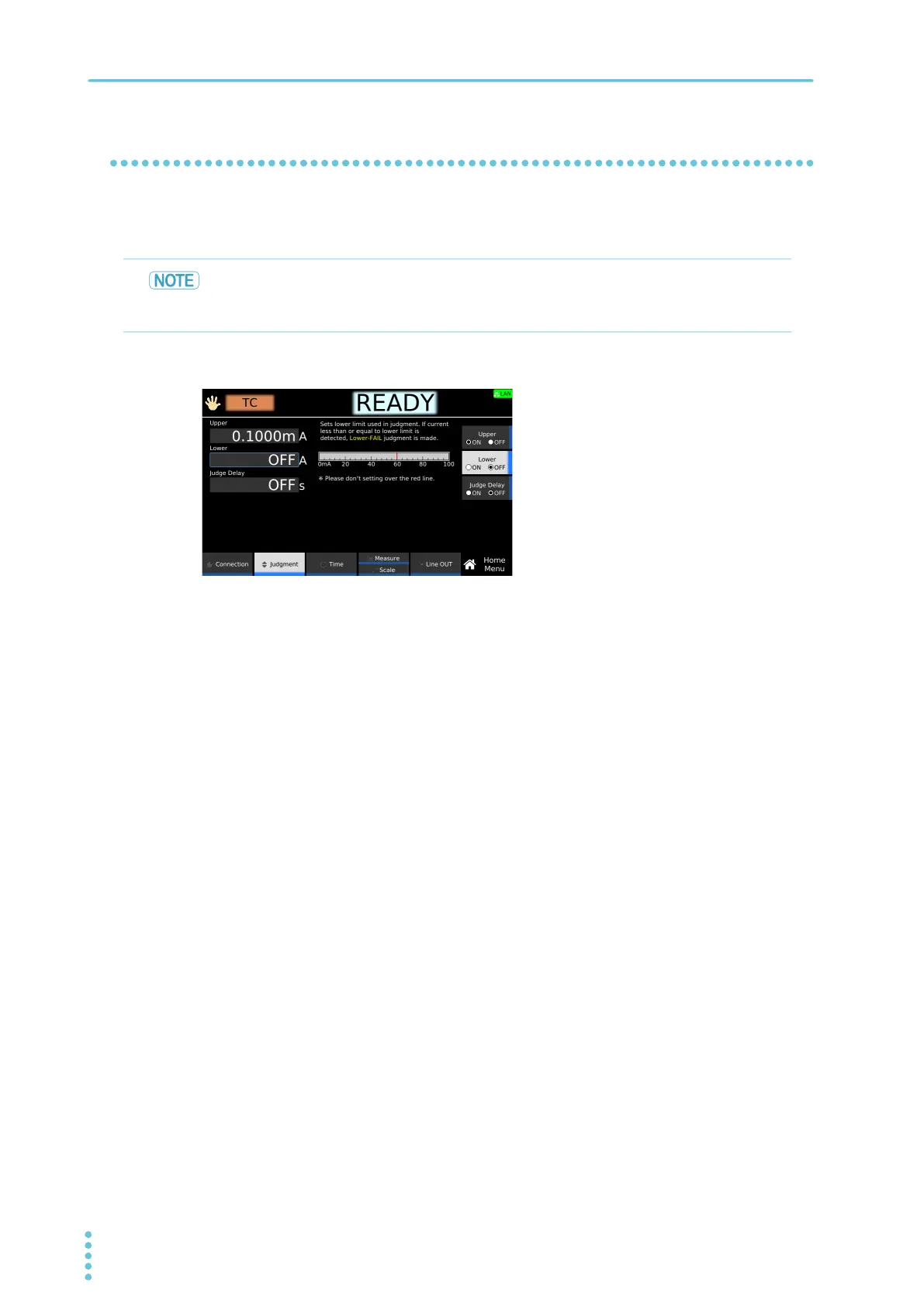
On the Home menu screen, press Judgment > Lower.
2
Press Lower to switch between on and off.
Lower switches between on and off each time you press the key.
3
If you select on, use the numeric keypad or the rotary knob to enter the current.
For the setting range, see the measurement range (p.301) in the specifications.
This completes the setting.
Normally, even a good EUT will have a certain degree of leakage current. Setting the limit
slightly less than the leakage current of the EUT is useful in detecting breaks in the test
leads and poor connections, enabling you to perform highly reliable testing.



 To Next Page