252 User’s Manual TOS93 Series
Memory Function | Saving and Recalling Test Conditions
Recalling the setup memory
1
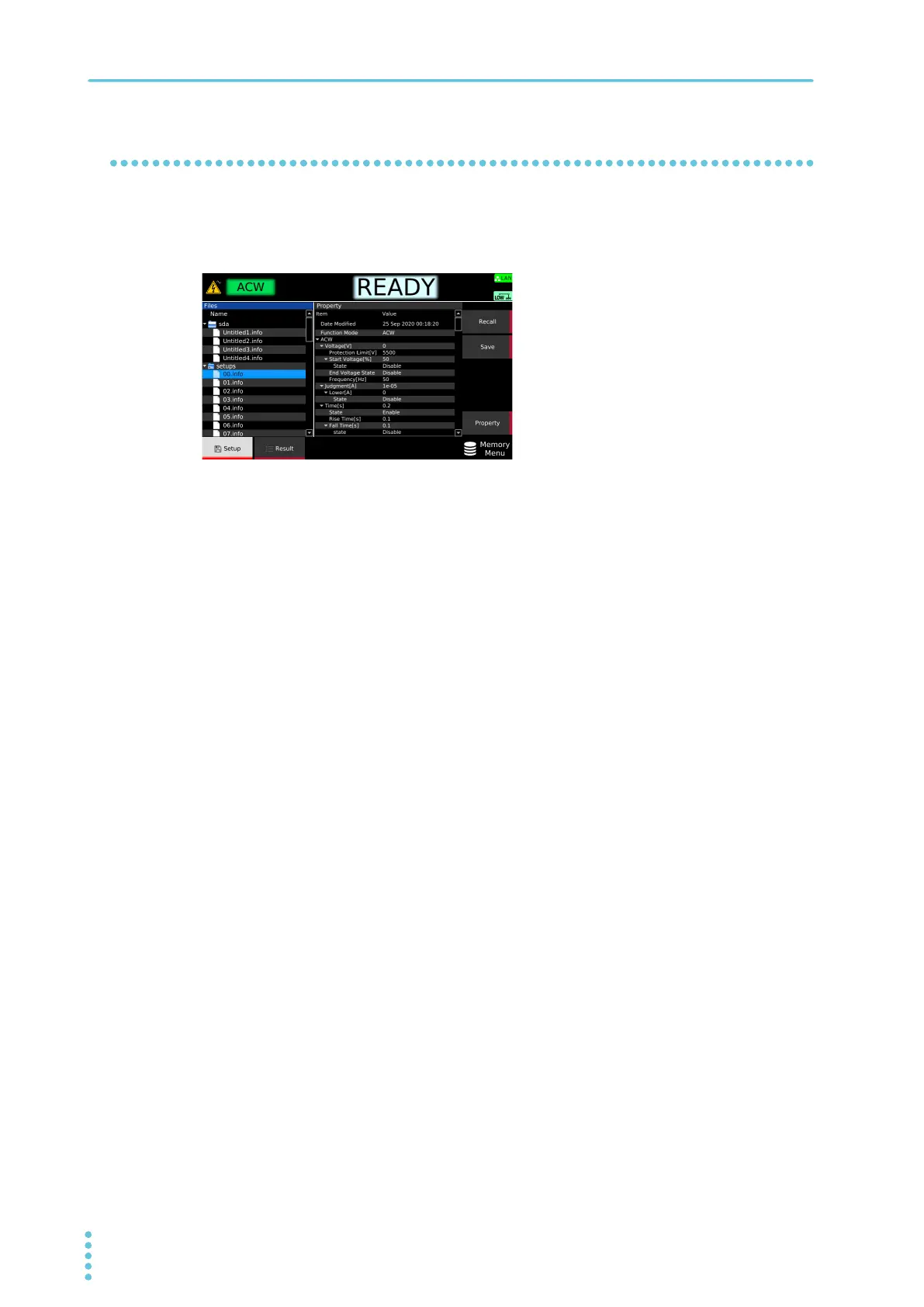
Press MEMORY > Setup.
2
Use the rotary knob to select the setup memory.
Press Property to view the settings of the setup memory on the right side of the display. Press
Property again to return to setup memory selection.
3
Press Recall.
The test conditions of each test are overwritten with the content saved in the setup memory.



 To Next Page