276 User’s Manual TOS93 Series
System Settings | Initializing the Settings
Restoring the reset settings
You can reset some of the settings to their factory defaults at power-on.
For the items that are reset, see “Default Settings and Reset Settings” (p.315).
You can also return only the interface settings to the “reset settings.”
1
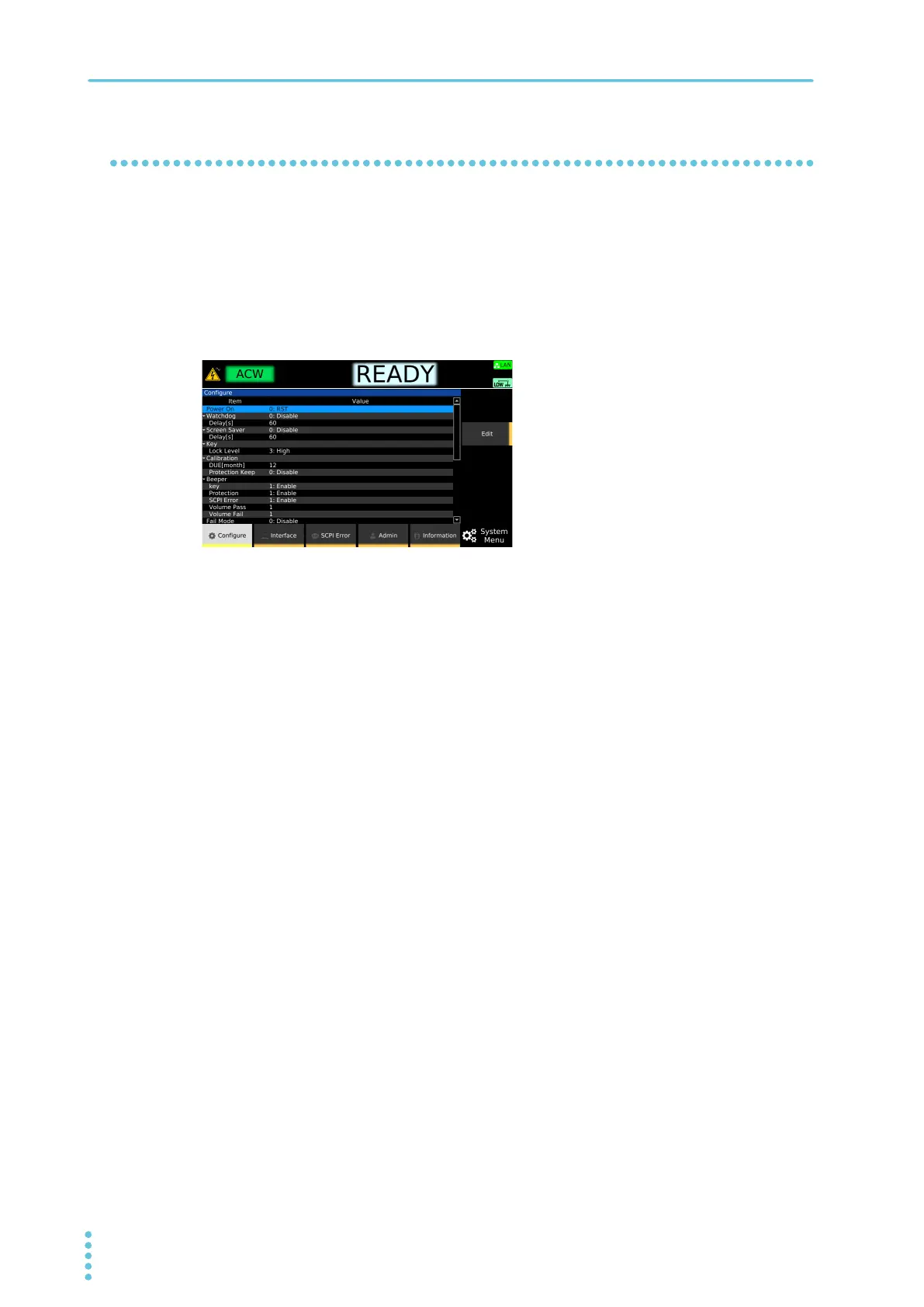
Press SYSTEM > Configure.
2
Use the rotary knob to select Power On, and then press Edit.
3
Use the rotary knob to select RST, and then press ENTER.
4
Turn the product off and then back on.
The product restarts with some of the settings reset to their factory defaults.
Returning only the interface settings to the “reset settings”
Items that have a check mark in the reset column in Interface settings (p.320) of Default Settings and
Reset Settings are returned to their factory default settings.
1
Press SYSTEM > Interface.
2
Press Modify > LAN Reset.
A confirmation screen appears. To cancel, press ESCAPE.
3
Press ENTER.
The interface setting is reset.



 To Next Page