TOS93 Series User’s Manual 129
Partial Discharge Test
Starting a Test
Starting a test
1
Check that the product is correctly connected to the EUT.
2
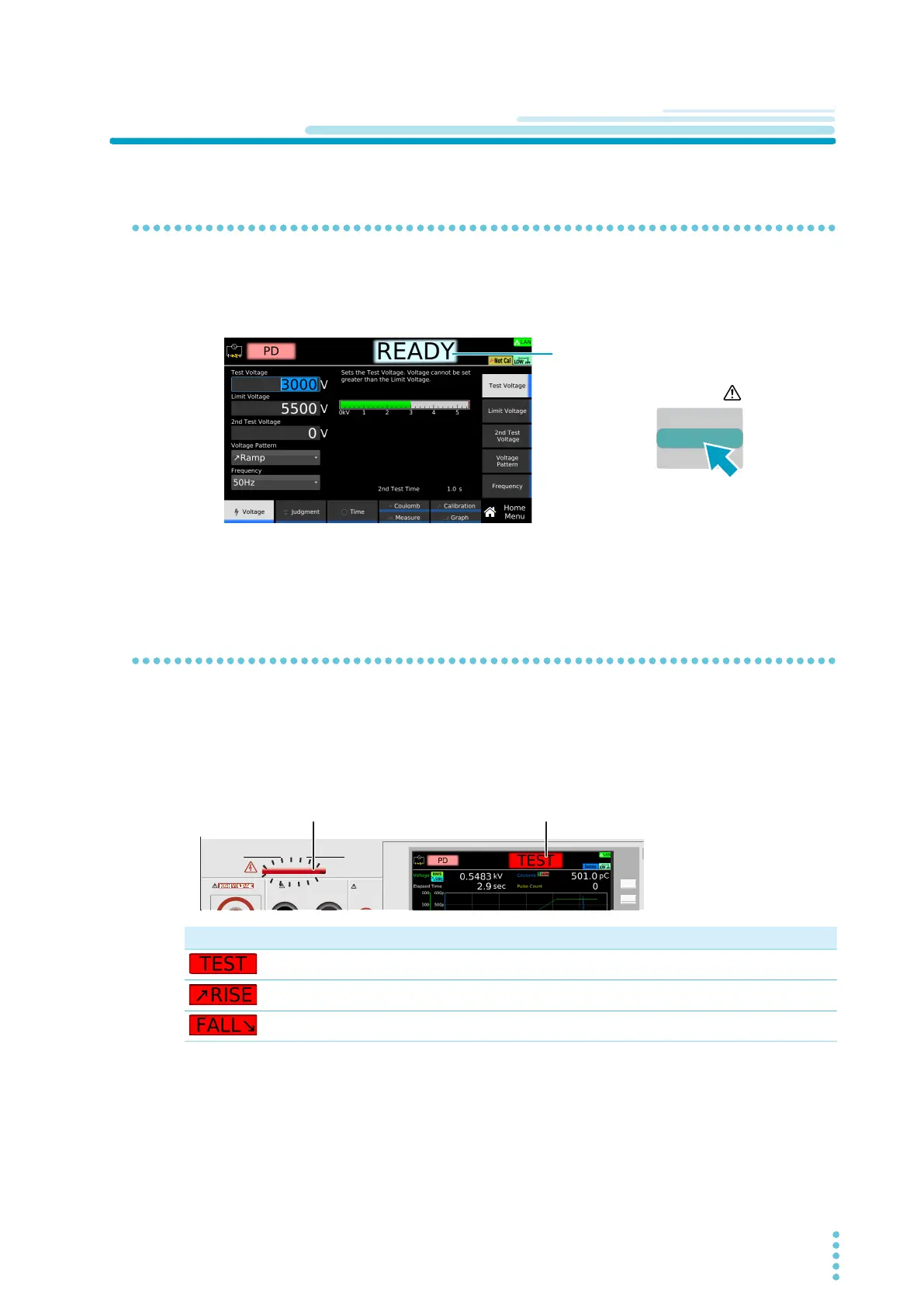
Check that “READY” is shown on the display, and then press START.
The DANGER LED lights, and the test starts.
If the test does not start, see “Unable to start a test”
(p.336).
Operation after a test starts
DANGER LED and test status display
During a test, the DANGER LED lights, and the test status is shown in the upper right of the display. The
DANGER LED lights if voltage is present at the output terminals regardless of the test status.
Test status Description
Testing
Voltage rising
Voltage falling
OUTPUT
DANGER
110%
LEAKAGE
CURRENT
HIGH VOLTAGE
EARTH CONTINUITY
OUTPUT
LOW HIGH



 To Next Page